
White Noise: sleep sounds

White Noise: sleep sounds

Music & Audio

| mikdroid

Play on PC with BlueStacks or from our cloud

  • Overview
  • How to Download

Page Modified On: August 29, 2025

Run White Noise: sleep sounds on PC or Mac

Multitask effortlessly on your PC or Mac as you try out White Noise: sleep sounds, a Music & Audio app by mikdroid on BlueStacks.

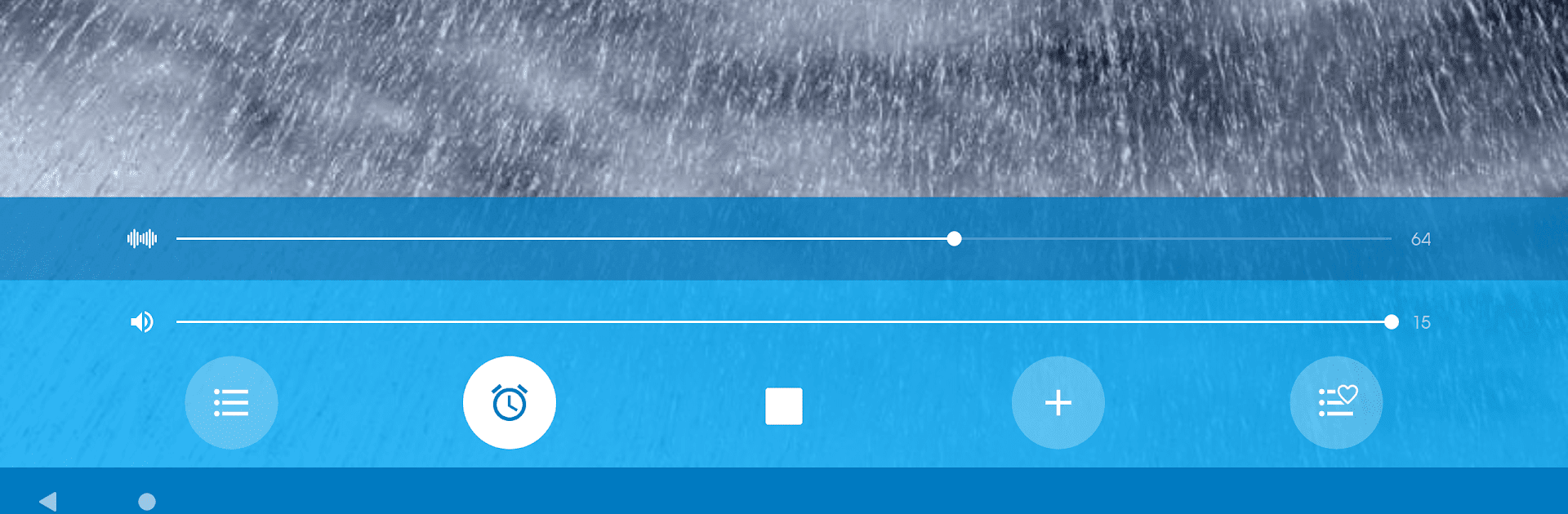
White Noise: sleep sounds is one of those simple apps that does exactly what people hope. Open it, pick a sound, and let it run in the background. The library is bigger than it looks at first: rain and ocean, crackling fireplace, cicadas at night, a creek, wind and snow, plus a bunch of cozy machine hums like air conditioner, fan, dishwasher, washing machine, plane cabin, even a space shuttle style rumble. The tracks are clean and do not have that obvious looping seam, so it feels steady and calm instead of distracting.

What stands out is the timer that fades out softly and then shuts the app, so there is no abrupt stop in the middle of sleep. Volume is easy to fine tune, and everything works offline, which is great on a laptop that is not always on Wi‑Fi. On BlueStacks it turns a PC into a little sound machine for work, study, or drifting off on the couch. It runs behind other apps without fuss, so someone can read, meditate, or answer messages while it keeps the noise floor nice and steady.

There is a favorites shortcut in the paid upgrade, but the free set already covers a lot. It aims at sleep and focus, though it also helps mask tinnitus or apartment noise. Headphones make the textures feel fuller, but speakers are fine too. Nothing flashy here, just dependable sounds that block distractions and help a tired brain settle.

BlueStacks gives you the much-needed freedom to experience your favorite apps on a bigger screen. Get it now.


How to Download and Run White Noise: sleep sounds on PC or Mac

  • Download and install BlueStacks on your PC or Mac

  • Complete Google sign-in to access the Play Store, or do it later

  • Look for White Noise: sleep sounds in the search bar at the top right corner

  • Click to install White Noise: sleep sounds from the search results

  • Complete Google sign-in (if you skipped step 2) to install White Noise: sleep sounds

  • Click the White Noise: sleep sounds icon on the home screen to start playing

video
Watch Video

Minimum System Requirements

With BlueStacks 5, you can get started on a PC that fulfills the following requirements.

  • Operating System

    Microsoft Windows 7 or above, macOS 11 (Big Sur) or above

  • Processor

    Intel, AMD or Apple Silicon Processor

  • RAM

    at least 4GB

  • HDD

    10GB Free Disk Space

Note:

* You must be an Administrator on your PC. Up to date graphics drivers from Microsoft or the chipset vendor.

White Noise: sleep sounds - FAQs

  • How to Run White Noise: sleep sounds on Windows PC & Mac?

    Run White Noise: sleep sounds on your PC or Mac by following these simple steps.

    • Click on ‘Download White Noise: sleep sounds on PC’ to download BlueStacks
    • Install it and log-in to Google Play Store
    • Launch and run the app.
  • Why is BlueStacks the fastest and safest platform to play games on PC?

    BlueStacks respects your privacy and is always safe and secure to use. It does not carry any malware, spyware, or any sort of additional software that could harm your PC.

    It is engineered to optimize speed and performance for a seamless gaming experience.

  • What are White Noise: sleep sounds PC requirements?

    Minimum requirement to run White Noise: sleep sounds on your PC

    • OS: Microsoft Windows 7 and above:
    • Processor: Intel or AMD Processor:
    • RAM: Your PC must have at least 2GB of RAM. (Note that having 2GB or more disk space is not a substitute for RAM):
    • HDD: 5GB Free Disk Space.
    • You must be an Administrator on your PC.



