
Worship Backing Tracks

Worship Backing Tracks

Music & Audio

| XME Inc.

Play on PC with BlueStacks or from our cloud

  • Overview
  • How to Download

Page Modified On: January 10, 2026

Run Worship Backing Tracks on PC or Mac

Let BlueStacks turn your PC, Mac, or laptop into the perfect home for Worship Backing Tracks, a fun Music & Audio app from XME Inc..

About the App

Worship Backing Tracks is a Music & Audio app from XME Inc. that puts a flexible multitrack band in your pocket. Lead worship with songs you can shape in real time—even if you’re short on musicians or gear. Prefer a bigger screen during rehearsal? It also runs smoothly on a laptop with BlueStacks.

App Features

  • Live Section Control: Jump to any verse, chorus, or bridge and loop parts on the fly so your service can flow naturally.
  • Rearrange in the Moment: Build the order as you go—go from verse to bridge or tag a chorus without stopping the track.
  • Key and Tempo Options: Change keys to fit your vocal range and adjust the tempo without breaking the vibe.
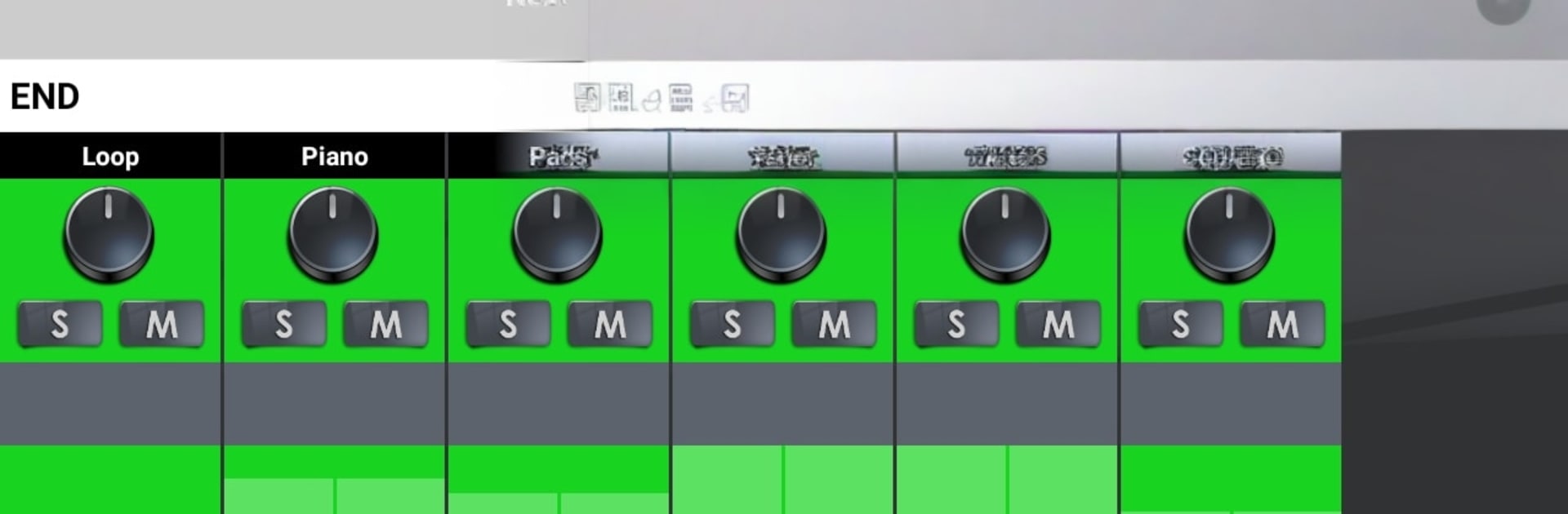
  • Flexible Mixer: Turn individual instruments and vocals up or down to get the exact balance your room needs.
  • Solo and Mute Stems: Strip it back for reflective moments or silence drums and vocals for prayer—then bring the band back in when it’s time.
  • Acoustic to Full Band: Start minimal and scale to a big, full arrangement with a few quick tweaks.
  • Save Set Lists: Create and save your worship set lists so your team stays in sync from rehearsal to service.
  • Subscription Access: Unlock the complete song catalog with a monthly subscription that auto-renews; manage your plan anytime through your Google Play settings.

BlueStacks brings your apps to life on a bigger screen—seamless and straightforward.

How to Download and Run Worship Backing Tracks on PC or Mac

  • Download and install BlueStacks on your PC or Mac

  • Complete Google sign-in to access the Play Store, or do it later

  • Look for Worship Backing Tracks in the search bar at the top right corner

  • Click to install Worship Backing Tracks from the search results

  • Complete Google sign-in (if you skipped step 2) to install Worship Backing Tracks

  • Click the Worship Backing Tracks icon on the home screen to start playing

video
Watch Video

Minimum System Requirements

With BlueStacks 5, you can get started on a PC that fulfills the following requirements.

  • Operating System

    Microsoft Windows 7 or above, macOS 11 (Big Sur) or above

  • Processor

    Intel, AMD or Apple Silicon Processor

  • RAM

    at least 4GB

  • HDD

    10GB Free Disk Space

Note:

* You must be an Administrator on your PC. Up to date graphics drivers from Microsoft or the chipset vendor.

Worship Backing Tracks - FAQs

  • How to Run Worship Backing Tracks on Windows PC & Mac?

    Run Worship Backing Tracks on your PC or Mac by following these simple steps.

    • Click on ‘Download Worship Backing Tracks on PC’ to download BlueStacks
    • Install it and log-in to Google Play Store
    • Launch and run the app.
  • Why is BlueStacks the fastest and safest platform to play games on PC?

    BlueStacks respects your privacy and is always safe and secure to use. It does not carry any malware, spyware, or any sort of additional software that could harm your PC.

    It is engineered to optimize speed and performance for a seamless gaming experience.

  • What are Worship Backing Tracks PC requirements?

    Minimum requirement to run Worship Backing Tracks on your PC

    • OS: Microsoft Windows 7 and above:
    • Processor: Intel or AMD Processor:
    • RAM: Your PC must have at least 2GB of RAM. (Note that having 2GB or more disk space is not a substitute for RAM):
    • HDD: 5GB Free Disk Space.
    • You must be an Administrator on your PC.




