MCD - Live news and podcast programs

MCD - Live news and podcast programs

News & Magazines

| France Médias Monde

Play on PC with BlueStacks or from our cloud

  • Overview
  • How to Download

Page Modified On: August 26, 2025

Run MCD - Live news and podcast programs on PC or Mac

Upgrade your experience. Try MCD – Live news and podcast programs, the fantastic News & Magazines app from France Médias Monde, from the comfort of your laptop, PC, or Mac, only on BlueStacks.

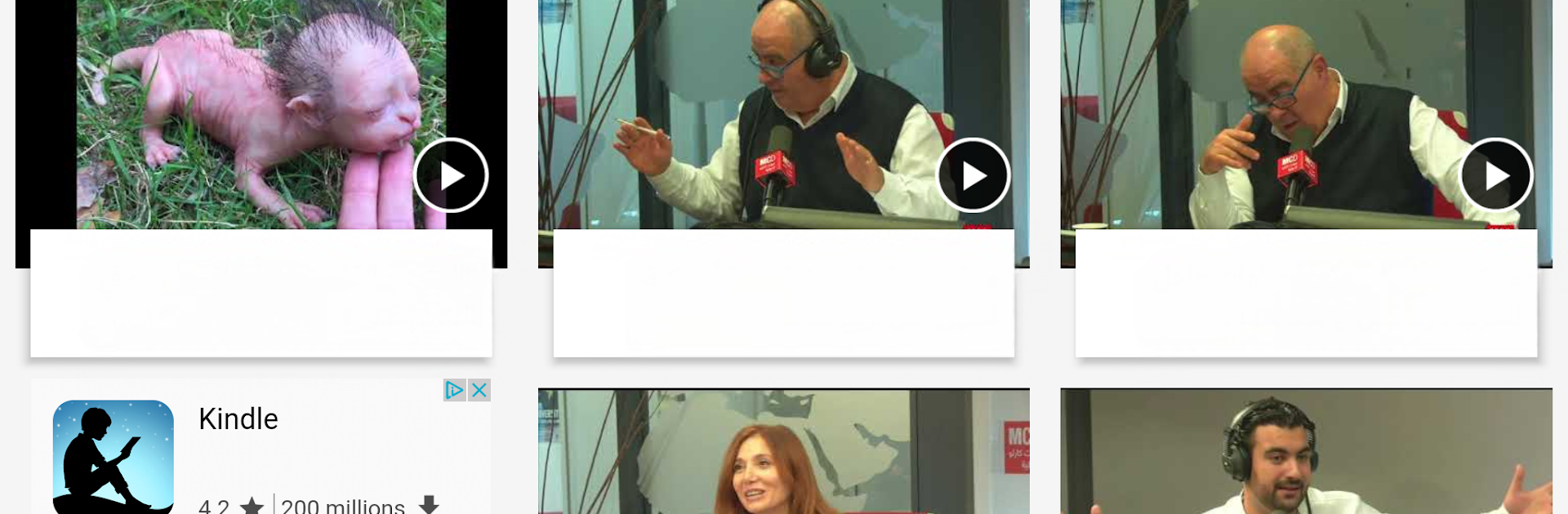
The app plays like a familiar radio station that also lets users pick and choose what to listen to, when to listen. Live news streams come up fast, and podcasts are organized so skimming through recent episodes does not take long. There is a steady mix of regional and world headlines alongside pieces about politics, sports, technology and medical news, so someone can switch from a hard news bulletin to a lighter music or entertainment segment in seconds. Articles, surveys and short videos sit alongside the audio, which makes it easy to read a story after hearing it. Daily bulletins and scheduled guests show up like regular appointments, and there is even a horoscope slot for that little bit of routine.

On a PC the interface breathes a bit more; using BlueStacks to run it makes the player bigger and the lists easier to scan, so navigating podcasts and saved shows feels calmer than on a phone. Alerts appear reliably, and sharing a favorite clip or video to social networks is straightforward. The app is free, and while the layout is simple it covers a lot, so it will suit someone who wants quick news updates plus a steady stream of talk shows without fuss.

Eager to take your app experience to the next level? Start right away by downloading BlueStacks on your PC or Mac.


How to Download and Run MCD - Live news and podcast programs on PC or Mac

  • Download and install BlueStacks on your PC or Mac

  • Complete Google sign-in to access the Play Store, or do it later

  • Look for MCD - Live news and podcast programs in the search bar at the top right corner

  • Click to install MCD - Live news and podcast programs from the search results

  • Complete Google sign-in (if you skipped step 2) to install MCD - Live news and podcast programs

  • Click the MCD - Live news and podcast programs icon on the home screen to start playing

video
Watch Video

Minimum System Requirements

With BlueStacks 5, you can get started on a PC that fulfills the following requirements.

  • Operating System

    Microsoft Windows 7 or above, macOS 11 (Big Sur) or above

  • Processor

    Intel, AMD or Apple Silicon Processor

  • RAM

    at least 4GB

  • HDD

    10GB Free Disk Space

Note:

* You must be an Administrator on your PC. Up to date graphics drivers from Microsoft or the chipset vendor.

MCD - Live news and podcast programs - FAQs

  • How to Run MCD - Live news and podcast programs on Windows PC & Mac?

    Run MCD - Live news and podcast programs on your PC or Mac by following these simple steps.

    • Click on ‘Download MCD - Live news and podcast programs on PC’ to download BlueStacks
    • Install it and log-in to Google Play Store
    • Launch and run the app.
  • Why is BlueStacks the fastest and safest platform to play games on PC?

    BlueStacks respects your privacy and is always safe and secure to use. It does not carry any malware, spyware, or any sort of additional software that could harm your PC.

    It is engineered to optimize speed and performance for a seamless gaming experience.

  • What are MCD - Live news and podcast programs PC requirements?

    Minimum requirement to run MCD - Live news and podcast programs on your PC

    • OS: Microsoft Windows 7 and above:
    • Processor: Intel or AMD Processor:
    • RAM: Your PC must have at least 2GB of RAM. (Note that having 2GB or more disk space is not a substitute for RAM):
    • HDD: 5GB Free Disk Space.
    • You must be an Administrator on your PC.