
Anthor
Anthor

Anthor

Productivity

| Anthor

Play on PC with BlueStacks or from our cloud

  • Overview
  • How to Download

Page Modified On: October 23, 2025

Run Anthor on PC or Mac

Get freedom from your phone’s obvious limitations. Use Anthor, made by Anthor, a Productivity app on your PC or Mac with BlueStacks, and level up your experience.

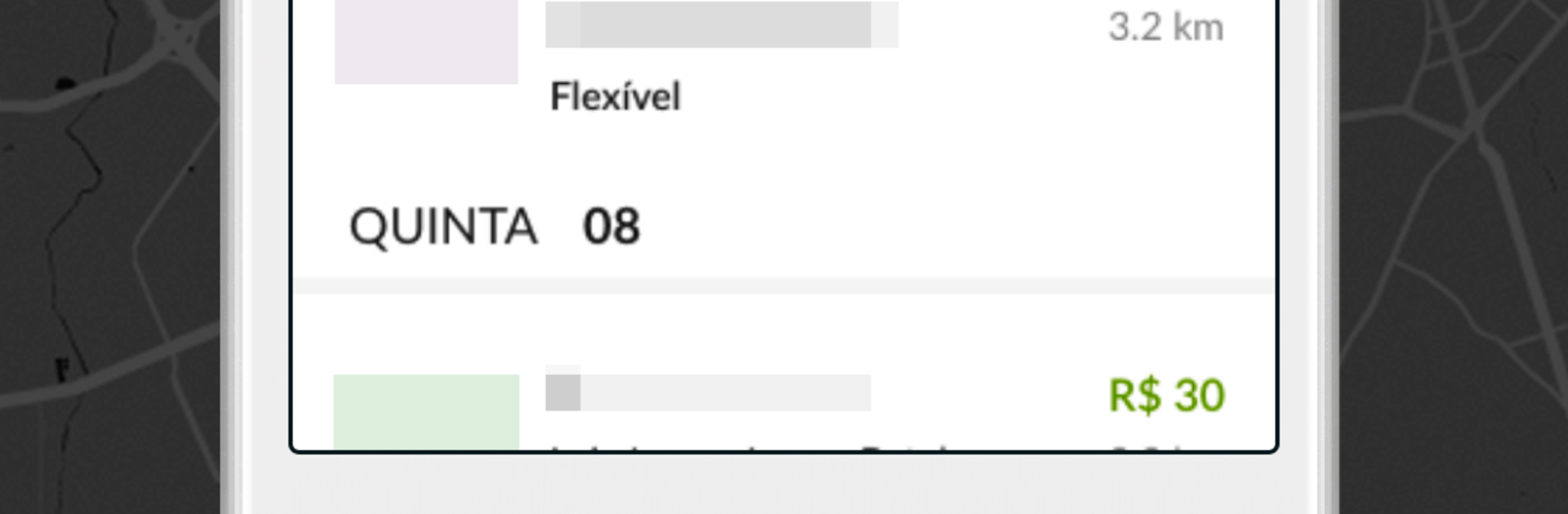
Anthor feels like a clean, no-nonsense gig app for stocking shelves in supermarkets. It lists nearby missions, shows what products need to go on which gondolas, and lets the user book the ones that match their schedule and location. No experience is required, which makes it feel very pick up and go. Before booking, it is easy to peek at the mission details, then there is a simple calendar to keep track of what is scheduled, plus a payment history and a record of work done. Payment is per visit and can be sent to a bank account without the usual hoops, so it stays straightforward.

Out in the store, the app walks through the steps so nothing feels confusing. There is a check in, a quick check of the products to be restocked, some photos of the shelves to show the result, and a place to log what was done. It is basically a guided checklist that reduces stress. On a PC with BlueStacks, the bigger screen helps when scanning product lists and times, and organizing a day’s missions is easier than on a small phone screen. Getting started is simple too. Create an account, send the documents, wait for approval, then begin grabbing missions when they appear.

BlueStacks gives you the much-needed freedom to experience your favorite apps on a bigger screen. Get it now.


How to Download and Run Anthor on PC or Mac

  • Download and install BlueStacks on your PC or Mac

  • Complete Google sign-in to access the Play Store, or do it later

  • Look for Anthor in the search bar at the top right corner

  • Click to install Anthor from the search results

  • Complete Google sign-in (if you skipped step 2) to install Anthor

  • Click the Anthor icon on the home screen to start playing

video
Watch Video

Minimum System Requirements

With BlueStacks 5, you can get started on a PC that fulfills the following requirements.

  • Operating System

    Microsoft Windows 7 or above, macOS 11 (Big Sur) or above

  • Processor

    Intel, AMD or Apple Silicon Processor

  • RAM

    at least 4GB

  • HDD

    10GB Free Disk Space

Note:

* You must be an Administrator on your PC. Up to date graphics drivers from Microsoft or the chipset vendor.

Anthor - FAQs

  • How to Run Anthor on Windows PC & Mac?

    Run Anthor on your PC or Mac by following these simple steps.

    • Click on ‘Download Anthor on PC’ to download BlueStacks
    • Install it and log-in to Google Play Store
    • Launch and run the app.
  • Why is BlueStacks the fastest and safest platform to play games on PC?

    BlueStacks respects your privacy and is always safe and secure to use. It does not carry any malware, spyware, or any sort of additional software that could harm your PC.

    It is engineered to optimize speed and performance for a seamless gaming experience.

  • What are Anthor PC requirements?

    Minimum requirement to run Anthor on your PC

    • OS: Microsoft Windows 7 and above:
    • Processor: Intel or AMD Processor:
    • RAM: Your PC must have at least 2GB of RAM. (Note that having 2GB or more disk space is not a substitute for RAM):
    • HDD: 5GB Free Disk Space.
    • You must be an Administrator on your PC.



