
Barantum CRM
Barantum CRM

Barantum CRM

Productivity

| Barantum.com

Play on PC with BlueStacks or from our cloud

  • Overview
  • How to Download

Page Modified On: August 29, 2025

Run Barantum CRM on PC or Mac

Why limit yourself to your small screen on the phone? Run Barantum CRM, an app by Barantum.com, best experienced on your PC or Mac with BlueStacks, the world’s #1 Android emulator.

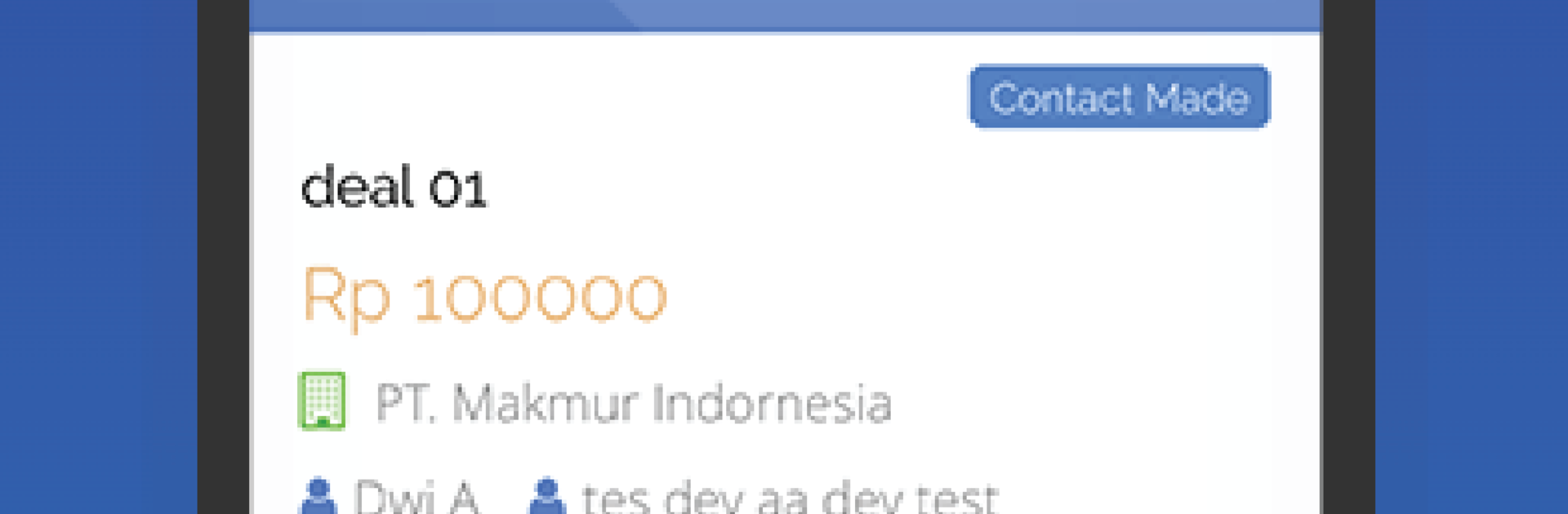
Barantum CRM feels like a tidy control center for sales work, not a maze. It opens to clear modules for leads, organizations, and contacts, and everything links together so a person can jump from a company to the people and then to the history without digging. The activities screen is the busy part, with calls, meetings, tasks, and quick notes all stacking into a timeline. GPS based tracking is there for teams that do field visits, so managers can see where meetings happened on a map if that matters. Roles and team settings help keep access clean, which small teams and bigger ones both need. Reports are built in, so the numbers show up without exporting or juggling spreadsheets. It also ties into Barantum’s own IP PBX, so calls can be logged and recordings attached to the right contact, which is super practical if a team handles lots of phone work.

On PC with BlueStacks, it behaves like a light desktop dashboard. Lists are easier to scan on a big screen, and typing notes or updating lead info with a keyboard is faster than tapping on a phone. Switching between contacts, activities, and reports feels quick, and nothing is buried under mystery menus. The interface is straightforward, so new users are not stuck guessing what to press. If a team is Jakarta based or working across regions, it still keeps everything in one place, from lead chasing to after call notes, and it does not try to reinvent how a CRM should flow.

BlueStacks gives you the much-needed freedom to experience your favorite apps on a bigger screen. Get it now.


How to Download and Run Barantum CRM on PC or Mac

  • Download and install BlueStacks on your PC or Mac

  • Complete Google sign-in to access the Play Store, or do it later

  • Look for Barantum CRM in the search bar at the top right corner

  • Click to install Barantum CRM from the search results

  • Complete Google sign-in (if you skipped step 2) to install Barantum CRM

  • Click the Barantum CRM icon on the home screen to start playing

video
Watch Video

Minimum System Requirements

With BlueStacks 5, you can get started on a PC that fulfills the following requirements.

  • Operating System

    Microsoft Windows 7 or above, macOS 11 (Big Sur) or above

  • Processor

    Intel, AMD or Apple Silicon Processor

  • RAM

    at least 4GB

  • HDD

    10GB Free Disk Space

Note:

* You must be an Administrator on your PC. Up to date graphics drivers from Microsoft or the chipset vendor.

Barantum CRM - FAQs

  • How to Run Barantum CRM on Windows PC & Mac?

    Run Barantum CRM on your PC or Mac by following these simple steps.

    • Click on ‘Download Barantum CRM on PC’ to download BlueStacks
    • Install it and log-in to Google Play Store
    • Launch and run the app.
  • Why is BlueStacks the fastest and safest platform to play games on PC?

    BlueStacks respects your privacy and is always safe and secure to use. It does not carry any malware, spyware, or any sort of additional software that could harm your PC.

    It is engineered to optimize speed and performance for a seamless gaming experience.

  • What are Barantum CRM PC requirements?

    Minimum requirement to run Barantum CRM on your PC

    • OS: Microsoft Windows 7 and above:
    • Processor: Intel or AMD Processor:
    • RAM: Your PC must have at least 2GB of RAM. (Note that having 2GB or more disk space is not a substitute for RAM):
    • HDD: 5GB Free Disk Space.
    • You must be an Administrator on your PC.



