
Big Clock Display: Digital

Big Clock Display: Digital

Productivity

| Tweenti Corp

Play on PC with BlueStacks or from our cloud

  • Overview
  • How to Download

Page Modified On: January 09, 2026

Run Big Clock Display: Digital on PC or Mac

Multitask effortlessly on your PC or Mac as you try out Big Clock Display: Digital, a Productivity app by Tweenti Corp on BlueStacks.

Big Clock Display: Digital is basically a giant digital clock that takes over the screen and does exactly what the name says. Big, clean numbers in landscape, easy to read from across a room. It shows hours, minutes, seconds, plus the date and the day of the week, so there is no guessing. On a monitor through BlueStacks it feels like a proper desk clock, the digits stay sharp and it is nice for a home office, kitchen counter, or even a casual wall display.

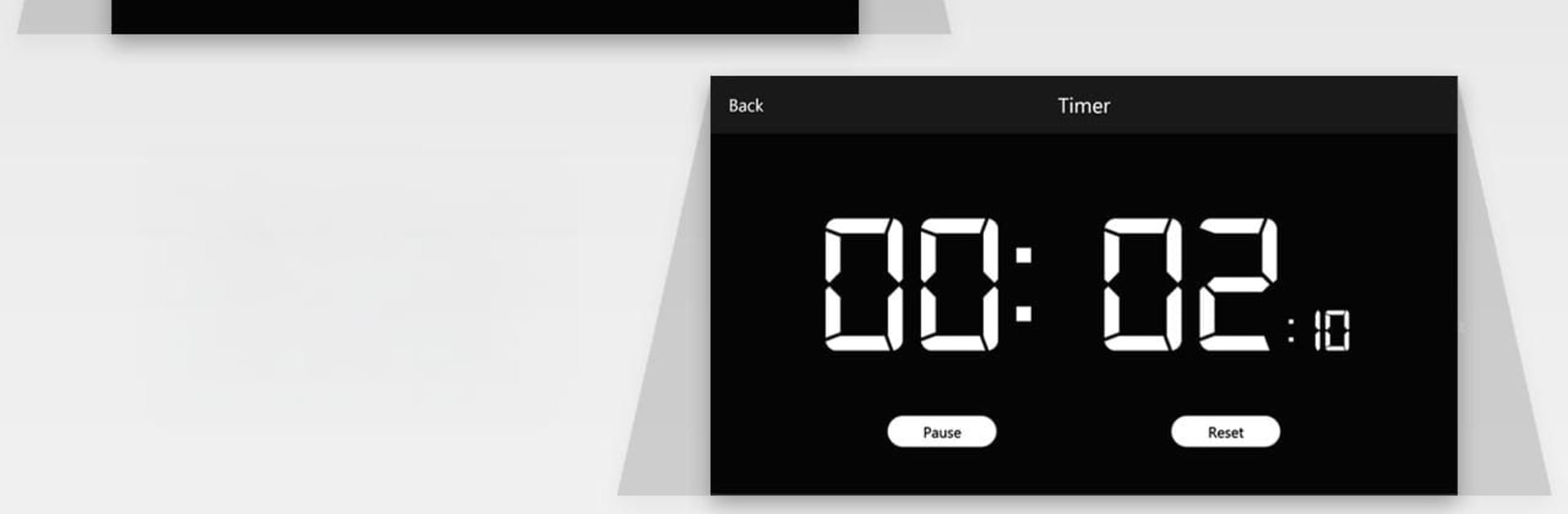
What stands out is how straightforward it is. No clutter, just a few core tools that are actually useful. The alarm setup lets someone create multiple alarms, each with its own ringtone, and there is repeat and snooze when mornings do not go to plan. The timer is a simple countdown that gets loud when it finishes, good for cooking or short breaks. The stopwatch has lap tracking for timing sets or runs without fuss. Themes are a fun touch too. There are more than thirty five looks, so the clock can go from bright neon to low key dark, whatever fits the room. It is not trying to be complicated, it is just a big readable clock with alarms, timer, and stopwatch, and it does that job well.

BlueStacks brings your apps to life on a bigger screen—seamless and straightforward.

How to Download and Run Big Clock Display: Digital on PC or Mac

  • Download and install BlueStacks on your PC or Mac

  • Complete Google sign-in to access the Play Store, or do it later

  • Look for Big Clock Display: Digital in the search bar at the top right corner

  • Click to install Big Clock Display: Digital from the search results

  • Complete Google sign-in (if you skipped step 2) to install Big Clock Display: Digital

  • Click the Big Clock Display: Digital icon on the home screen to start playing

video
Watch Video

Minimum System Requirements

With BlueStacks 5, you can get started on a PC that fulfills the following requirements.

  • Operating System

    Microsoft Windows 7 or above, macOS 11 (Big Sur) or above

  • Processor

    Intel, AMD or Apple Silicon Processor

  • RAM

    at least 4GB

  • HDD

    10GB Free Disk Space

Note:

* You must be an Administrator on your PC. Up to date graphics drivers from Microsoft or the chipset vendor.

Big Clock Display: Digital - FAQs

  • How to Run Big Clock Display: Digital on Windows PC & Mac?

    Run Big Clock Display: Digital on your PC or Mac by following these simple steps.

    • Click on ‘Download Big Clock Display: Digital on PC’ to download BlueStacks
    • Install it and log-in to Google Play Store
    • Launch and run the app.
  • Why is BlueStacks the fastest and safest platform to play games on PC?

    BlueStacks respects your privacy and is always safe and secure to use. It does not carry any malware, spyware, or any sort of additional software that could harm your PC.

    It is engineered to optimize speed and performance for a seamless gaming experience.

  • What are Big Clock Display: Digital PC requirements?

    Minimum requirement to run Big Clock Display: Digital on your PC

    • OS: Microsoft Windows 7 and above:
    • Processor: Intel or AMD Processor:
    • RAM: Your PC must have at least 2GB of RAM. (Note that having 2GB or more disk space is not a substitute for RAM):
    • HDD: 5GB Free Disk Space.
    • You must be an Administrator on your PC.




