
Blueprint: To Do List Pomodoro

Blueprint: To Do List Pomodoro

Productivity

| Tip Tap Apps

Play on PC with BlueStacks or from our cloud

  • Overview
  • How to Download

Page Modified On: September 02, 2025

Run Blueprint: To Do List Pomodoro on PC or Mac

Let BlueStacks turn your PC, Mac, or laptop into the perfect home for Blueprint: To Do List Pomodoro, a fun Productivity app from Tip Tap Apps.

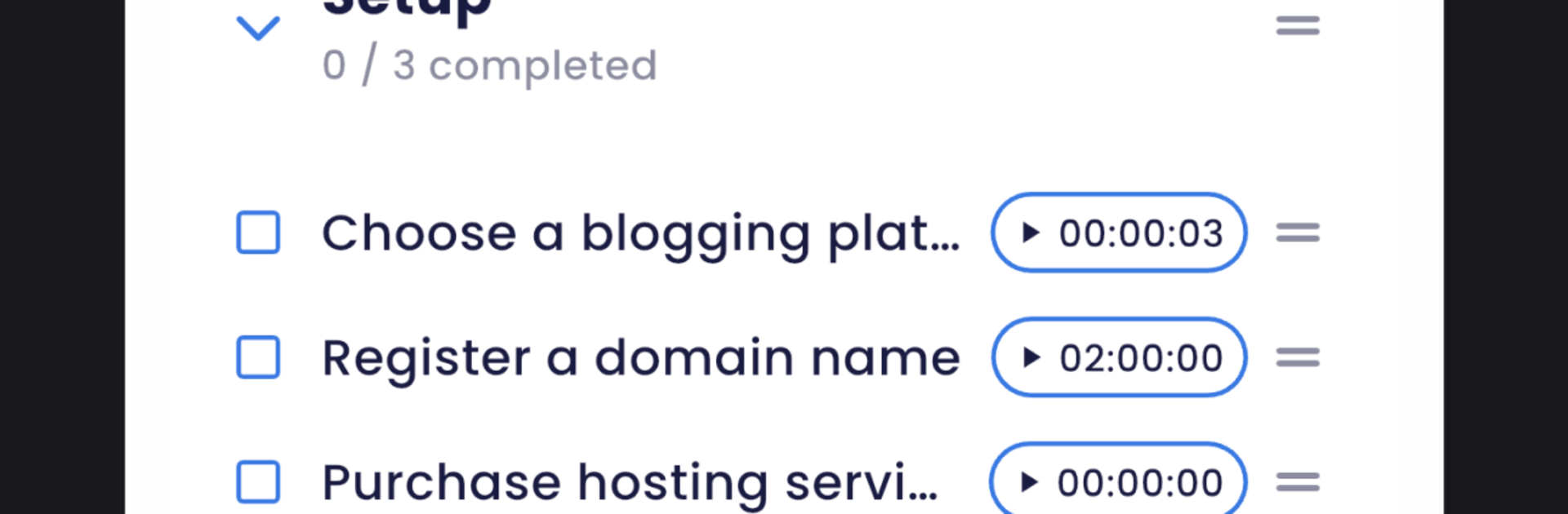
Blueprint is a clean, no-nonsense Pomodoro and to-do app that centers everything around focused work sessions and short breaks. It feels calm to use, with a minimalist layout that keeps the timer and today’s tasks front and center. Tasks are quick to add, with priorities, deadlines, and notes, and they can be sorted into lists so work, study, and personal stuff do not mix. The Pomodoro counter tracks how many sessions are done and shows patterns over time, which is helpful when someone wants to see if mornings are actually productive or not. There is built-in time tracking too, so each task shows real minutes spent, then simple reports turn that into easy stats that actually make sense.

On PC with BlueStacks, it works like a small control panel next to whatever else is open. The timer is easy to keep visible, the session alerts pop up clearly, and task editing with a keyboard just feels faster. Widgets are handy on a phone, but on desktop the always-on view and quick start are the real win. Sync and backups keep everything safe between devices, and the app does not feel nosy about data. Notifications are sensible, reminding about breaks, sessions, and deadlines without shouting. It is not a heavy project manager, more like a reliable routine builder. Students, freelancers, or anyone who needs structure without clutter will likely settle in right away.

BlueStacks brings your apps to life on a bigger screen—seamless and straightforward.

How to Download and Run Blueprint: To Do List Pomodoro on PC or Mac

  • Download and install BlueStacks on your PC or Mac

  • Complete Google sign-in to access the Play Store, or do it later

  • Look for Blueprint: To Do List Pomodoro in the search bar at the top right corner

  • Click to install Blueprint: To Do List Pomodoro from the search results

  • Complete Google sign-in (if you skipped step 2) to install Blueprint: To Do List Pomodoro

  • Click the Blueprint: To Do List Pomodoro icon on the home screen to start playing

video
Watch Video

Minimum System Requirements

With BlueStacks 5, you can get started on a PC that fulfills the following requirements.

  • Operating System

    Microsoft Windows 7 or above, macOS 11 (Big Sur) or above

  • Processor

    Intel, AMD or Apple Silicon Processor

  • RAM

    at least 4GB

  • HDD

    10GB Free Disk Space

Note:

* You must be an Administrator on your PC. Up to date graphics drivers from Microsoft or the chipset vendor.

Blueprint: To Do List Pomodoro - FAQs

  • How to Run Blueprint: To Do List Pomodoro on Windows PC & Mac?

    Run Blueprint: To Do List Pomodoro on your PC or Mac by following these simple steps.

    • Click on ‘Download Blueprint: To Do List Pomodoro on PC’ to download BlueStacks
    • Install it and log-in to Google Play Store
    • Launch and run the app.
  • Why is BlueStacks the fastest and safest platform to play games on PC?

    BlueStacks respects your privacy and is always safe and secure to use. It does not carry any malware, spyware, or any sort of additional software that could harm your PC.

    It is engineered to optimize speed and performance for a seamless gaming experience.

  • What are Blueprint: To Do List Pomodoro PC requirements?

    Minimum requirement to run Blueprint: To Do List Pomodoro on your PC

    • OS: Microsoft Windows 7 and above:
    • Processor: Intel or AMD Processor:
    • RAM: Your PC must have at least 2GB of RAM. (Note that having 2GB or more disk space is not a substitute for RAM):
    • HDD: 5GB Free Disk Space.
    • You must be an Administrator on your PC.



