
Bundled Notes - List, Organize

Bundled Notes - List, Organize

Productivity

| Bundled Notes

Play on PC with BlueStacks or from our cloud

  • Overview
  • How to Download

Page Modified On: October 23, 2025

Run Bundled Notes - List, Organize on PC or Mac

Get freedom from your phone’s obvious limitations. Use Bundled Notes – List, Organize, made by Bundled Notes, a Productivity app on your PC or Mac with BlueStacks, and level up your experience.

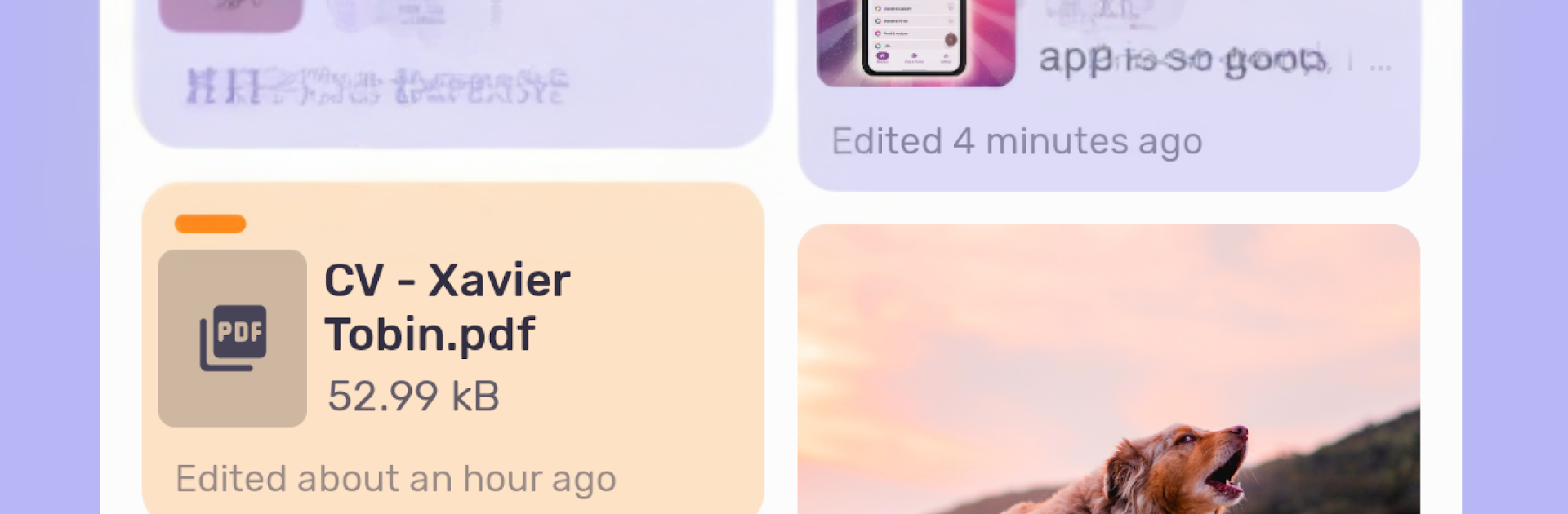
Bundled Notes feels like a tidy workbench for everything that gets lost in other note apps. Notes live inside “bundles,” so someone can keep a travel plan separate from a recipe box, a movie list, or a journal, without the usual mess of folders. The whole thing follows Material You, so the colors shift nicely with themes, and there are proper dark, light, and OLED options. It stays quiet too, no ads, just a clean space to write. Markdown is there for quick formatting, photos and files attach without fuss, and tags help pull up related stuff fast.

What stands out is how it handles bigger projects. Each bundle can flip to a Kanban board, which makes task stages and project planning feel straightforward. Sorting and filtering are flexible, reminders can ping at the right time, and recurring reminders unlock with Pro if someone needs that routine. It suits a lot of roles, from daily tasks and reading lists to recipe management or a personal database. On PC through BlueStacks, the app benefits from a bigger screen and a proper keyboard, so moving cards on a board, tagging items, or blasting through long notes feels smoother than on a phone. Sync works across devices, so work on the computer shows up on mobile later. It feels thoughtfully built, focused on staying simple while still letting a power user shape their own workflow.

BlueStacks brings your apps to life on a bigger screen—seamless and straightforward.

How to Download and Run Bundled Notes - List, Organize on PC or Mac

  • Download and install BlueStacks on your PC or Mac

  • Complete Google sign-in to access the Play Store, or do it later

  • Look for Bundled Notes - List, Organize in the search bar at the top right corner

  • Click to install Bundled Notes - List, Organize from the search results

  • Complete Google sign-in (if you skipped step 2) to install Bundled Notes - List, Organize

  • Click the Bundled Notes - List, Organize icon on the home screen to start playing

video
Watch Video

Minimum System Requirements

With BlueStacks 5, you can get started on a PC that fulfills the following requirements.

  • Operating System

    Microsoft Windows 7 or above, macOS 11 (Big Sur) or above

  • Processor

    Intel, AMD or Apple Silicon Processor

  • RAM

    at least 4GB

  • HDD

    10GB Free Disk Space

Note:

* You must be an Administrator on your PC. Up to date graphics drivers from Microsoft or the chipset vendor.

Bundled Notes - List, Organize - FAQs

  • How to Run Bundled Notes - List, Organize on Windows PC & Mac?

    Run Bundled Notes - List, Organize on your PC or Mac by following these simple steps.

    • Click on ‘Download Bundled Notes - List, Organize on PC’ to download BlueStacks
    • Install it and log-in to Google Play Store
    • Launch and run the app.
  • Why is BlueStacks the fastest and safest platform to play games on PC?

    BlueStacks respects your privacy and is always safe and secure to use. It does not carry any malware, spyware, or any sort of additional software that could harm your PC.

    It is engineered to optimize speed and performance for a seamless gaming experience.

  • What are Bundled Notes - List, Organize PC requirements?

    Minimum requirement to run Bundled Notes - List, Organize on your PC

    • OS: Microsoft Windows 7 and above:
    • Processor: Intel or AMD Processor:
    • RAM: Your PC must have at least 2GB of RAM. (Note that having 2GB or more disk space is not a substitute for RAM):
    • HDD: 5GB Free Disk Space.
    • You must be an Administrator on your PC.



