
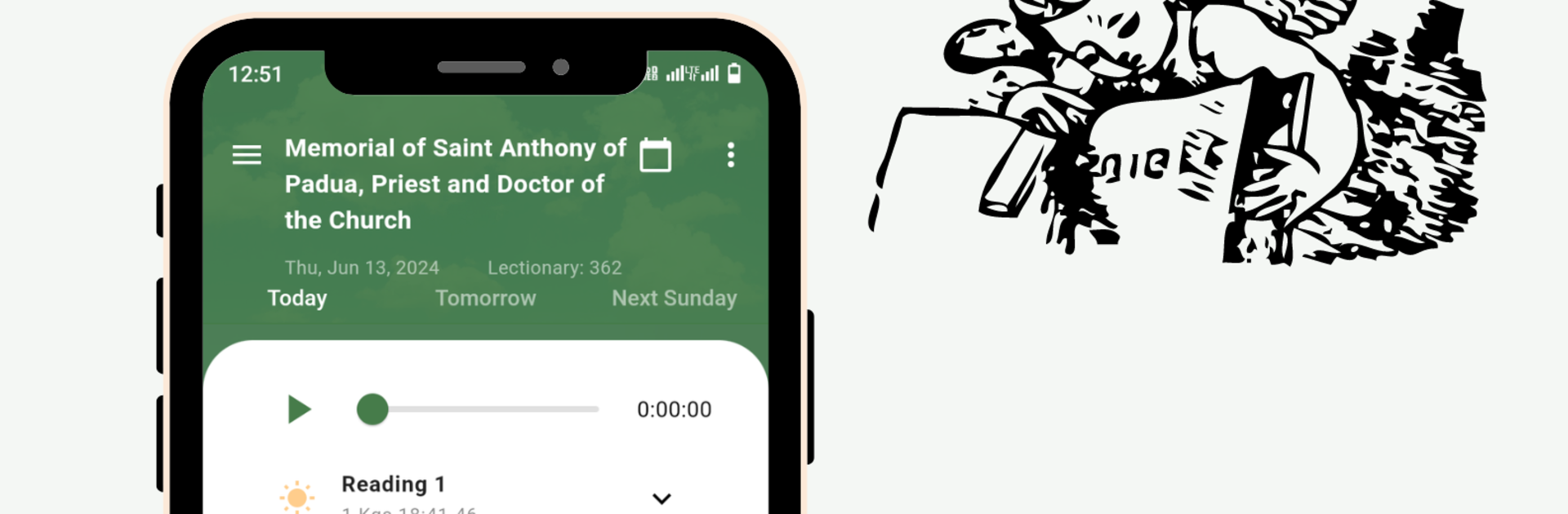
Catholic Daily Mass Readings

Catholic Daily Mass Readings

Productivity

| EthicCoders

Play on PC with BlueStacks or from our cloud

  • Overview
  • How to Download

Page Modified On: October 24, 2025

Run Catholic Daily Mass Readings on PC or Mac

Let BlueStacks turn your PC, Mac, or laptop into the perfect home for Catholic Daily Mass Readings, a fun Productivity app from EthicCoders.

Catholic Daily Mass Readings keeps things simple. It lets someone pull up the readings for any day of the year, so yesterday, today, next month, whatever is needed. The layout is clean, the text is easy to read, and on a PC with BlueStacks it feels nice to scroll through the first reading, psalm, and gospel on a bigger screen. Clicking through the calendar is straightforward, and it loads fast enough that it does not feel like a chore before prayer or Mass. It suits anyone who wants the official daily texts in one place, whether they are following along at church or setting up a quiet moment at home.

There are helpful extras tucked in too. Daily audio and video reflections line up with the readings, so someone can listen or watch if they prefer that over reading. There is a short quiz based on the day’s liturgy that makes it easier to remember what was just read, nothing heavy, just a quick check. There is also a live online Mass list, which is handy when travel or a busy schedule gets in the way. The app focuses on being practical rather than flashy, and that comes through when using it on BlueStacks, where it can stay open beside notes or a planner. Built by a small Catholic team, it feels like it was made by people who actually use this everyday.

Switch to BlueStacks and make the most of your apps on your PC or Mac.

How to Download and Run Catholic Daily Mass Readings on PC or Mac

  • Download and install BlueStacks on your PC or Mac

  • Complete Google sign-in to access the Play Store, or do it later

  • Look for Catholic Daily Mass Readings in the search bar at the top right corner

  • Click to install Catholic Daily Mass Readings from the search results

  • Complete Google sign-in (if you skipped step 2) to install Catholic Daily Mass Readings

  • Click the Catholic Daily Mass Readings icon on the home screen to start playing

video
Watch Video

Minimum System Requirements

With BlueStacks 5, you can get started on a PC that fulfills the following requirements.

  • Operating System

    Microsoft Windows 7 or above, macOS 11 (Big Sur) or above

  • Processor

    Intel, AMD or Apple Silicon Processor

  • RAM

    at least 4GB

  • HDD

    10GB Free Disk Space

Note:

* You must be an Administrator on your PC. Up to date graphics drivers from Microsoft or the chipset vendor.

Catholic Daily Mass Readings - FAQs

  • How to Run Catholic Daily Mass Readings on Windows PC & Mac?

    Run Catholic Daily Mass Readings on your PC or Mac by following these simple steps.

    • Click on ‘Download Catholic Daily Mass Readings on PC’ to download BlueStacks
    • Install it and log-in to Google Play Store
    • Launch and run the app.
  • Why is BlueStacks the fastest and safest platform to play games on PC?

    BlueStacks respects your privacy and is always safe and secure to use. It does not carry any malware, spyware, or any sort of additional software that could harm your PC.

    It is engineered to optimize speed and performance for a seamless gaming experience.

  • What are Catholic Daily Mass Readings PC requirements?

    Minimum requirement to run Catholic Daily Mass Readings on your PC

    • OS: Microsoft Windows 7 and above:
    • Processor: Intel or AMD Processor:
    • RAM: Your PC must have at least 2GB of RAM. (Note that having 2GB or more disk space is not a substitute for RAM):
    • HDD: 5GB Free Disk Space.
    • You must be an Administrator on your PC.




