
Cool Sticky Notes Rich Notepad

Cool Sticky Notes Rich Notepad

Productivity

| Pro Data Doctor Pvt. Ltd.

Play on PC with BlueStacks or from our cloud

  • Overview
  • How to Download

Page Modified On: October 23, 2025

Run Cool Sticky Notes Rich Notepad on PC or Mac

What’s better than using Cool Sticky Notes Rich Notepad by Pro Data Doctor Pvt. Ltd.? Well, try it on a big screen, on your PC or Mac, with BlueStacks to see the difference.

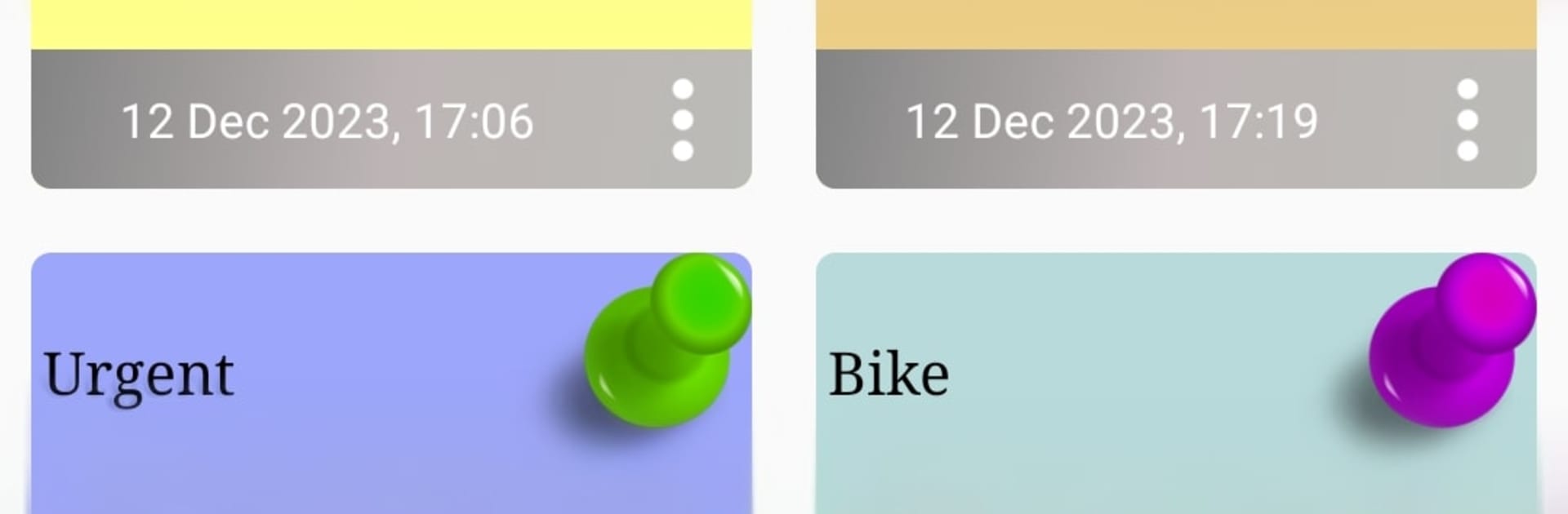
Cool Sticky Notes Rich Notepad feels like having a little corkboard on the screen, but tidier. On PC with BlueStacks, it works nicely with a mouse and keyboard, so typing a bunch of quick thoughts or to do items is fast, then each note can be resized and moved around like real sticky paper. Colors and font styles are a big part of it, so someone can color code work, errands, or reminders, and switch between cute pin icons if they want the board to look a bit fun rather than plain.

Everything stays visible at a glance, which makes skimming through a bunch of notes surprisingly easy. Search is quick, so finding that one shopping list or phone number does not feel like a hunt. The reminder part is simple but helpful, just set a note to ping at a time and it will not slip by. Sharing text out of a note to chat or social apps is straightforward too, so passing a list to a friend is not a pain. It is not bloated with heavy features, it is mainly about quick notes, colors, and reminders that look like actual stickies. On a bigger monitor it almost turns into a mini command center, and it suits anyone who likes visual organization without messing with complicated folders or tags.

Switch to BlueStacks and make the most of your apps on your PC or Mac.

How to Download and Run Cool Sticky Notes Rich Notepad on PC or Mac

  • Download and install BlueStacks on your PC or Mac

  • Complete Google sign-in to access the Play Store, or do it later

  • Look for Cool Sticky Notes Rich Notepad in the search bar at the top right corner

  • Click to install Cool Sticky Notes Rich Notepad from the search results

  • Complete Google sign-in (if you skipped step 2) to install Cool Sticky Notes Rich Notepad

  • Click the Cool Sticky Notes Rich Notepad icon on the home screen to start playing

video
Watch Video

Minimum System Requirements

With BlueStacks 5, you can get started on a PC that fulfills the following requirements.

  • Operating System

    Microsoft Windows 7 or above, macOS 11 (Big Sur) or above

  • Processor

    Intel, AMD or Apple Silicon Processor

  • RAM

    at least 4GB

  • HDD

    10GB Free Disk Space

Note:

* You must be an Administrator on your PC. Up to date graphics drivers from Microsoft or the chipset vendor.

Cool Sticky Notes Rich Notepad - FAQs

  • How to Run Cool Sticky Notes Rich Notepad on Windows PC & Mac?

    Run Cool Sticky Notes Rich Notepad on your PC or Mac by following these simple steps.

    • Click on ‘Download Cool Sticky Notes Rich Notepad on PC’ to download BlueStacks
    • Install it and log-in to Google Play Store
    • Launch and run the app.
  • Why is BlueStacks the fastest and safest platform to play games on PC?

    BlueStacks respects your privacy and is always safe and secure to use. It does not carry any malware, spyware, or any sort of additional software that could harm your PC.

    It is engineered to optimize speed and performance for a seamless gaming experience.

  • What are Cool Sticky Notes Rich Notepad PC requirements?

    Minimum requirement to run Cool Sticky Notes Rich Notepad on your PC

    • OS: Microsoft Windows 7 and above:
    • Processor: Intel or AMD Processor:
    • RAM: Your PC must have at least 2GB of RAM. (Note that having 2GB or more disk space is not a substitute for RAM):
    • HDD: 5GB Free Disk Space.
    • You must be an Administrator on your PC.




