
D Notes - Notepad, Checklist and Reminder

D Notes - Notepad, Checklist and Reminder

Productivity

| Damian van den Berg

Play on PC with BlueStacks or from our cloud

  • Overview
  • How to Download

Page Modified On: August 11, 2025

Run D Notes - Notepad, Checklist and Reminder on PC or Mac

Why limit yourself to your small screen on the phone? Run D Notes – Notepad, Checklist and Reminder, an app by Damian van den Berg, best experienced on your PC or Mac with BlueStacks, the world’s #1 Android emulator.

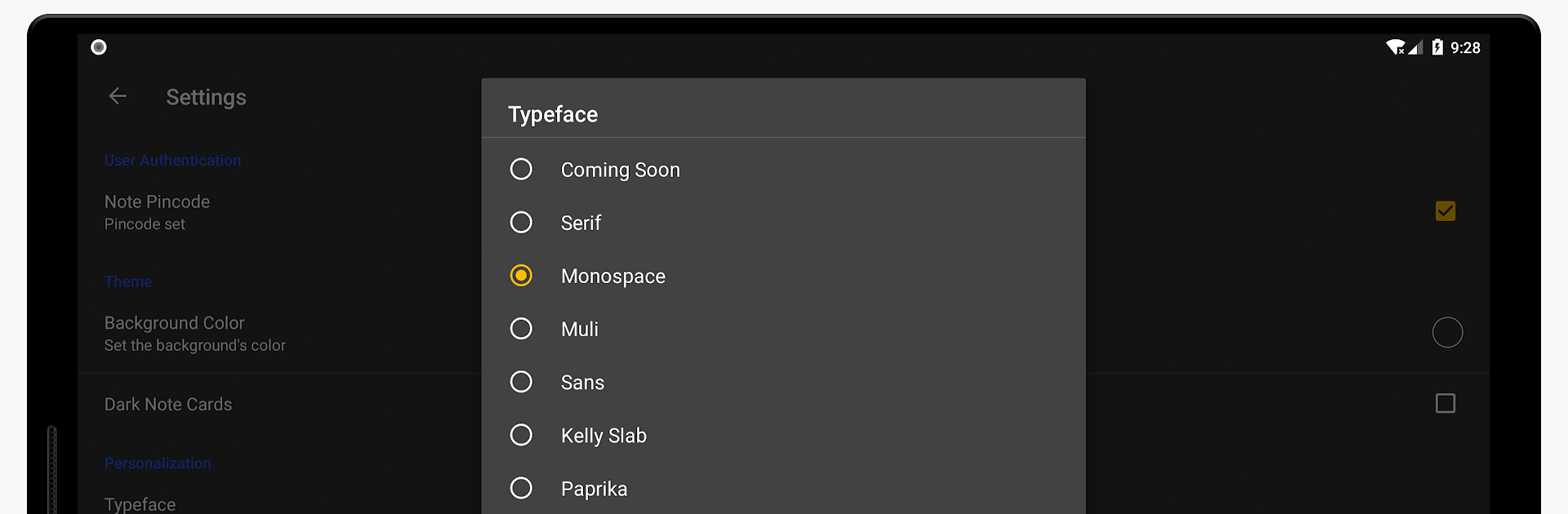
D Notes feels pretty straightforward and clean, making everyday note-taking on a PC a lot less of a hassle. The whole setup is more polished than what most people are used to, so jotting down thoughts, to-do lists, or random reminders feels almost… organized. There’s all kinds of stuff you can mess with — add photos, attach files, organize everything into categories, and even use different colors if you like tidying things up visually. For people who get bored with boring apps, there are a bunch of themes and fonts you can play with, so it actually feels a bit more personal.

One of the useful things is being able to set reminders directly in your notes or stick your most important ones to your notification bar, so you don’t let things slip. Plus, there’s voice recording and speech-to-text for those times typing just isn’t happening. The app lets you protect your private notes with a fingerprint or PIN, which comes in handy if you’re jotting down stuff you don’t want everyone to see. The syncing and backup stuff isn’t complicated—just a few taps, and your notes can live on Google Drive or your SD card. Using it with BlueStacks feels almost like running a native PC notepad app, but with some extra storage and sorting tricks. If someone wants a notes app without ads constantly popping up or getting in the way, this one actually feels calm and functional.

Big screen. Bigger performance. Use BlueStacks on your PC or Mac to run your favorite apps.

How to Download and Run D Notes - Notepad, Checklist and Reminder on PC or Mac

  • Download and install BlueStacks on your PC or Mac

  • Complete Google sign-in to access the Play Store, or do it later

  • Look for D Notes - Notepad, Checklist and Reminder in the search bar at the top right corner

  • Click to install D Notes - Notepad, Checklist and Reminder from the search results

  • Complete Google sign-in (if you skipped step 2) to install D Notes - Notepad, Checklist and Reminder

  • Click the D Notes - Notepad, Checklist and Reminder icon on the home screen to start playing

video
Watch Video

Minimum System Requirements

With BlueStacks 5, you can get started on a PC that fulfills the following requirements.

  • Operating System

    Microsoft Windows 7 or above, macOS 11 (Big Sur) or above

  • Processor

    Intel, AMD or Apple Silicon Processor

  • RAM

    at least 4GB

  • HDD

    10GB Free Disk Space

Note:

* You must be an Administrator on your PC. Up to date graphics drivers from Microsoft or the chipset vendor.

D Notes - Notepad, Checklist and Reminder - FAQs

  • How to Run D Notes - Notepad, Checklist and Reminder on Windows PC & Mac?

    Run D Notes - Notepad, Checklist and Reminder on your PC or Mac by following these simple steps.

    • Click on ‘Download D Notes - Notepad, Checklist and Reminder on PC’ to download BlueStacks
    • Install it and log-in to Google Play Store
    • Launch and run the app.
  • Why is BlueStacks the fastest and safest platform to play games on PC?

    BlueStacks respects your privacy and is always safe and secure to use. It does not carry any malware, spyware, or any sort of additional software that could harm your PC.

    It is engineered to optimize speed and performance for a seamless gaming experience.

  • What are D Notes - Notepad, Checklist and Reminder PC requirements?

    Minimum requirement to run D Notes - Notepad, Checklist and Reminder on your PC

    • OS: Microsoft Windows 7 and above:
    • Processor: Intel or AMD Processor:
    • RAM: Your PC must have at least 2GB of RAM. (Note that having 2GB or more disk space is not a substitute for RAM):
    • HDD: 5GB Free Disk Space.
    • You must be an Administrator on your PC.




