




Why limit yourself to your small screen on the phone? Run Easy Backup – Contacts Transfer and Restore, an app by Simpler Apps Inc, best experienced on your PC or Mac with BlueStacks, the world’s #1 Android emulator.
Easy Backup feels like that no-nonsense tool a person installs once and then relies on forever. It opens to a big Backup Now button, and that is really the vibe throughout: one tap, contacts saved. It sends a copy to a secure cloud so a lost phone is not a crisis, and it also lets anyone do an offline backup as a simple VCF file if they prefer not to sync. Moving to a new phone is basically sign in, tap My Backups, pick the snapshot, done. Switching between Android and iPhone is handled too, which takes the fear out of that upgrade day. Running it on BlueStacks is handy if someone wants a bigger screen to check names, click through restore steps, or drop a VCF onto the desktop and stash it in a folder like any regular file.
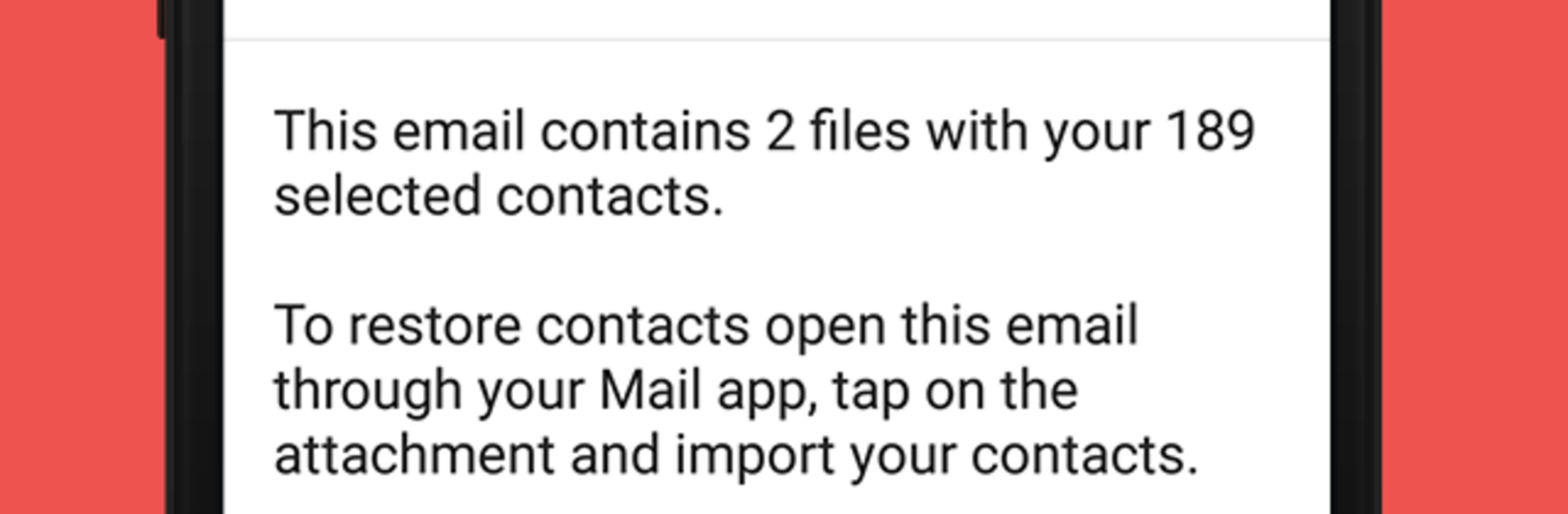
What stands out is how flexible sharing is. The app exports a VCF through email or sends it with WhatsApp, Gmail, Google Drive, SMS, Dropbox, Skype, Telegram and the usual suspects, so sending a contact book to a coworker or backing it up in multiple places is easy. Restore is clean: open My Backups, download, preview, select all or only the contacts that matter, and restore. It supports moving contacts between accounts like Google, Exchange, iCloud, Outlook, and it keeps local backups on an SD card too, so there is a safety net even without internet. The VCF format keeps things simple and compatible, which is boring in the best way. It is available in a bunch of languages, so family members can figure it out without a long explanation. No fluff, just practical tools that make sure numbers are never gone for good.
Switch to BlueStacks and make the most of your apps on your PC or Mac.





