
Easy sound Recorder
Easy sound Recorder

Easy sound Recorder

Productivity

| Tools Dev

Play on PC with BlueStacks or from our cloud

  • Overview
  • How to Download

Page Modified On: October 03, 2025

Run Easy sound Recorder on PC or Mac

Multitask effortlessly on your PC or Mac as you try out Easy sound Recorder, a Productivity app by Tools Dev on BlueStacks.

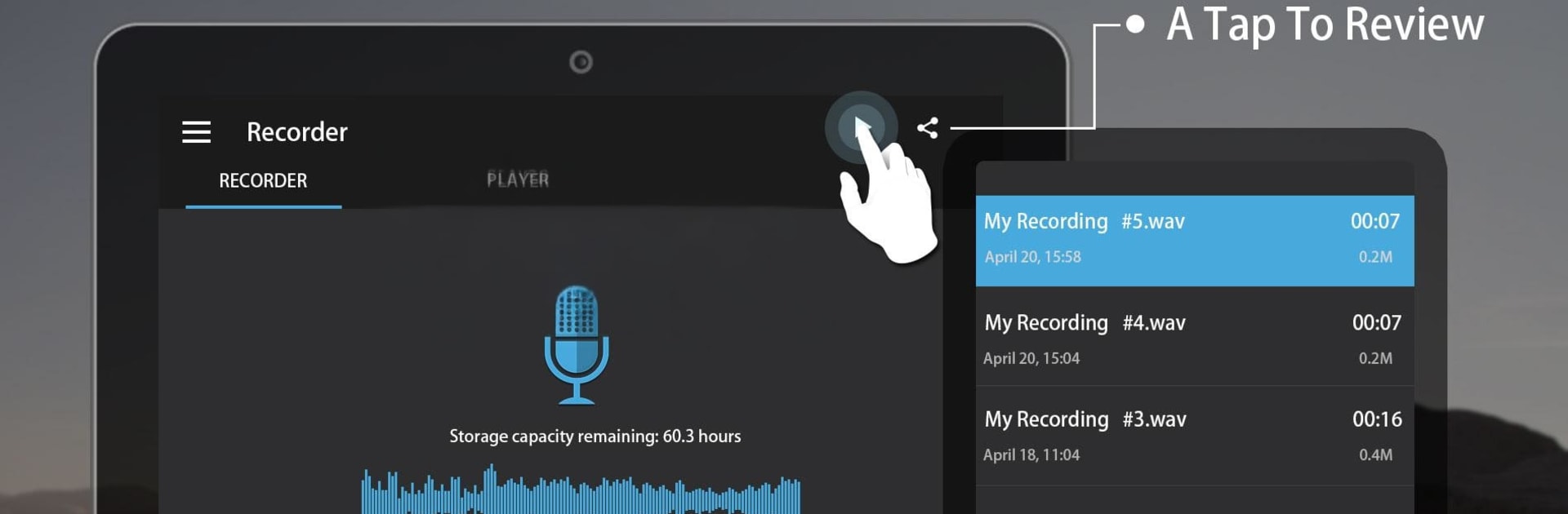
Easy Sound Recorder is one of those straightforward tools that does not get in the way. Open it, there is a big, clean record button, a list of files, and not much to learn. It handles long sessions without fuss, the kind of marathon lectures or meetings that run for hours and hours. Recordings save in small sizes with solid clarity, and users can rename files, trim or edit basics, delete what is not needed, share to chat or email, and even set a clip as a ringtone. Background recording works well, so someone can lock the screen or hop into another app and it keeps capturing audio. Widgets are handy too, with a couple sizes for quick tap-to-record from the home screen.

On a PC through BlueStacks, it feels like a tiny recording deck sitting on the desktop. Click to start, minimize the window, take notes in another app, and let it run. Students can park it during classes, traders can log calls or details, and musicians can grab a take to hear what needs adjusting later. It is not trying to be a studio, just a reliable recorder that keeps files tidy and easy to find. The interface is plain in a good way, labels make sense, and the controls respond fast, so there is no guessing what button does what.

Switch to BlueStacks and make the most of your apps on your PC or Mac.

How to Download and Run Easy sound Recorder on PC or Mac

  • Download and install BlueStacks on your PC or Mac

  • Complete Google sign-in to access the Play Store, or do it later

  • Look for Easy sound Recorder in the search bar at the top right corner

  • Click to install Easy sound Recorder from the search results

  • Complete Google sign-in (if you skipped step 2) to install Easy sound Recorder

  • Click the Easy sound Recorder icon on the home screen to start playing

video
Watch Video

Minimum System Requirements

With BlueStacks 5, you can get started on a PC that fulfills the following requirements.

  • Operating System

    Microsoft Windows 7 or above, macOS 11 (Big Sur) or above

  • Processor

    Intel, AMD or Apple Silicon Processor

  • RAM

    at least 4GB

  • HDD

    10GB Free Disk Space

Note:

* You must be an Administrator on your PC. Up to date graphics drivers from Microsoft or the chipset vendor.

Easy sound Recorder - FAQs

  • How to Run Easy sound Recorder on Windows PC & Mac?

    Run Easy sound Recorder on your PC or Mac by following these simple steps.

    • Click on ‘Download Easy sound Recorder on PC’ to download BlueStacks
    • Install it and log-in to Google Play Store
    • Launch and run the app.
  • Why is BlueStacks the fastest and safest platform to play games on PC?

    BlueStacks respects your privacy and is always safe and secure to use. It does not carry any malware, spyware, or any sort of additional software that could harm your PC.

    It is engineered to optimize speed and performance for a seamless gaming experience.

  • What are Easy sound Recorder PC requirements?

    Minimum requirement to run Easy sound Recorder on your PC

    • OS: Microsoft Windows 7 and above:
    • Processor: Intel or AMD Processor:
    • RAM: Your PC must have at least 2GB of RAM. (Note that having 2GB or more disk space is not a substitute for RAM):
    • HDD: 5GB Free Disk Space.
    • You must be an Administrator on your PC.




