



Get freedom from your phone’s obvious limitations. Use Festool Work app, made by Festool GmbH, a Productivity app on your PC or Mac with BlueStacks, and level up your experience.
About the App
Looking to keep all your Festool gear organized and under control? The Festool Work app makes it easy to track your tools, check batteries, and connect with handy features. Whether you’re a pro in the workshop or just love things running smoothly, this app dishes up helpful info about your Festool collection, so you never miss a beat. It’s got a clean setup that puts everything you need at your fingertips—fast and frustration-free.
App Features
-
Instant Tool Overview:
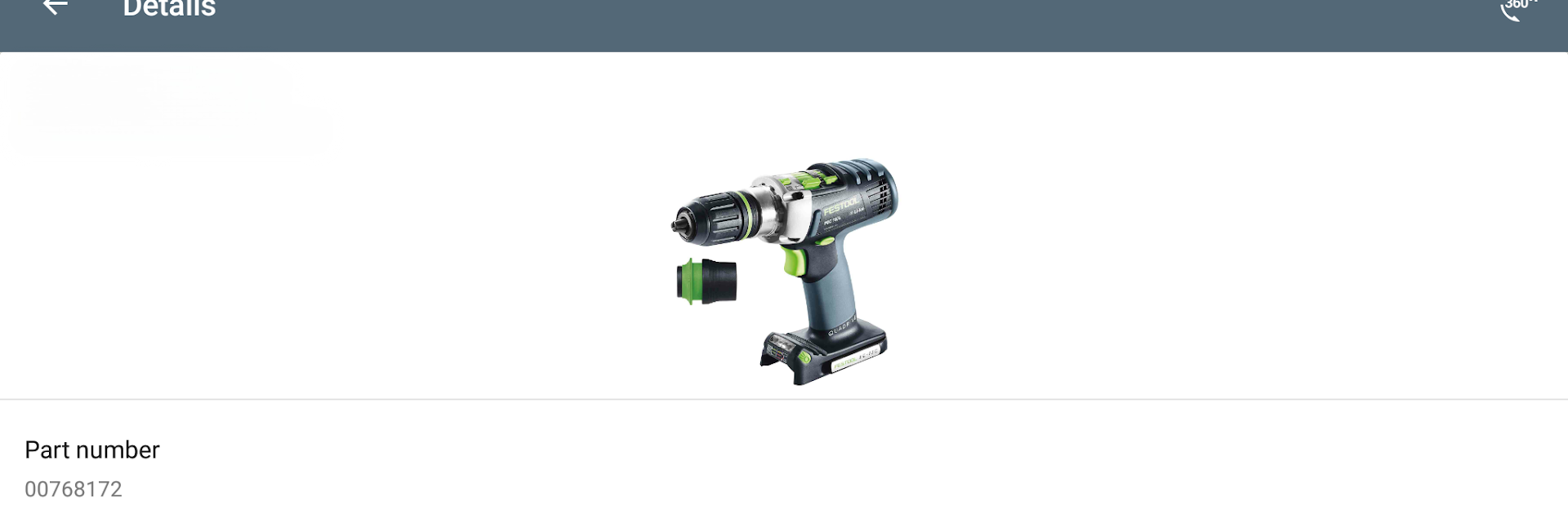
Quickly see every Festool tool you’ve registered. Each tool gets its own details, like when you bought it, the warranty info, and even where you picked it up. Handy if you like to keep things sorted, or just can’t remember which tool is due for a checkup. -
Battery Monitoring:
Stay updated on all your Bluetooth® battery packs—check last contact, charge levels, and total cycles, all in one spot. It covers the Bluetooth®-enabled CT MINI I and MIDI I dust extractors too, so you know the status and get support or reminders sent straight to your phone. -
Easy Service Access:
Need support in a hurry? Order repairs, register for warranty, or get in touch with Festool GmbH right from the app, whether you’re more of a phone person or prefer forms. It’s all about skipping the hassle. -
Find Dealers Easily:
On the hunt for Festool shops, either nearby or elsewhere? Punch it into the app using GPS, or search by location. There’s even a favorites feature so your go-to dealers are just a tap away. -
Profile Management:
Update your MyFestool profile, tweak your data, or check out policies and contacts—everything you need is right there. -
Connected Apps & Social:
Download other helpful Festool apps or pop over to the Festool social channels—Facebook, Instagram, YouTube—without leaving the app. Support and fresh ideas are just a swipe away. -
Smooth PC Experience:
Prefer working from your computer? You can run Festool Work app easily using BlueStacks and keep all this info handy, even when your phone’s busy doing something else.
All these features are wrapped up in a tidy, practical design that helps you spend less time searching, and more time getting things done.
Ready to experience Festool Work app on a bigger screen, in all its glory? Download BlueStacks now.





