
Gallup Access
Gallup Access

Gallup Access

Productivity

| Gallup Development Team

Play on PC with BlueStacks or from our cloud

  • Overview
  • How to Download

Page Modified On: January 06, 2026

Run Gallup Access on PC or Mac

Get freedom from your phone’s obvious limitations. Use Gallup Access, made by Gallup Development Team, a Productivity app on your PC or Mac with BlueStacks, and level up your experience.

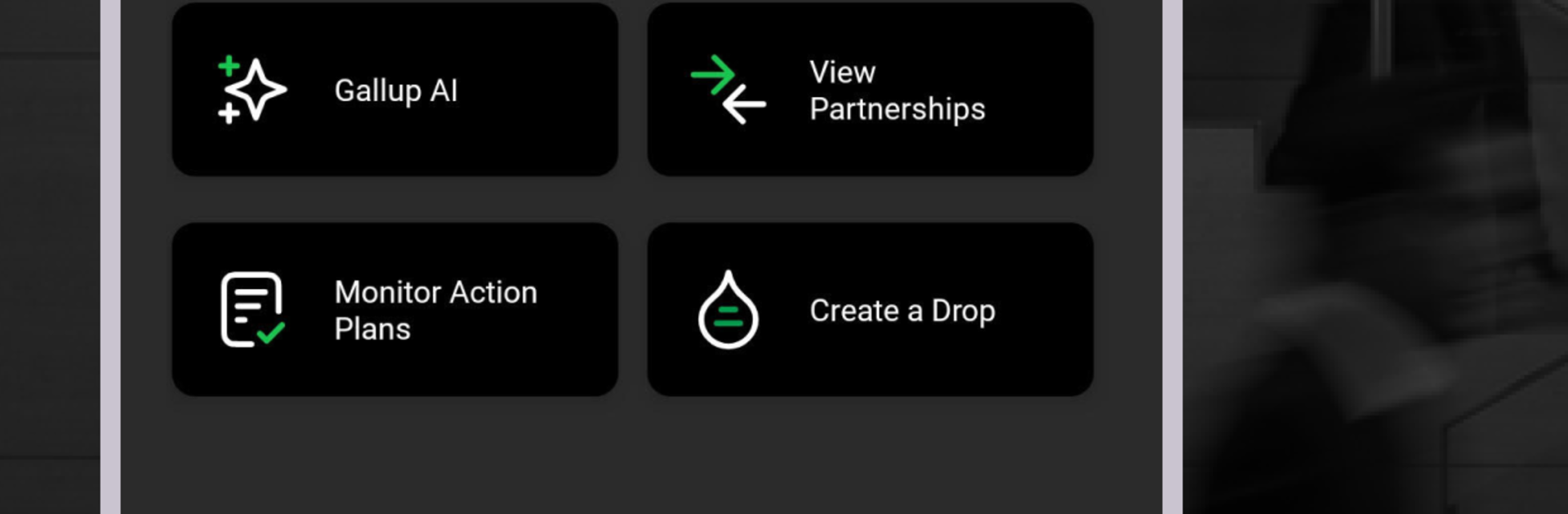
Gallup Access feels like a strengths coach that lives on the phone, but it also works nicely on a bigger screen. Through BlueStacks on a PC, the charts and team views breathe a bit more, which helps when comparing people side by side. The core idea is simple. It centers on CliftonStrengths, shows a person’s top themes, and explains how those themes show up at work and with friends. Users can share their results, get little pings when coworkers share back, and see short, plain tips on how two people might work better together. There are quick learning modules that build confidence without needing an hour, plus AI notes that suggest what to do next in a partnership or on a project.

Managers get extra tools that focus on groups. There are clean grids that outline team talent, summaries that highlight patterns, and an AI helper that answers common questions about teamwork and engagement. It handles pulse surveys, shows trends and simple reports, and then helps turn those numbers into action steps with reminders so plans do not drift. The tone of the app is calm and practical, not noisy, and it sticks close to Gallup’s research on the 34 talent themes and the idea of a person’s top five shaping how they think, feel, and act. It even sprinkles in straightforward data points about performance and turnover to explain why the strengths stuff matters, without feeling like a lecture. The whole thing ends up feeling structured and clear, almost like sorting a deck of strengths cards, then using them to make real work a bit easier.

Big screen. Bigger performance. Use BlueStacks on your PC or Mac to run your favorite apps.

How to Download and Run Gallup Access on PC or Mac

  • Download and install BlueStacks on your PC or Mac

  • Complete Google sign-in to access the Play Store, or do it later

  • Look for Gallup Access in the search bar at the top right corner

  • Click to install Gallup Access from the search results

  • Complete Google sign-in (if you skipped step 2) to install Gallup Access

  • Click the Gallup Access icon on the home screen to start playing

video
Watch Video

Minimum System Requirements

With BlueStacks 5, you can get started on a PC that fulfills the following requirements.

  • Operating System

    Microsoft Windows 7 or above, macOS 11 (Big Sur) or above

  • Processor

    Intel, AMD or Apple Silicon Processor

  • RAM

    at least 4GB

  • HDD

    10GB Free Disk Space

Note:

* You must be an Administrator on your PC. Up to date graphics drivers from Microsoft or the chipset vendor.

Gallup Access - FAQs

  • How to Run Gallup Access on Windows PC & Mac?

    Run Gallup Access on your PC or Mac by following these simple steps.

    • Click on ‘Download Gallup Access on PC’ to download BlueStacks
    • Install it and log-in to Google Play Store
    • Launch and run the app.
  • Why is BlueStacks the fastest and safest platform to play games on PC?

    BlueStacks respects your privacy and is always safe and secure to use. It does not carry any malware, spyware, or any sort of additional software that could harm your PC.

    It is engineered to optimize speed and performance for a seamless gaming experience.

  • What are Gallup Access PC requirements?

    Minimum requirement to run Gallup Access on your PC

    • OS: Microsoft Windows 7 and above:
    • Processor: Intel or AMD Processor:
    • RAM: Your PC must have at least 2GB of RAM. (Note that having 2GB or more disk space is not a substitute for RAM):
    • HDD: 5GB Free Disk Space.
    • You must be an Administrator on your PC.




