
Inventory Management Premium

Inventory Management Premium

Productivity

| Enigmex Technologies

Play on PC with BlueStacks or from our cloud

  • Overview
  • How to Download

Page Modified On: December 24, 2025

Run Inventory Management Premium on PC or Mac

Get freedom from your phone’s obvious limitations. Use Inventory Management Premium, made by Enigmex Technologies, a Productivity app on your PC or Mac with BlueStacks, and level up your experience.

Subscribe BlueStacks Prime

New on BlueStacks? Join BlueStacks Prime at only 0.99$ per month! Prime is an optional BlueStacks membership that offers ad-free gameplay, huge rewards, and extra savings and cashback on exclusive games

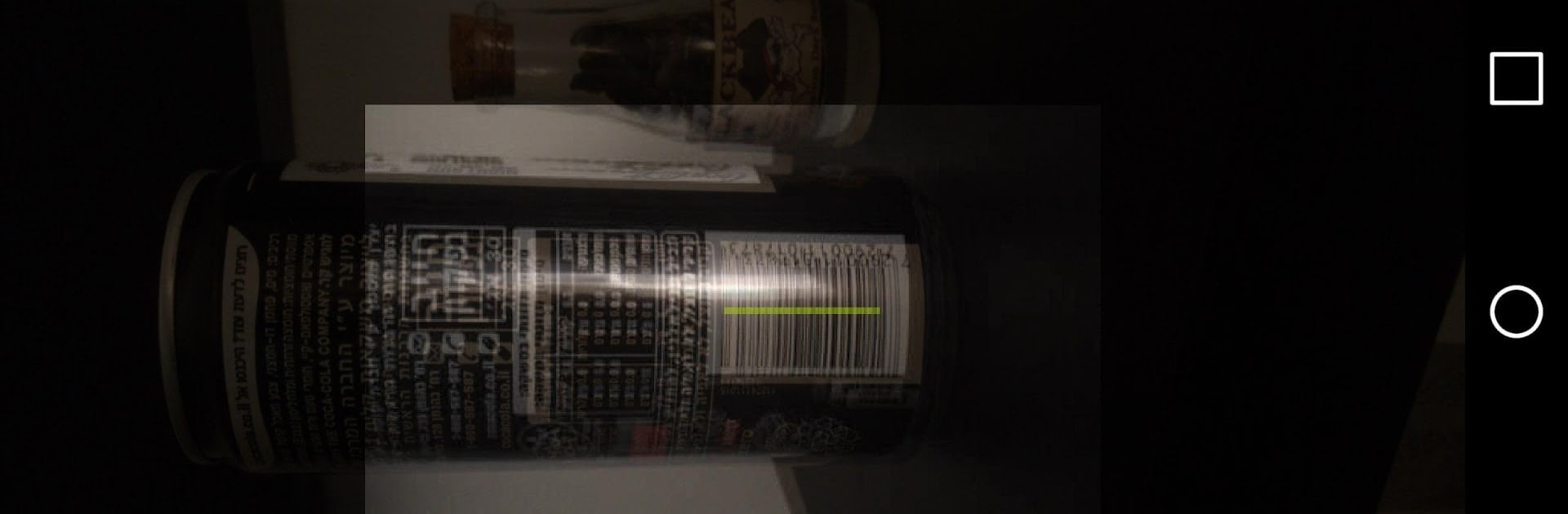
Inventory Management Premium is a no-nonsense tool that keeps stock tracking simple and calm. Add a product with the big plus button, fill what matters, and move on. It supports the basics people actually use day to day, like Product Name, Product Image, Product Price, Product Quantity, Product Quantity Sold, Product Barcode, Product Location, and Product Notes. The search field is quick, so a few letters and there it is. Currency can be switched if pricing needs to match a region. There is a barcode scanner for faster entry and edits, and when someone taps into an item’s editor, there is a shortcut to send a message to the supplier, which is handy when something is low or missing. The whole thing runs ad-free, which makes it feel clean and focused.

On a PC through BlueStacks, it is even more comfortable. Typing names, prices, and longer notes with a keyboard is faster, and a bigger screen makes it easier to scroll a longer catalog without squinting. The layout is plain in a good way, like a friendly spreadsheet with pictures, not a complicated back office system. It tracks what is on hand and what has been sold without forcing anyone into complex reports. People who want heavy accounting probably will not find it here. It is more about quick cataloging, clean edits, easy scans, and knowing exactly what is sitting on the shelf right now.

Switch to BlueStacks and make the most of your apps on your PC or Mac.

How to Download and Run Inventory Management Premium on PC or Mac

  • Download and install BlueStacks on your PC or Mac

  • Complete Google sign-in to access the Play Store, or do it later

  • Look for Inventory Management Premium in the search bar at the top right corner

  • Click to install Inventory Management Premium from the search results

  • Complete Google sign-in (if you skipped step 2) to install Inventory Management Premium

  • Click the Inventory Management Premium icon on the home screen to start playing

video
Watch Video

Minimum System Requirements

With BlueStacks 5, you can get started on a PC that fulfills the following requirements.

  • Operating System

    Microsoft Windows 7 or above, macOS 11 (Big Sur) or above

  • Processor

    Intel, AMD or Apple Silicon Processor

  • RAM

    at least 4GB

  • HDD

    10GB Free Disk Space

Note:

* You must be an Administrator on your PC. Up to date graphics drivers from Microsoft or the chipset vendor.

Inventory Management Premium - FAQs

  • How to Run Inventory Management Premium on Windows PC & Mac?

    Run Inventory Management Premium on your PC or Mac by following these simple steps.

    • Click on ‘Download Inventory Management Premium on PC’ to download BlueStacks
    • Install it and log-in to Google Play Store
    • Launch and run the app.
  • Why is BlueStacks the fastest and safest platform to play games on PC?

    BlueStacks respects your privacy and is always safe and secure to use. It does not carry any malware, spyware, or any sort of additional software that could harm your PC.

    It is engineered to optimize speed and performance for a seamless gaming experience.

  • What are Inventory Management Premium PC requirements?

    Minimum requirement to run Inventory Management Premium on your PC

    • OS: Microsoft Windows 7 and above:
    • Processor: Intel or AMD Processor:
    • RAM: Your PC must have at least 2GB of RAM. (Note that having 2GB or more disk space is not a substitute for RAM):
    • HDD: 5GB Free Disk Space.
    • You must be an Administrator on your PC.




