



Let BlueStacks turn your PC, Mac, or laptop into the perfect home for Lúnet-Força de Vendas, a fun Productivity app from Lúnet Soluções em Tecnologia Ltda.
About the App
Lúnet-Força de Vendas is a smart, on-the-go toolkit for field sales teams that want less paperwork and more selling. Built by Lúnet Soluções em Tecnologia Ltda, it streamlines order capture, keeps reps informed, and puts customer info right where it’s needed—at the moment of the visit. It’s a practical, no-fuss Productivity app that feels fast, modern, and ready for the road. Prefer a bigger screen? It also works smoothly on BlueStacks.
App Features
- Lightning-fast order entry: Launch orders with dozens of items without hunting through product lists. It’s designed so reps can register what the customer wants on the spot—quick and clean.
- ERP-friendly integration: Connects with major ERPs; a straightforward integration links your back office and the app, keeping data in sync.
- Smart suggestions: See promotions, new releases, and items the customer usually buys but didn’t add this time—great for boosting average ticket.
- Instant confirmation: Send the order by email or print it right there with a Bluetooth printer.
- Complete client history: Access recent purchases, open invoices, and other key details to negotiate with confidence.
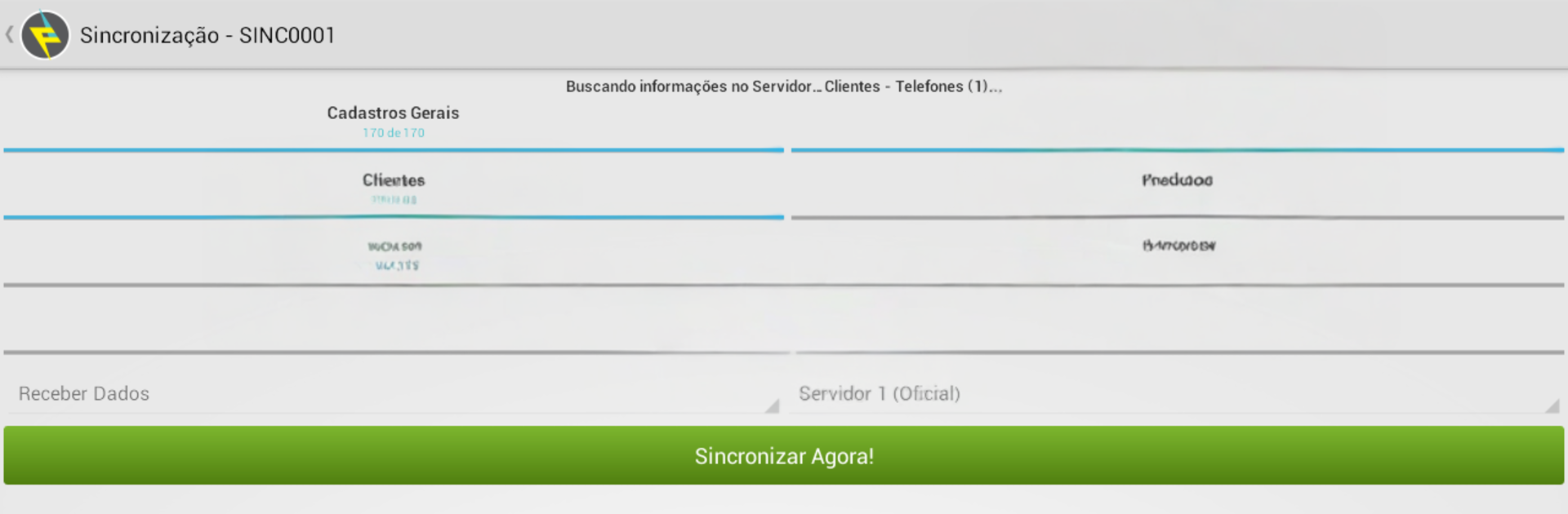
- Works offline: Keep selling even without a connection. Sync when you’re back online.
- Maps and nearby clients: Use GPS with Google Maps to spot who’s close and when they were last visited—color markers make it easy.
- Voice search and smart lookup: Find customers or products by voice and auto-fill addresses with CEP-based search.
- Visual catalog: Browse a photo-rich catalog with zoom and a slick “virtual magazine” view.
- Flexible pricing and approvals: Set price lists by rep, customer group, or specific client, and route orders for supervisor approval in multiple layers.
- Goals, promos, and updates: Keep reps aligned with monthly targets and always in the loop on new products and campaigns.
- Route and agenda control: Plan daily or weekly visits and open the route directly in Google Maps.
- Reasons for no sale: Log why a deal didn’t close to improve follow-ups and future offers.
- Admin insights in real time: Track prospecting, visits, and sales through a centralized admin area for timely decisions.
- Custom business rules: Tailor workflows and validations to match how your company sells.
- Built-in demo catalog: Explore the app with a preloaded sample catalog and placeholder prices to see how everything fits together.
BlueStacks gives you the much-needed freedom to experience your favorite apps on a bigger screen. Get it now.





