
Logmedo Database and Form

Logmedo Database and Form

Productivity

| Logmedo.com

Play on PC with BlueStacks or from our cloud

  • Overview
  • How to Download

Page Modified On: October 23, 2025

Run Logmedo Database and Form on PC or Mac

Multitask effortlessly on your PC or Mac as you try out Logmedo Database and Form, a Productivity app by Logmedo.com on BlueStacks.

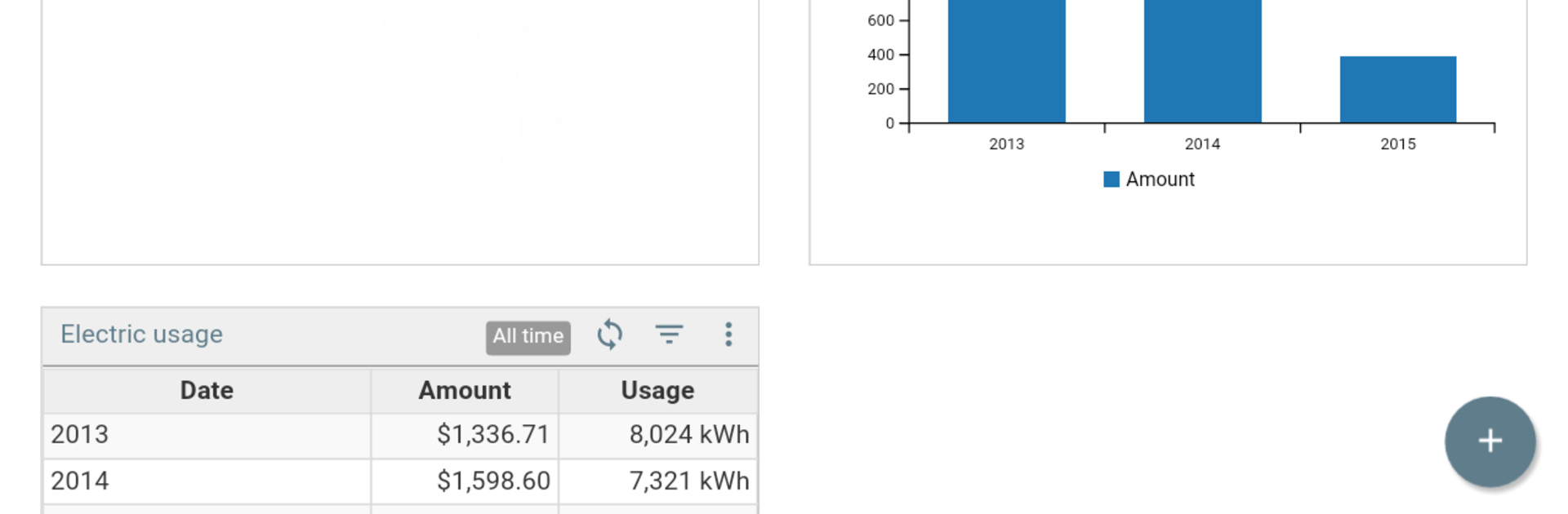
Logmedo feels like a spreadsheet that grew up into a real build-your-own app tool. It lets someone make databases and forms without coding, then flip between views like a clean grid, a simple calendar, a Kanban board, or the form itself. The cool bit is how fast things come together. Tables can relate to each other, fields can be anything from barcodes and signatures to file uploads, and there is a formula field that uses JavaScript for the heavy math or cross table lookups. There is a chart wizard and a pivot table builder that actually make sense, plus a dashboard so those charts do not live all over the place. On PC with BlueStacks, typing long forms and dragging fields around feels easier than on a phone, so building stuff like an inventory tracker or expense log is a lot less fussy.

It does have some rules. There is no offline mode, data lives on the server, and an account is needed to use it. Sharing is flexible, with roles for editors and viewers, or a read only public link if someone just needs to see the data. Importing a CSV is painless, and exporting to PDF, CSV, or Excel is there when reports are needed. There is encryption with a user password, solid search with advanced operators and fuzzy matching, and little touches like color themes, custom icons, and row formatting so each database has its own look. Templates help a ton, both ones shared by others and designs a user can publish themselves. It is not flashy, but it is the kind of tool that makes small systems for everyday stuff, from a workout log to rental tracking, without turning into busywork.

Eager to take your app experience to the next level? Start right away by downloading BlueStacks on your PC or Mac.


How to Download and Run Logmedo Database and Form on PC or Mac

  • Download and install BlueStacks on your PC or Mac

  • Complete Google sign-in to access the Play Store, or do it later

  • Look for Logmedo Database and Form in the search bar at the top right corner

  • Click to install Logmedo Database and Form from the search results

  • Complete Google sign-in (if you skipped step 2) to install Logmedo Database and Form

  • Click the Logmedo Database and Form icon on the home screen to start playing

video
Watch Video

Minimum System Requirements

With BlueStacks 5, you can get started on a PC that fulfills the following requirements.

  • Operating System

    Microsoft Windows 7 or above, macOS 11 (Big Sur) or above

  • Processor

    Intel, AMD or Apple Silicon Processor

  • RAM

    at least 4GB

  • HDD

    10GB Free Disk Space

Note:

* You must be an Administrator on your PC. Up to date graphics drivers from Microsoft or the chipset vendor.

Logmedo Database and Form - FAQs

  • How to Run Logmedo Database and Form on Windows PC & Mac?

    Run Logmedo Database and Form on your PC or Mac by following these simple steps.

    • Click on ‘Download Logmedo Database and Form on PC’ to download BlueStacks
    • Install it and log-in to Google Play Store
    • Launch and run the app.
  • Why is BlueStacks the fastest and safest platform to play games on PC?

    BlueStacks respects your privacy and is always safe and secure to use. It does not carry any malware, spyware, or any sort of additional software that could harm your PC.

    It is engineered to optimize speed and performance for a seamless gaming experience.

  • What are Logmedo Database and Form PC requirements?

    Minimum requirement to run Logmedo Database and Form on your PC

    • OS: Microsoft Windows 7 and above:
    • Processor: Intel or AMD Processor:
    • RAM: Your PC must have at least 2GB of RAM. (Note that having 2GB or more disk space is not a substitute for RAM):
    • HDD: 5GB Free Disk Space.
    • You must be an Administrator on your PC.



