
MK Explorer (File manager)

MK Explorer (File manager)

Productivity

| kormateusz

Play on PC with BlueStacks or from our cloud

  • Overview
  • How to Download

Page Modified On: January 05, 2026

Run MK Explorer (File manager) on PC or Mac

What’s better than using MK Explorer (File manager) by kormateusz? Well, try it on a big screen, on your PC or Mac, with BlueStacks to see the difference.

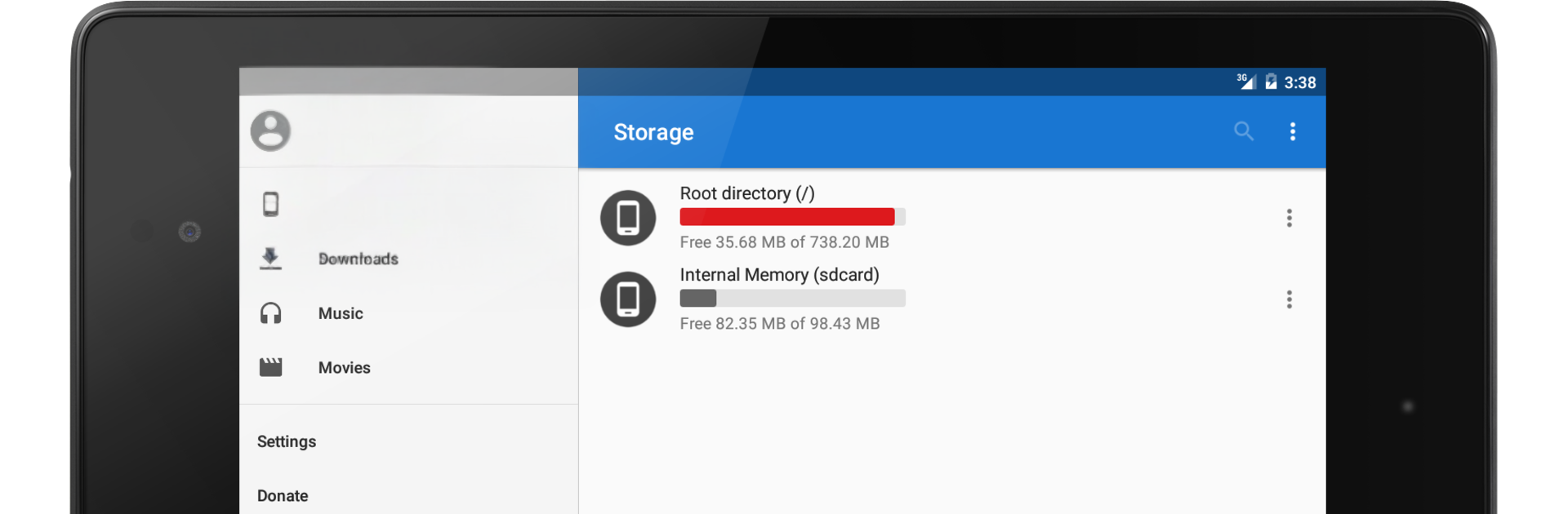
MK Explorer is a straight-up file manager that keeps things clean and focused. It opens to a simple Material look with two panels side by side, so someone can move stuff around without bouncing back and forth. The basics are all there and quick to use: delete, copy, paste, move, plus a solid search that actually finds what is needed. Thumbnails pop in for images, videos, and even APK files, which makes scanning a folder feel faster. It handles ZIP and RAR extraction and can zip things up too, so no extra app needed just to unpack downloads.

What stands out is how practical it feels on a PC through BlueStacks. Keyboard shortcuts make sense, and the dual-pane setup fits a mouse and keyboard really well. Dropping files between panels is easy, and creating shortcuts straight to the desktop from inside the app is a nice touch. There is a built-in gallery, a simple text editor, and a basic music player, so small edits or quick previews happen without switching apps. Power users get root access if the device allows it, and SD card support is in place for Android 5 and up. It scales fine on phones, tablets, or a desktop window, and it supports a bunch of languages, which is helpful. Permissions line up with what it does, like storage access for file work, wake lock so long copies do not sleep out, and the option to set an audio file as a ringtone if someone wants that. It is uncluttered, fast, and kind of old-school in the best way, just handles thier files and stays out of the way.

BlueStacks brings your apps to life on a bigger screen—seamless and straightforward.

How to Download and Run MK Explorer (File manager) on PC or Mac

  • Download and install BlueStacks on your PC or Mac

  • Complete Google sign-in to access the Play Store, or do it later

  • Look for MK Explorer (File manager) in the search bar at the top right corner

  • Click to install MK Explorer (File manager) from the search results

  • Complete Google sign-in (if you skipped step 2) to install MK Explorer (File manager)

  • Click the MK Explorer (File manager) icon on the home screen to start playing

video
Watch Video

Minimum System Requirements

With BlueStacks 5, you can get started on a PC that fulfills the following requirements.

  • Operating System

    Microsoft Windows 7 or above, macOS 11 (Big Sur) or above

  • Processor

    Intel, AMD or Apple Silicon Processor

  • RAM

    at least 4GB

  • HDD

    10GB Free Disk Space

Note:

* You must be an Administrator on your PC. Up to date graphics drivers from Microsoft or the chipset vendor.

MK Explorer (File manager) - FAQs

  • How to Run MK Explorer (File manager) on Windows PC & Mac?

    Run MK Explorer (File manager) on your PC or Mac by following these simple steps.

    • Click on ‘Download MK Explorer (File manager) on PC’ to download BlueStacks
    • Install it and log-in to Google Play Store
    • Launch and run the app.
  • Why is BlueStacks the fastest and safest platform to play games on PC?

    BlueStacks respects your privacy and is always safe and secure to use. It does not carry any malware, spyware, or any sort of additional software that could harm your PC.

    It is engineered to optimize speed and performance for a seamless gaming experience.

  • What are MK Explorer (File manager) PC requirements?

    Minimum requirement to run MK Explorer (File manager) on your PC

    • OS: Microsoft Windows 7 and above:
    • Processor: Intel or AMD Processor:
    • RAM: Your PC must have at least 2GB of RAM. (Note that having 2GB or more disk space is not a substitute for RAM):
    • HDD: 5GB Free Disk Space.
    • You must be an Administrator on your PC.




