



Multitask effortlessly on your PC or Mac as you try out Nice Mind Map – Mind mapping, a Productivity app by Next edu on BlueStacks.
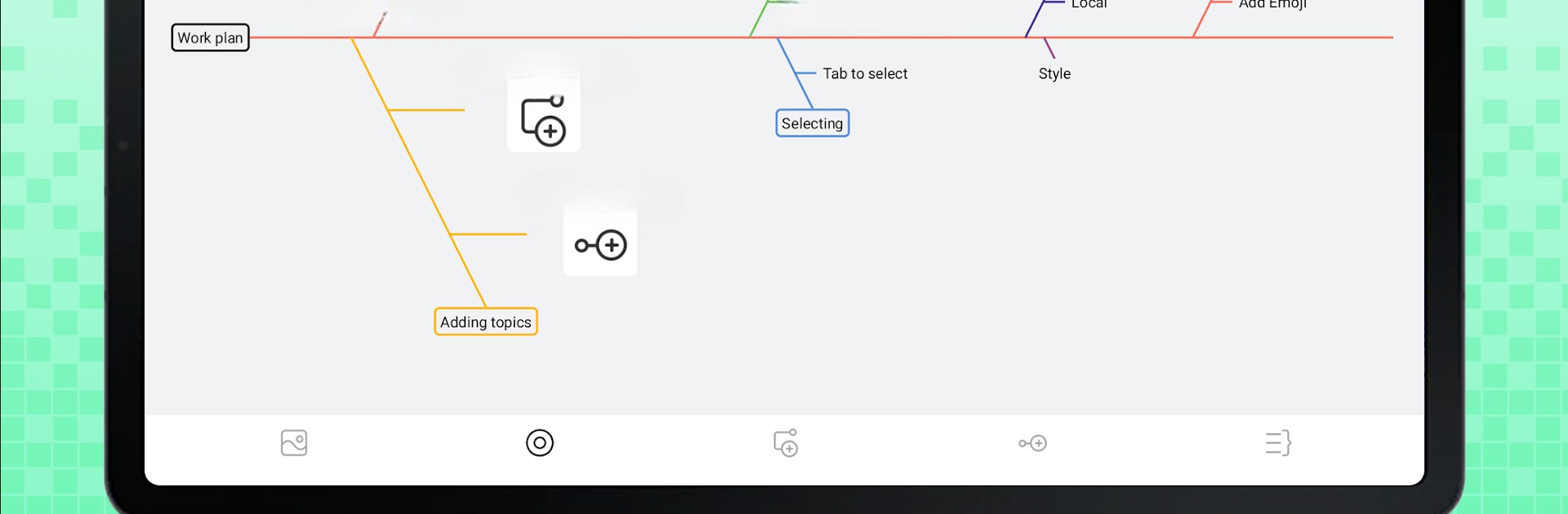
Nice Mind Map feels like a clean desk for ideas. Drop a main topic in the center, pull out branches, color them, stick on pictures or emoji, and the relationships start to make sense instead of living in random notes. It supports normal tree layouts, fishbone style, and even a table layout, and switching between them does not ruin the structure. Templates cover work, school, and life stuff, so a person can spin up a meeting plan, a course outline, a resume skeleton, or a shopping list without staring at a blank page. The new to do section is baked in, not an extra app, so tasks live right on the map with priorities, progress markers, and reminders on the calendar. Quick Doc is useful for short, lightweight docs that sit beside a map rather than inside it.
What stands out is how many small tools add up. Outline mode turns the map into a neat list for fast editing. Presentation mode is handy when showing a plan to a group. Find and replace works across the whole map. There is support for multiple sheets and folders, text and PDF scanning for quick input, even LaTeX when formulas matter. Sync to Google Drive and OneDrive is there, and export to PNG, PDF, OPML, or Markdown is painless. Themes, fonts, dark mode, floating topics, cropping images before adding them, it is all there without feeling heavy. On a PC, running it through BlueStacks makes dragging nodes with a mouse and typing long notes feel natural, and a bigger screen helps a lot when a map gets crowded. Students, teachers, and anyone juggling projects will see the use right away, and the app does not fight back while they work.
Switch to BlueStacks and make the most of your apps on your PC or Mac.





