
Priorities: the most effective

Priorities: the most effective

Productivity

| Mindful Suite

Play on PC with BlueStacks or from our cloud

  • Overview
  • How to Download

Page Modified On: October 24, 2025

Run Priorities: the most effective on PC or Mac

Multitask effortlessly on your PC or Mac as you try out Priorities: the most effective, a Productivity app by Mindful Suite on BlueStacks.

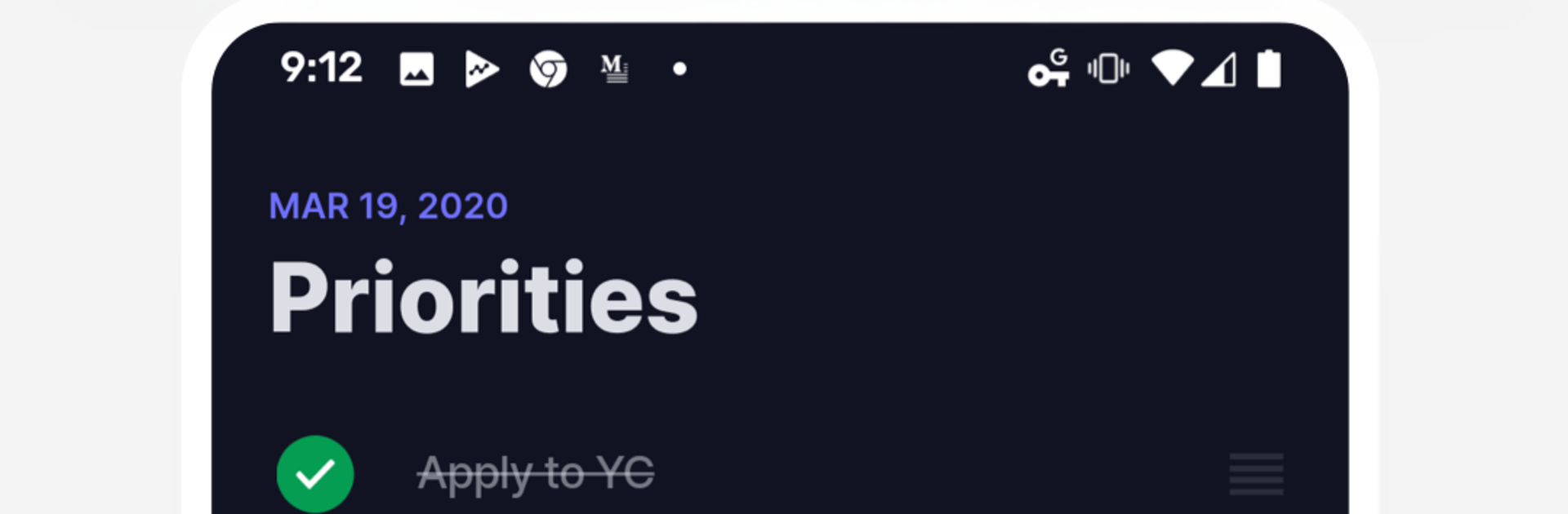
Priorities feels like a to-do app that finally stops the busywork. Instead of endless folders, tags, and color codes that never get revisited, it pushes a simple habit. Pick three to five tasks that actually matter today, then get them done. That is it. The design stays out of the way, so the brain has fewer excuses to wander into sorting and re-sorting. It feels calm and a bit strict at the same time, because the limit forces real choices. Checking an item off is satisfying, not because of flashy effects, but because the list is short and clean and there is no fluff. The whole thing leans more habit than planner, which is the point.

On PC with BlueStacks, it is nice to keep it parked on the side of the screen and type quickly with a keyboard. Adding or reordering tasks is quick, and having it one alt tab away makes sticking to the day’s focus easier during work. Power users who love deep tagging or big project boards may find it too bare. But anyone who procrastinates by organizing will probably appreciate how it trims the clutter and asks for a clear, daily promise. The three-to-five rule is popular for a reason, and this app just makes that routine simple to follow without extra decoration.

Big screen. Bigger performance. Use BlueStacks on your PC or Mac to run your favorite apps.

How to Download and Run Priorities: the most effective on PC or Mac

  • Download and install BlueStacks on your PC or Mac

  • Complete Google sign-in to access the Play Store, or do it later

  • Look for Priorities: the most effective in the search bar at the top right corner

  • Click to install Priorities: the most effective from the search results

  • Complete Google sign-in (if you skipped step 2) to install Priorities: the most effective

  • Click the Priorities: the most effective icon on the home screen to start playing

video
Watch Video

Minimum System Requirements

With BlueStacks 5, you can get started on a PC that fulfills the following requirements.

  • Operating System

    Microsoft Windows 7 or above, macOS 11 (Big Sur) or above

  • Processor

    Intel, AMD or Apple Silicon Processor

  • RAM

    at least 4GB

  • HDD

    10GB Free Disk Space

Note:

* You must be an Administrator on your PC. Up to date graphics drivers from Microsoft or the chipset vendor.

Priorities: the most effective - FAQs

  • How to Run Priorities: the most effective on Windows PC & Mac?

    Run Priorities: the most effective on your PC or Mac by following these simple steps.

    • Click on ‘Download Priorities: the most effective on PC’ to download BlueStacks
    • Install it and log-in to Google Play Store
    • Launch and run the app.
  • Why is BlueStacks the fastest and safest platform to play games on PC?

    BlueStacks respects your privacy and is always safe and secure to use. It does not carry any malware, spyware, or any sort of additional software that could harm your PC.

    It is engineered to optimize speed and performance for a seamless gaming experience.

  • What are Priorities: the most effective PC requirements?

    Minimum requirement to run Priorities: the most effective on your PC

    • OS: Microsoft Windows 7 and above:
    • Processor: Intel or AMD Processor:
    • RAM: Your PC must have at least 2GB of RAM. (Note that having 2GB or more disk space is not a substitute for RAM):
    • HDD: 5GB Free Disk Space.
    • You must be an Administrator on your PC.




