
ShopeeFood - Đối tác Tài xế

ShopeeFood - Đối tác Tài xế

Productivity

| FOODY CORPORATION

Play on PC with BlueStacks or from our cloud

  • Overview
  • How to Download

Page Modified On: November 20, 2025

Run ShopeeFood - Đối tác Tài xế on PC or Mac

Why limit yourself to your small screen on the phone? Run ShopeeFood – Đối tác Tài xế, an app by FOODY CORPORATION, best experienced on your PC or Mac with BlueStacks, the world’s #1 Android emulator.

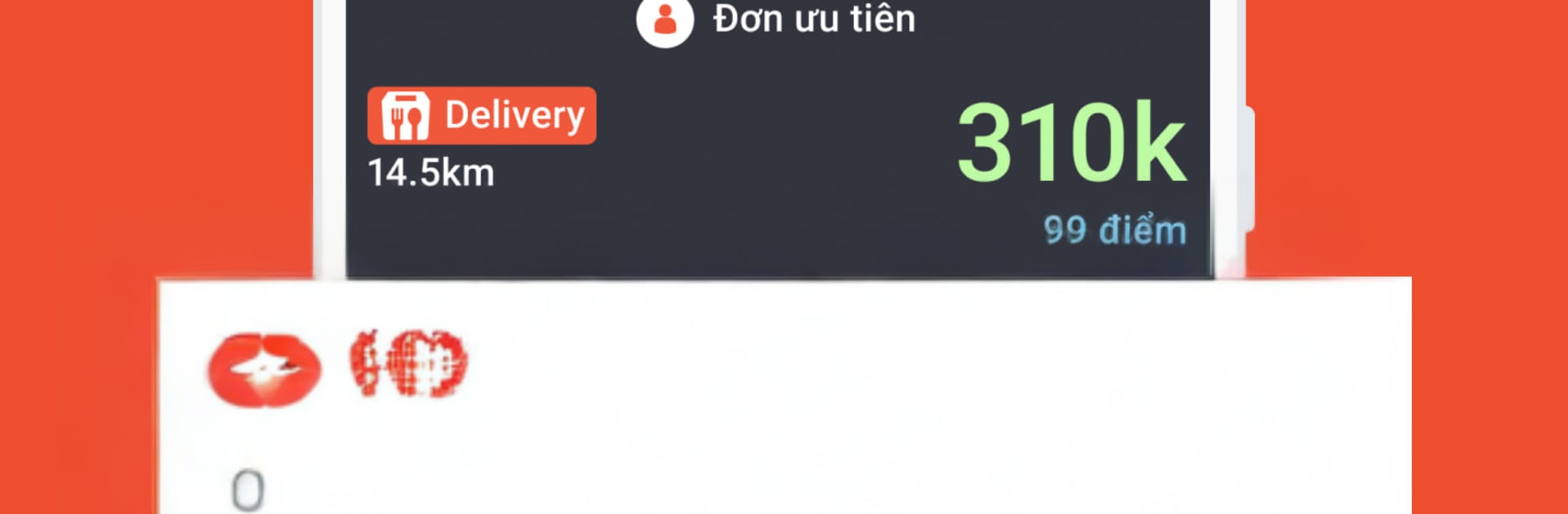
ShopeeFood – Đối tác Tài xế is the driver partner app for taking delivery jobs and keeping track of money without a lot of fuss. The home screen is plain and easy to read, with a big online-offline toggle and new orders popping up with route info, pick up notes, and the usual accept or decline buttons. Once a job is taken, it walks through each step cleanly, from reaching the restaurant to handing off the food, and the map view feels clear instead of noisy. On a PC with BlueStacks, the larger screen helps a lot for reading long item lists or special instructions, and clicking to accept orders feels faster than poking around on a small phone. Typing messages to customers or support with a keyboard is simply nicer, and it is easy to keep the app visible next to other tools while waiting for the next ping.

The money side is straightforward. There is a built-in wallet, simple withdraw and top-up, and a tidy breakdown of each order’s pay plus any small bonuses. Earnings history updates quickly and daily totals are not buried behind menus. Training bits and a support tab are in there if someone needs a refresher or help late at night, which is reassuring when working odd hours. The app lets drivers pick their own time, go online when they want, and it covers many big cities in Vietnam, so it does not feel empty during peak meal times. There can be quick bursts of orders then a quiet patch, but the interface stays stable and light, and the essentials are done right. For anyone curious how it runs on PC, BlueStacks makes maps bigger, messages easier to type, and multitasking between jobs alot smoother.

Eager to take your app experience to the next level? Start right away by downloading BlueStacks on your PC or Mac.


How to Download and Run ShopeeFood - Đối tác Tài xế on PC or Mac

  • Download and install BlueStacks on your PC or Mac

  • Complete Google sign-in to access the Play Store, or do it later

  • Look for ShopeeFood - Đối tác Tài xế in the search bar at the top right corner

  • Click to install ShopeeFood - Đối tác Tài xế from the search results

  • Complete Google sign-in (if you skipped step 2) to install ShopeeFood - Đối tác Tài xế

  • Click the ShopeeFood - Đối tác Tài xế icon on the home screen to start playing

video
Watch Video

Minimum System Requirements

With BlueStacks 5, you can get started on a PC that fulfills the following requirements.

  • Operating System

    Microsoft Windows 7 or above, macOS 11 (Big Sur) or above

  • Processor

    Intel, AMD or Apple Silicon Processor

  • RAM

    at least 4GB

  • HDD

    10GB Free Disk Space

Note:

* You must be an Administrator on your PC. Up to date graphics drivers from Microsoft or the chipset vendor.

ShopeeFood - Đối tác Tài xế - FAQs

  • How to Run ShopeeFood - Đối tác Tài xế on Windows PC & Mac?

    Run ShopeeFood - Đối tác Tài xế on your PC or Mac by following these simple steps.

    • Click on ‘Download ShopeeFood - Đối tác Tài xế on PC’ to download BlueStacks
    • Install it and log-in to Google Play Store
    • Launch and run the app.
  • Why is BlueStacks the fastest and safest platform to play games on PC?

    BlueStacks respects your privacy and is always safe and secure to use. It does not carry any malware, spyware, or any sort of additional software that could harm your PC.

    It is engineered to optimize speed and performance for a seamless gaming experience.

  • What are ShopeeFood - Đối tác Tài xế PC requirements?

    Minimum requirement to run ShopeeFood - Đối tác Tài xế on your PC

    • OS: Microsoft Windows 7 and above:
    • Processor: Intel or AMD Processor:
    • RAM: Your PC must have at least 2GB of RAM. (Note that having 2GB or more disk space is not a substitute for RAM):
    • HDD: 5GB Free Disk Space.
    • You must be an Administrator on your PC.



