

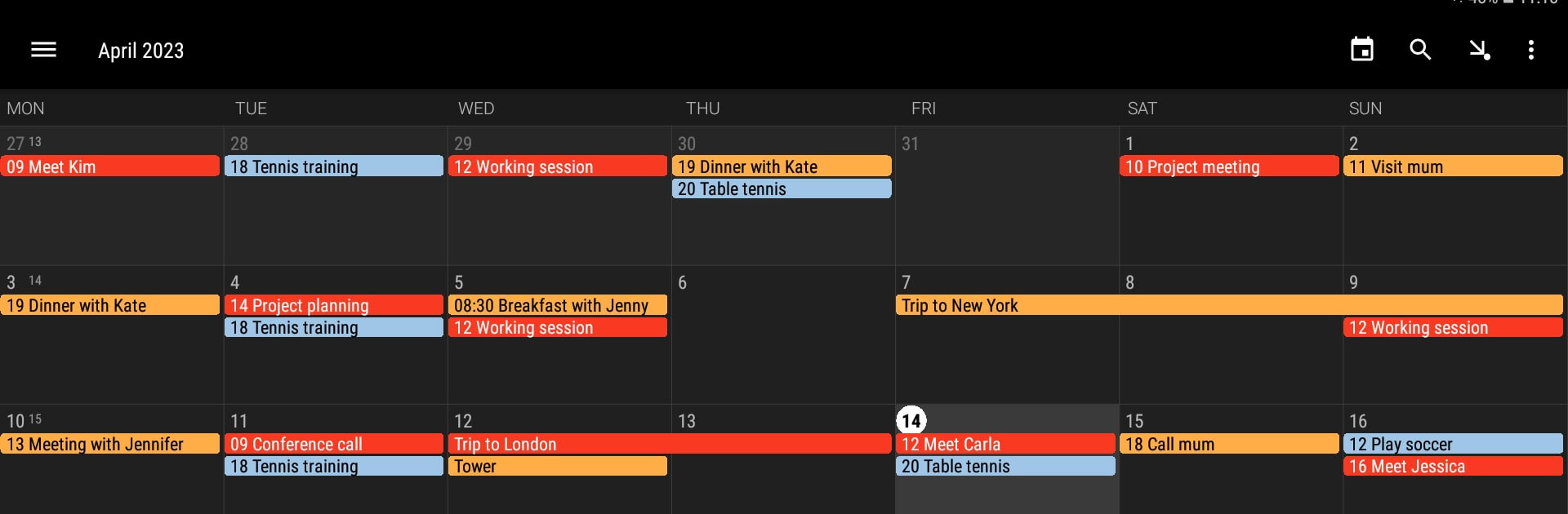


What’s better than using Simple Calendar – Plan Easily by Appgenix Software? Well, try it on a big screen, on your PC or Mac, with BlueStacks to see the difference.
Simple Calendar keeps things basic in a good way. On PC through BlueStacks it feels roomy and uncluttered, so the month, week, day, agenda, and even a year grid are easy to scan without squinting. Switching views is quick, and the month view shows the whole schedule with little popups that reveal details, so there is no need to jump around. In the week and day screens it scrolls smoothly and zooms in tight enough to place things neatly, which works well with a mouse and keyboard input.
Adding an appointment takes a few taps, then it is color coded so work, family, and random errands stop mixing together. Reminders are flexible, repeating events are painless to set up, and inviting people to a meeting is right there instead of buried in some odd submenu. Search is fast when a forgotten time or place needs to be found. Nothing flashy, just the usual tools done cleanly so it does not slow anyone down.
It plays nice with Google Calendar and Outlook if sync is needed, but it also supports fully local calendars for those who prefer keeping plans on the device. Multiple local calendars help split life into buckets without overthinking it. There are widgets for agenda, month, and week on Android, though on a desktop the app window already covers that need. The whole thing feels respectful about privacy, asking for only what is necessary, which is rare and sort of refreshing.
BlueStacks gives you the much-needed freedom to experience your favorite apps on a bigger screen. Get it now.





