
Smart Calculator - All in one

Smart Calculator - All in one

Productivity

| Deepak Kulkarni

Play on PC with BlueStacks or from our cloud

  • Overview
  • How to Download

Page Modified On: October 10, 2025

Run Smart Calculator - All in one on PC or Mac

Multitask effortlessly on your PC or Mac as you try out Smart Calculator – All in one, a Productivity app by Deepak Kulkarni on BlueStacks.

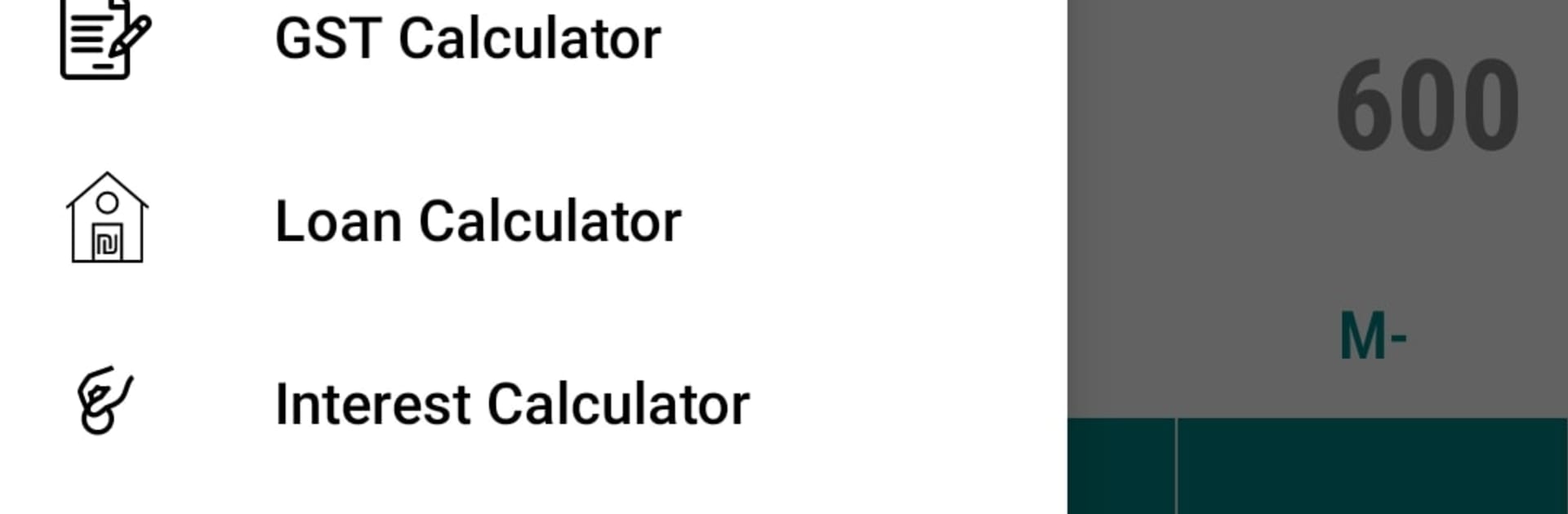
Smart Calculator – All in one feels like a toolbox that replaced five other apps. It opens to a clean, calm layout, then branches into whatever someone needs that day, simple math, full scientific mode, or the money stuff like EMI, SIP, or comparing loans. The little touches help a lot, like an undo button when a key press goes wrong, a history log where notes can be added beside results, and number to word conversion for writing amounts correctly. It handles business tasks without fuss, GST or VAT, discounts, markup and margin, even quick unit price checks before buying in bulk. Health bits are tucked in too, BMI and BMR, body fat and daily calories, nothing fancy to learn. Date tools are surprisingly handy, age calculations, working days, due dates, countdowns, all in one place.

The converter section is huge without feeling messy. Length, weight, area, volume, temperature, data storage, energy, number bases, more than most people will ever need. Currency conversion covers a lot of countries, runs offline with last known rates, and refreshes daily when online. Math helpers solve ratios, GCF and LCM, permutations and combinations, linear or quadratic equations, then let the user adjust decimal places and formats so results look right for class or work. On PC with BlueStacks it is even nicer, typing straight from a keyboard, copying results into a document, snapping the window next to email or a spreadsheet. Themes and dark mode make it easy on the eyes, and everything loads quick, so it feels like a single Swiss army app rather than a cluttered bundle. If someone likes having one reliable place for everyday calculations, this scratches that itch without drama.

BlueStacks brings your apps to life on a bigger screen—seamless and straightforward.

How to Download and Run Smart Calculator - All in one on PC or Mac

  • Download and install BlueStacks on your PC or Mac

  • Complete Google sign-in to access the Play Store, or do it later

  • Look for Smart Calculator - All in one in the search bar at the top right corner

  • Click to install Smart Calculator - All in one from the search results

  • Complete Google sign-in (if you skipped step 2) to install Smart Calculator - All in one

  • Click the Smart Calculator - All in one icon on the home screen to start playing

video
Watch Video

Minimum System Requirements

With BlueStacks 5, you can get started on a PC that fulfills the following requirements.

  • Operating System

    Microsoft Windows 7 or above, macOS 11 (Big Sur) or above

  • Processor

    Intel, AMD or Apple Silicon Processor

  • RAM

    at least 4GB

  • HDD

    10GB Free Disk Space

Note:

* You must be an Administrator on your PC. Up to date graphics drivers from Microsoft or the chipset vendor.

Smart Calculator - All in one - FAQs

  • How to Run Smart Calculator - All in one on Windows PC & Mac?

    Run Smart Calculator - All in one on your PC or Mac by following these simple steps.

    • Click on ‘Download Smart Calculator - All in one on PC’ to download BlueStacks
    • Install it and log-in to Google Play Store
    • Launch and run the app.
  • Why is BlueStacks the fastest and safest platform to play games on PC?

    BlueStacks respects your privacy and is always safe and secure to use. It does not carry any malware, spyware, or any sort of additional software that could harm your PC.

    It is engineered to optimize speed and performance for a seamless gaming experience.

  • What are Smart Calculator - All in one PC requirements?

    Minimum requirement to run Smart Calculator - All in one on your PC

    • OS: Microsoft Windows 7 and above:
    • Processor: Intel or AMD Processor:
    • RAM: Your PC must have at least 2GB of RAM. (Note that having 2GB or more disk space is not a substitute for RAM):
    • HDD: 5GB Free Disk Space.
    • You must be an Administrator on your PC.




