
TerraFlex
TerraFlex

TerraFlex

Productivity

| Trimble Inc.

Play on PC with BlueStacks or from our cloud

  • Overview
  • How to Download

Page Modified On: November 28, 2025

Run TerraFlex on PC or Mac

Let BlueStacks turn your PC, Mac, or laptop into the perfect home for TerraFlex, a fun Productivity app from Trimble Inc..

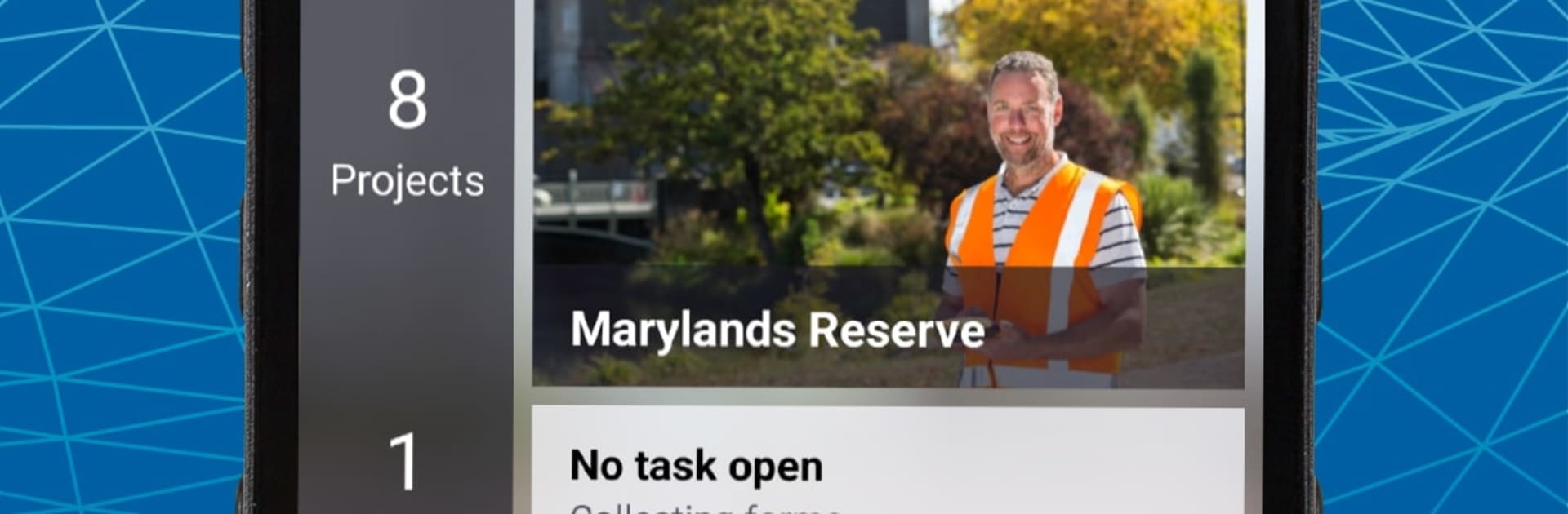
TerraFlex feels like a clean, no-nonsense toolkit for field data. It lets someone build simple forms, then head out and capture geotagged info without juggling a bunch of apps. Think inspections, GIS points, incident notes, emergency stuff, all the usual field tasks that need a location and a few tidy fields. The forms are straightforward, so crews tap through, snap a photo, add a status, and move on. Everything lands in one place so the team stays on the same page, and a coordinator can watch new entries show up almost as they are taken.

On a PC with BlueStacks, the bigger screen and keyboard make form building and data review way easier. Editing fields, checking records, and fixing typos is quicker, and updates to forms roll out through the cloud right away. Assignments can be grouped so projects do not turn into a mess, and the cloud handles the admin overhead most folks do not want to deal with. TerraFlex Standard adds stronger update workflows if a project needs more control over edits. Setup is not a headache either. Make an account, sign in to the cloud, download the app, and it is ready. It is built for Android phones, so if GPS runs in the background it can chew through battery, but that is expected. Overall it is steady, practical, and focused on getting field data in fast and keeping it consistent.

Big screen. Bigger performance. Use BlueStacks on your PC or Mac to run your favorite apps.

How to Download and Run TerraFlex on PC or Mac

  • Download and install BlueStacks on your PC or Mac

  • Complete Google sign-in to access the Play Store, or do it later

  • Look for TerraFlex in the search bar at the top right corner

  • Click to install TerraFlex from the search results

  • Complete Google sign-in (if you skipped step 2) to install TerraFlex

  • Click the TerraFlex icon on the home screen to start playing

video
Watch Video

Minimum System Requirements

With BlueStacks 5, you can get started on a PC that fulfills the following requirements.

  • Operating System

    Microsoft Windows 7 or above, macOS 11 (Big Sur) or above

  • Processor

    Intel, AMD or Apple Silicon Processor

  • RAM

    at least 4GB

  • HDD

    10GB Free Disk Space

Note:

* You must be an Administrator on your PC. Up to date graphics drivers from Microsoft or the chipset vendor.

TerraFlex - FAQs

  • How to Run TerraFlex on Windows PC & Mac?

    Run TerraFlex on your PC or Mac by following these simple steps.

    • Click on ‘Download TerraFlex on PC’ to download BlueStacks
    • Install it and log-in to Google Play Store
    • Launch and run the app.
  • Why is BlueStacks the fastest and safest platform to play games on PC?

    BlueStacks respects your privacy and is always safe and secure to use. It does not carry any malware, spyware, or any sort of additional software that could harm your PC.

    It is engineered to optimize speed and performance for a seamless gaming experience.

  • What are TerraFlex PC requirements?

    Minimum requirement to run TerraFlex on your PC

    • OS: Microsoft Windows 7 and above:
    • Processor: Intel or AMD Processor:
    • RAM: Your PC must have at least 2GB of RAM. (Note that having 2GB or more disk space is not a substitute for RAM):
    • HDD: 5GB Free Disk Space.
    • You must be an Administrator on your PC.




