


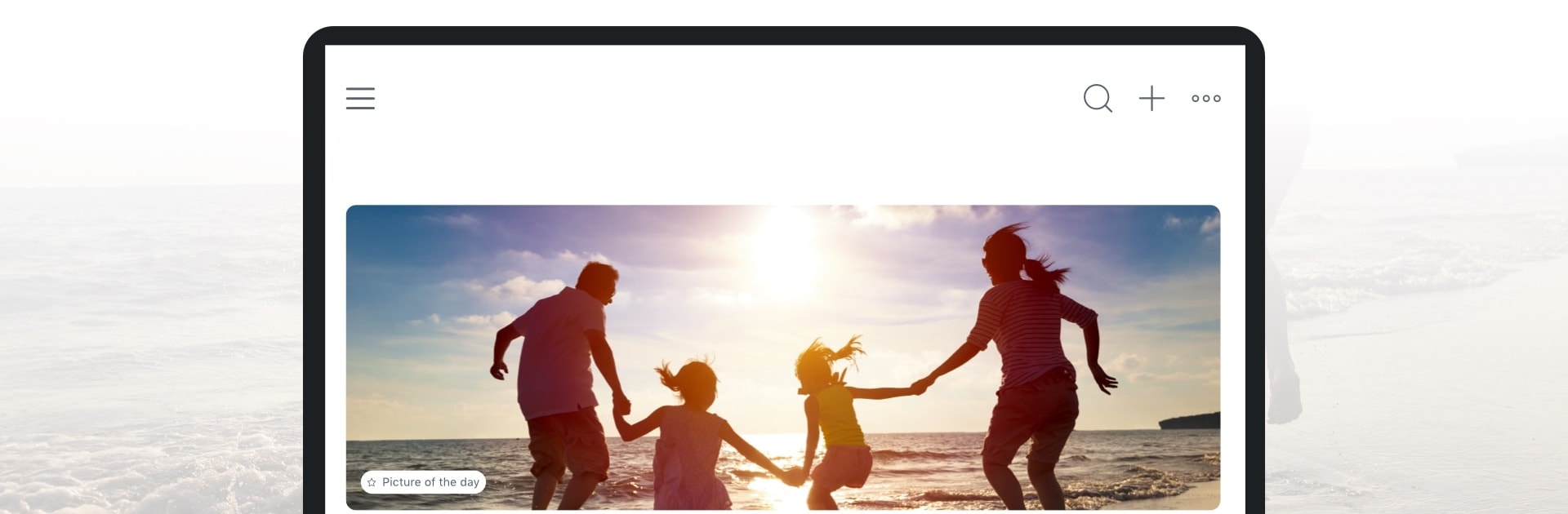


Why limit yourself to your small screen on the phone? Run Total Drive Premium, an app by Protected.net Group Limited T/A Total Security, best experienced on your PC or Mac with BlueStacks, the world’s #1 Android emulator.
About the App
Total Drive Premium is all about giving you peace of mind when it comes to your digital stuff. Whether you’re juggling family photos, important documents, or work files, this app makes sure everything’s safe, organized, and always within reach—no matter where you are. Life’s already complicated enough; Total Drive Premium by Protected.net Group Limited T/A Total Security keeps your cloud storage simple (and stress-free).
App Features
-
Limitless Cloud Storage
Forget about deleting old memories or squeezing files onto external drives. With unlimited space, you can save every photo, video, and document—no second-guessing. -
Automatic Uploads
Let Total Drive Premium do the heavy lifting. Photos and videos are backed up from your device without you having to lift a finger, so nothing important slips through the cracks. -
Real-Time File Syncing
Got more than one device? Your stuff stays updated everywhere—just the way you left it. No missing files or outdated versions. -
Strong Security
It’s not just storage—it’s protection. Your files are shielded from threats like corruption and ransomware, making sure your digital life stays safe. -
Easy Sharing Tools
Need to send that presentation or share a family album? Share what matters in just a few taps, and you have full control to update or revoke access instantly. -
Family Albums
Set up private shared albums for family photos—perfect for staying connected with relatives and keeping memories safe but shareable. -
Smooth File Management
No more endless scrolling or messy folders. The app’s interface makes it easy to organize, search, and grab what you need—quick and simple. -
Ransomware Protection
Total Drive Premium stands guard against ransomware attacks, so you won’t have to panic over losing important files to cyber threats.
And for those who like to work on a bigger screen or want better multitasking, running Total Drive Premium on BlueStacks is an option, too—pretty handy when you’re sorting through lots of files.
Ready to experience Total Drive Premium on a bigger screen, in all its glory? Download BlueStacks now.





