



Get freedom from your phone’s obvious limitations. Use Trimble DL, made by Trimble Inc., a Productivity app on your PC or Mac with BlueStacks, and level up your experience.
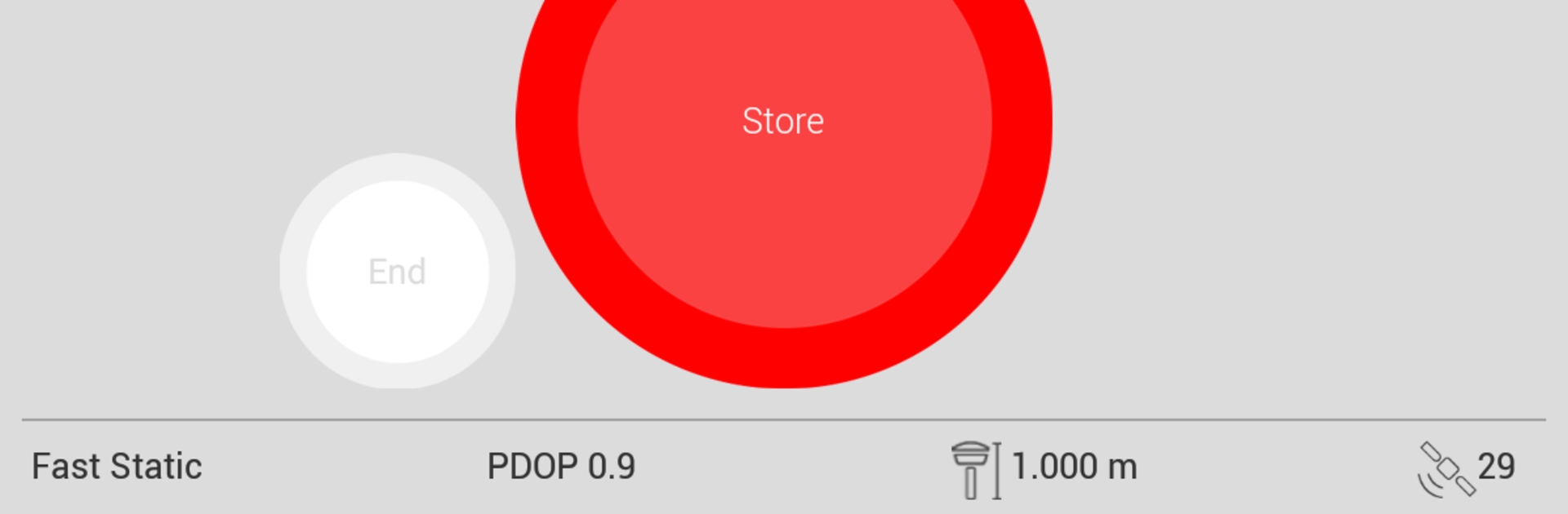
Trimble DL feels like a no-nonsense field helper for anyone dealing with GNSS surveys. It connects over Bluetooth to supported Trimble receivers and keeps the setup simple. Pick Static or Fast Static, fill in the point and antenna details, then hit Measure Point to start logging raw data straight to the receiver’s memory. No fluff. It shows useful status like which satellites are in view with a clean skyplot, so users can see what is overhead and how healthy the signal looks before or during a session.
The file handling is very practical. Logged sessions on the receiver show up in a tidy list, where they can be checked, managed, and sent out by email to the office without digging out cables. It supports a stack of Trimble gear, like the R10 line, R8 and R6 models, R4, R2, R7, R9s, and NetR9, as long as firmware is up to date. The app is not trying to be full survey software, which is fine, because it focuses on collecting clean raw data and moving it along quickly. On a PC with BlueStacks, the bigger screen makes the skyplot and file list easier to read, and typing station descriptions is less fussy with a real keyboard. For anyone who needs a straightforward way to kick off static sessions and manage files in the field, this lands in that sweet spot between simple and reliable.
Switch to BlueStacks and make the most of your apps on your PC or Mac.





