

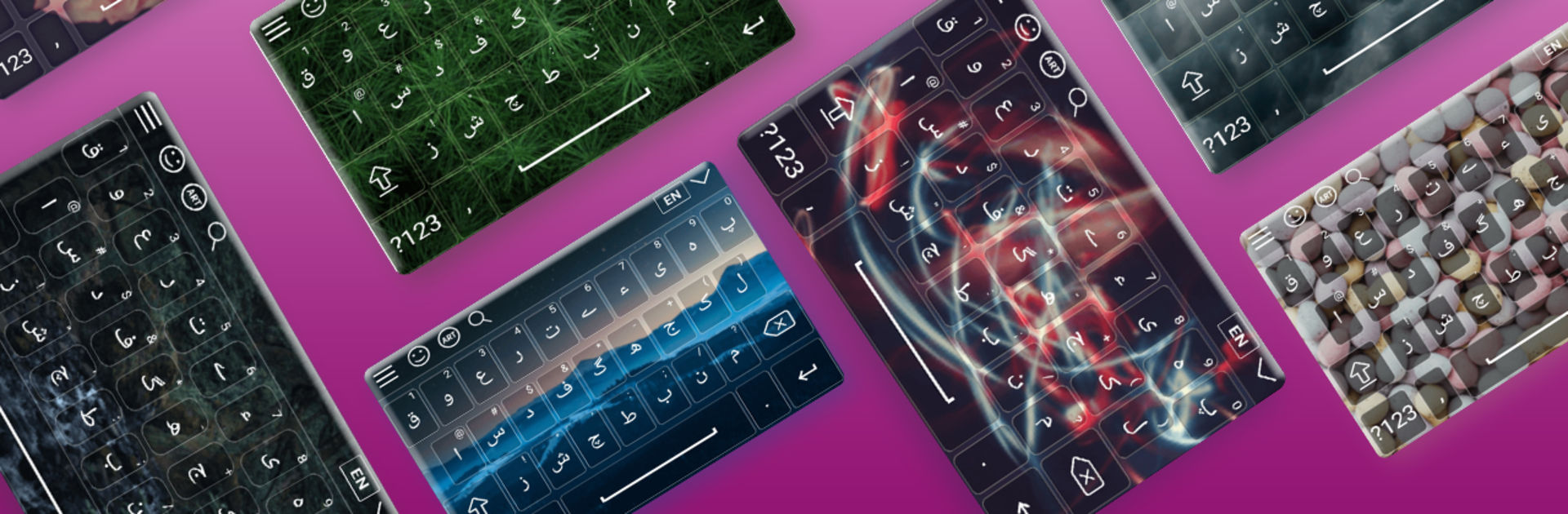


What’s better than using Urdu Keyboard by Abbott Cullen? Well, try it on a big screen, on your PC or Mac, with BlueStacks to see the difference.
Urdu Keyboard is a straightforward way to type real Urdu wherever someone needs it, and it works fine on a PC through BlueStacks. It brings the full Urdu alphabet, symbols, and punctuation into any chat box or text field, so messages, emails, and posts can be written directly without the copy paste dance. There is a quick toggle between Urdu and English, and the built in dictionary, autocorrect, and word prediction help keep things moving. Suggestions can feel a bit eager at times, but they can be switched off if that gets annoying. It also packs a big emoji set for when words are not quite enough.
What stands out is how much control it gives over the look and feel. Themes are not just a couple of colors. They can set a photo as the background, tweak font style and size, adjust key transparency, change popup and text colors, and even raise or lower the keyboard height until it feels right. There are landscape and portrait layouts, previews before applying changes, and simple switches for sound and vibration. On a PC, vibration obviously does nothing, but everything else translates well. Setup is simple too. Enable it, make it the default input, and start typing in any app. For anyone who needs to write daily in Urdu, including folks in Nepal or anywhere Urdu is used, it does the job without fuss.
Ready to experience Urdu Keyboard on a bigger screen, in all its glory? Download BlueStacks now.





