
VIP Notes
VIP Notes

VIP Notes

Productivity

| Ogroman

Play on PC with BlueStacks or from our cloud

  • Overview
  • How to Download

Page Modified On: November 20, 2025

Run VIP Notes on PC or Mac

Upgrade your experience. Try VIP Notes, the fantastic Productivity app from Ogroman, from the comfort of your laptop, PC, or Mac, only on BlueStacks.

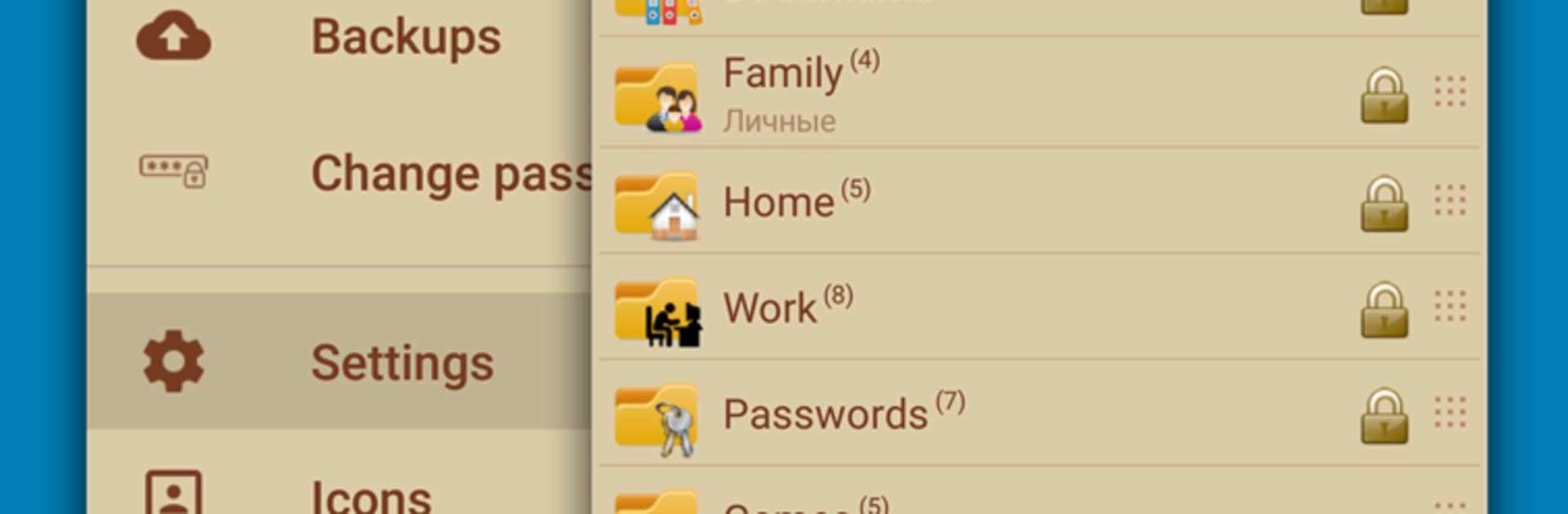
VIP Notes is a straight-up secure notebook that feels focused and calm, not flashy. The big hook is serious encryption with AES-256, but it does not turn on by default. Each note can be set to encrypt inside the edit screen, and the body plus any attachments get locked. The note title stays visible, which helps with quick searches without opening everything. It takes attachments and can open simple text, HTML, and photos right in the app, so small edits or a quick glance are easy. On BlueStacks it is nice to type longer notes with a full keyboard and jump between windows while keeping the app open.

Organization is flexible. There are folders, and in the full version they can nest as deep as needed. Text formatting, labels, reminders, color themes, and a big icon library help keep things tidy. For access, it supports multiple password styles, PIN, and both 3×3 and 4×4 pattern locks. There is quick login with biometrics or a short password, an auto lock timer, and options to wipe data after too many wrong attempts. There is even a separate hidden password that silently clears data, which feels very spy-movie until it is actually useful. It runs fully offline, has no ads, and supports Samsung DeX.

The free version is limited. Only three folders, one attachment per note row, no custom icon uploads, attachments only from camera or gallery, no undo or redo, no automatic backups or smart reminder links, and no direct cloud backup. Encryption applies only to notes where it is enabled, and attachments are only encrypted if that note is. Backup and restore exist, just more manual here.

Eager to take your app experience to the next level? Start right away by downloading BlueStacks on your PC or Mac.


How to Download and Run VIP Notes on PC or Mac

  • Download and install BlueStacks on your PC or Mac

  • Complete Google sign-in to access the Play Store, or do it later

  • Look for VIP Notes in the search bar at the top right corner

  • Click to install VIP Notes from the search results

  • Complete Google sign-in (if you skipped step 2) to install VIP Notes

  • Click the VIP Notes icon on the home screen to start playing

video
Watch Video

Minimum System Requirements

With BlueStacks 5, you can get started on a PC that fulfills the following requirements.

  • Operating System

    Microsoft Windows 7 or above, macOS 11 (Big Sur) or above

  • Processor

    Intel, AMD or Apple Silicon Processor

  • RAM

    at least 4GB

  • HDD

    10GB Free Disk Space

Note:

* You must be an Administrator on your PC. Up to date graphics drivers from Microsoft or the chipset vendor.

VIP Notes - FAQs

  • How to Run VIP Notes on Windows PC & Mac?

    Run VIP Notes on your PC or Mac by following these simple steps.

    • Click on ‘Download VIP Notes on PC’ to download BlueStacks
    • Install it and log-in to Google Play Store
    • Launch and run the app.
  • Why is BlueStacks the fastest and safest platform to play games on PC?

    BlueStacks respects your privacy and is always safe and secure to use. It does not carry any malware, spyware, or any sort of additional software that could harm your PC.

    It is engineered to optimize speed and performance for a seamless gaming experience.

  • What are VIP Notes PC requirements?

    Minimum requirement to run VIP Notes on your PC

    • OS: Microsoft Windows 7 and above:
    • Processor: Intel or AMD Processor:
    • RAM: Your PC must have at least 2GB of RAM. (Note that having 2GB or more disk space is not a substitute for RAM):
    • HDD: 5GB Free Disk Space.
    • You must be an Administrator on your PC.



