
Wagram - Online Status Logger

Wagram - Online Status Logger

Productivity

| Wassup LLC

Play on PC with BlueStacks or from our cloud

  • Overview
  • How to Download

Page Modified On: January 02, 2026

Run Wagram - Online Status Logger on PC or Mac

Why limit yourself to your small screen on the phone? Run Wagram – Online Status Logger, an app by Wassup LLC, best experienced on your PC or Mac with BlueStacks, the world’s #1 Android emulator.

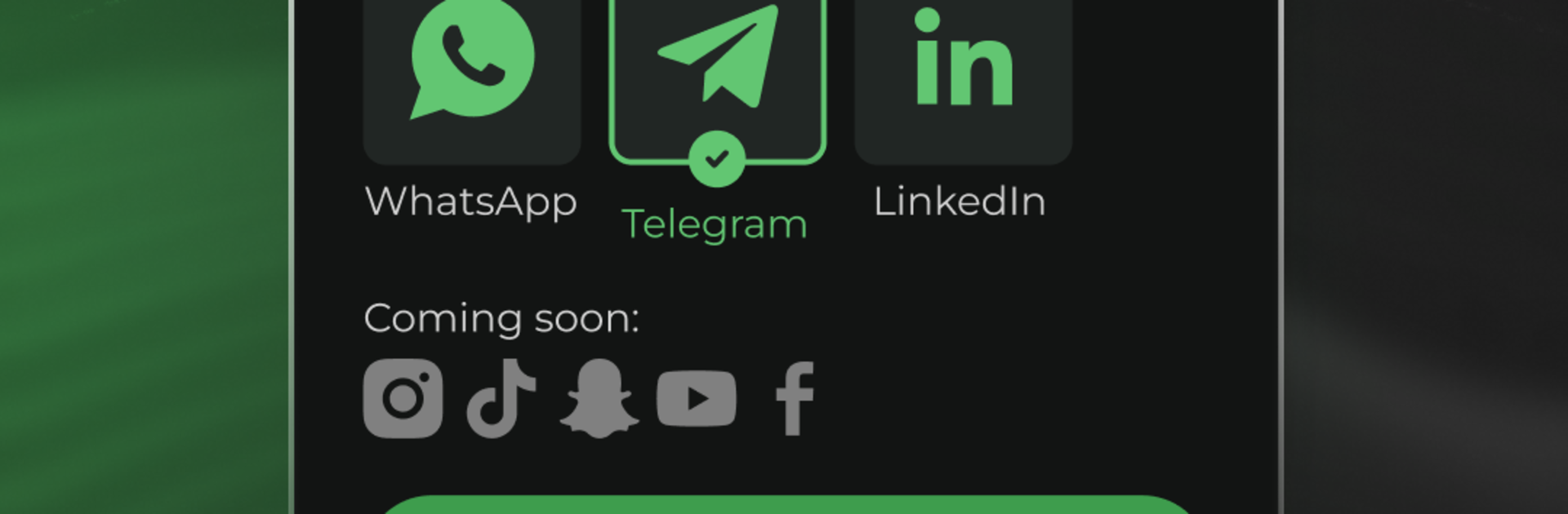
Wagram is a straight-to-the-point tracker for online activity across apps like WhatsApp, Telegram, TikTok, and LinkedIn. It is framed for parents keeping an eye on screen time, and everything revolves around status data. The app shows when someone was last seen, how long they spend online each day or month, and a neat clock-style view that makes patterns easier to spot. Real time alerts hit the moment a tracked profile goes online or offline, which can be useful or a little much if the list is long. There is also a compare tool that lines up multiple profiles so overlaps jump out, hinting at who might be chatting with who. It focuses on status and timing, not message content, so it is more about habits than details.

What stands out is how data heavy it feels without being hard to read. Up to 15 profiles can be tracked, the charts load quickly, and exports to PDF are simple if someone needs to share a summary. On PC through BlueStacks, the timelines and charts are easier to scan, and notifications sit nicely in the corner while doing other stuff. It looks like a utility built for routine use, with updates rolling in and features expanding, though anyone using it should be mindful of privacy and how many alerts they want pinging all day.

BlueStacks gives you the much-needed freedom to experience your favorite apps on a bigger screen. Get it now.

How to Download and Run Wagram - Online Status Logger on PC or Mac

  • Download and install BlueStacks on your PC or Mac

  • Complete Google sign-in to access the Play Store, or do it later

  • Look for Wagram - Online Status Logger in the search bar at the top right corner

  • Click to install Wagram - Online Status Logger from the search results

  • Complete Google sign-in (if you skipped step 2) to install Wagram - Online Status Logger

  • Click the Wagram - Online Status Logger icon on the home screen to start playing

video
Watch Video

Minimum System Requirements

With BlueStacks 5, you can get started on a PC that fulfills the following requirements.

  • Operating System

    Microsoft Windows 7 or above, macOS 11 (Big Sur) or above

  • Processor

    Intel, AMD or Apple Silicon Processor

  • RAM

    at least 4GB

  • HDD

    10GB Free Disk Space

Note:

* You must be an Administrator on your PC. Up to date graphics drivers from Microsoft or the chipset vendor.

Wagram - Online Status Logger - FAQs

  • How to Run Wagram - Online Status Logger on Windows PC & Mac?

    Run Wagram - Online Status Logger on your PC or Mac by following these simple steps.

    • Click on ‘Download Wagram - Online Status Logger on PC’ to download BlueStacks
    • Install it and log-in to Google Play Store
    • Launch and run the app.
  • Why is BlueStacks the fastest and safest platform to play games on PC?

    BlueStacks respects your privacy and is always safe and secure to use. It does not carry any malware, spyware, or any sort of additional software that could harm your PC.

    It is engineered to optimize speed and performance for a seamless gaming experience.

  • What are Wagram - Online Status Logger PC requirements?

    Minimum requirement to run Wagram - Online Status Logger on your PC

    • OS: Microsoft Windows 7 and above:
    • Processor: Intel or AMD Processor:
    • RAM: Your PC must have at least 2GB of RAM. (Note that having 2GB or more disk space is not a substitute for RAM):
    • HDD: 5GB Free Disk Space.
    • You must be an Administrator on your PC.



