
Xuper TV
Xuper TV

Xuper TV

Productivity

| Block Deal

Play on PC with BlueStacks or from our cloud

  • Overview
  • How to Download

Page Modified On: December 22, 2025

Run Xuper TV on PC or Mac

What’s better than using Xuper TV by Block Deal? Well, try it on a big screen, on your PC or Mac, with BlueStacks to see the difference.

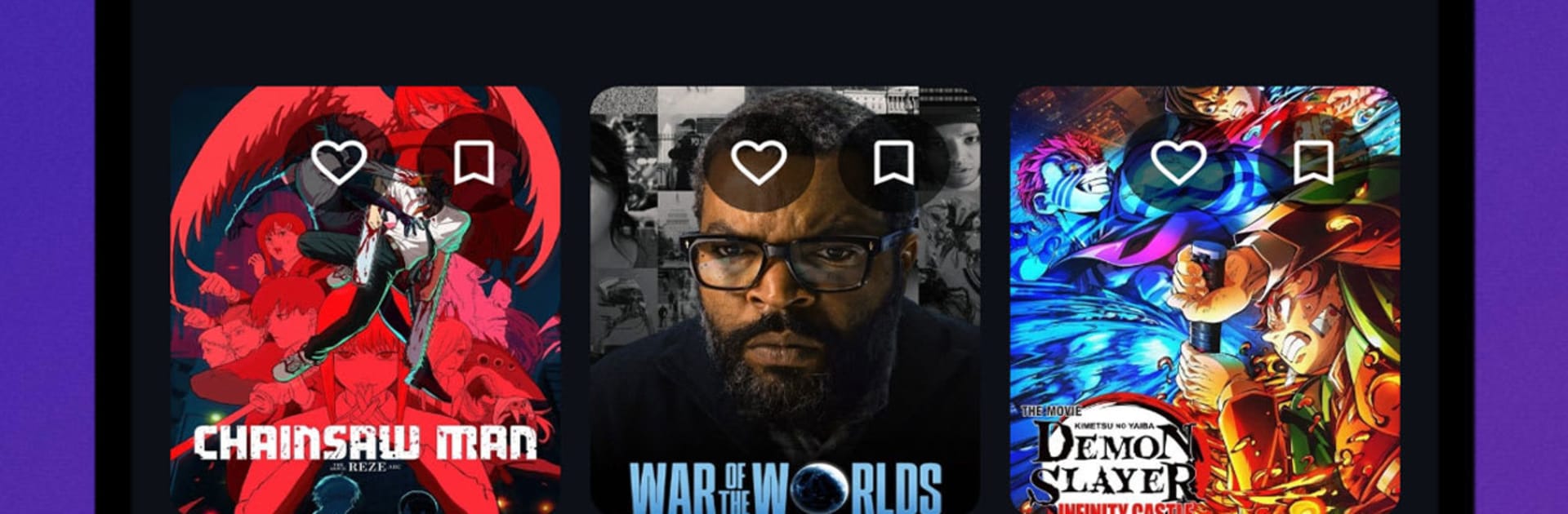
Xuper TV comes off like a straightforward Latin-focused hub that keeps sports, movies, and series in one place. It leans into tracking live and upcoming games, so the first thing that stands out is a clean list of matches with times, teams, and quick details, then rows of films and shows when there is no game to follow. The layout is simple and quick to read, with big tiles and clear categories. It feels more like a practical guide than a flashy streamer, which is nice if someone just wants to find what to watch without digging through clutter. Most labels lean to Spanish, so it suits anyone who watches Latin American content or does not mind a bit of Spanish in the menus.

On BlueStacks it runs smooth and scales well to a monitor, so browsing with a mouse feels natural. Scrolling through schedules, jumping to a league, then flipping over to a series or a movie is quick. Favorites help keep teams and shows handy, and search behaves fast enough to not be annoying. Picture quality and load times depend on the connection and source, so a stable network helps. There is not a lot of extra fluff, which is great for people who want sports times and a neat list of entertainment without a complicated setup.

Switch to BlueStacks and make the most of your apps on your PC or Mac.

How to Download and Run Xuper TV on PC or Mac

  • Download and install BlueStacks on your PC or Mac

  • Complete Google sign-in to access the Play Store, or do it later

  • Look for Xuper TV in the search bar at the top right corner

  • Click to install Xuper TV from the search results

  • Complete Google sign-in (if you skipped step 2) to install Xuper TV

  • Click the Xuper TV icon on the home screen to start playing

video
Watch Video

Minimum System Requirements

With BlueStacks 5, you can get started on a PC that fulfills the following requirements.

  • Operating System

    Microsoft Windows 7 or above, macOS 11 (Big Sur) or above

  • Processor

    Intel, AMD or Apple Silicon Processor

  • RAM

    at least 4GB

  • HDD

    10GB Free Disk Space

Note:

* You must be an Administrator on your PC. Up to date graphics drivers from Microsoft or the chipset vendor.

Xuper TV - FAQs

  • How to Run Xuper TV on Windows PC & Mac?

    Run Xuper TV on your PC or Mac by following these simple steps.

    • Click on ‘Download Xuper TV on PC’ to download BlueStacks
    • Install it and log-in to Google Play Store
    • Launch and run the app.
  • Why is BlueStacks the fastest and safest platform to play games on PC?

    BlueStacks respects your privacy and is always safe and secure to use. It does not carry any malware, spyware, or any sort of additional software that could harm your PC.

    It is engineered to optimize speed and performance for a seamless gaming experience.

  • What are Xuper TV PC requirements?

    Minimum requirement to run Xuper TV on your PC

    • OS: Microsoft Windows 7 and above:
    • Processor: Intel or AMD Processor:
    • RAM: Your PC must have at least 2GB of RAM. (Note that having 2GB or more disk space is not a substitute for RAM):
    • HDD: 5GB Free Disk Space.
    • You must be an Administrator on your PC.





