

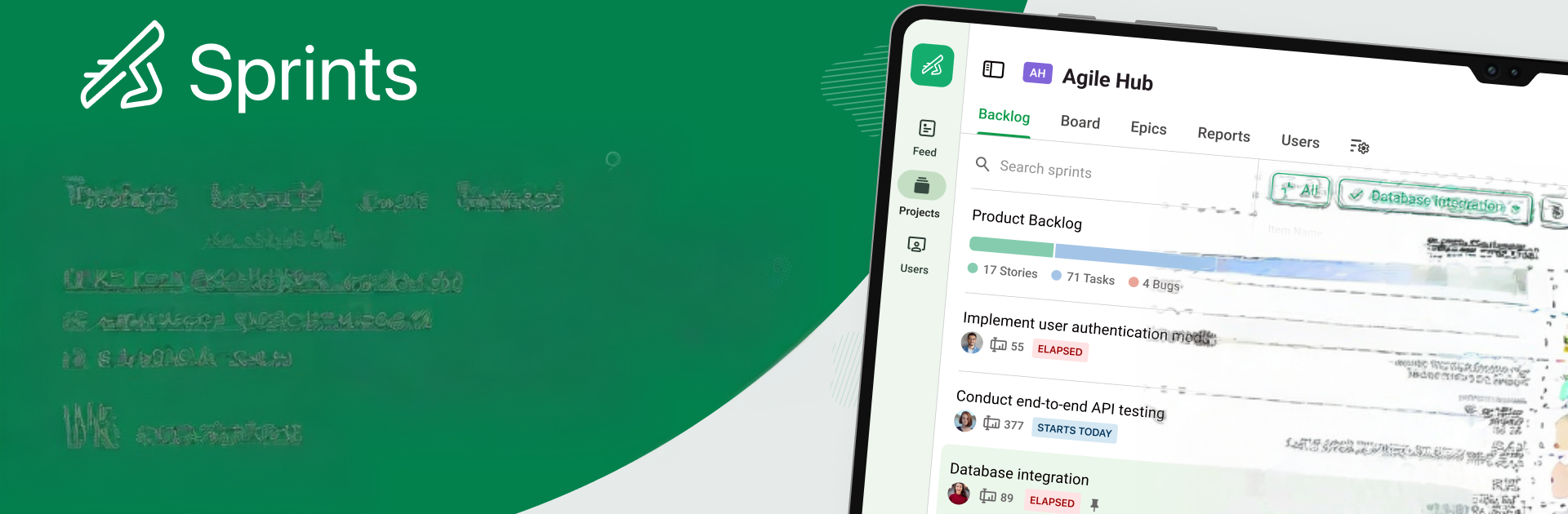


What’s better than using Zoho Sprints by Zoho Corporation? Well, try it on a big screen, on your PC or Mac, with BlueStacks to see the difference.
Zoho Sprints feels like a clean, no-nonsense scrum tool that actually respects someone’s focus. On a PC with BlueStacks it works nicely, since the bigger screen makes the boards and charts breathe a bit. Cards move with simple drag and drop, columns are easy to scan, and the backlog does not feel cluttered. User stories break big ideas into pieces that make sense, and planning a sprint from the couch or a desk feels the same, just with more room to see everything at once.
What stands out most is the spreadsheet style list view. It is fast to skim, fast to edit, and does not hide important fields behind five taps. Filters and search pull up the exact work item without digging. Epics are handled well, with quick linking of stories and painless moves between sprints, so reorganizing a plan midweek does not wreck the board. The charts are simple but useful, with velocity plus burn up and burn down to show if a team is on track or not. Time tracking is built in with timers and log hours, and work items can hold sub-items, attachments, and followers so the right people get pinged. Comments and a global feed keep the chatter in one place without hopping apps. It is not flashy, it is purposeful, and it makes sense for teams that actually run scrum. Anyone wanting a lightweight personal to do might feel it is more tool than they need, but for squads that live in sprints, this keeps the wheels turning without much fuss.
Big screen. Bigger performance. Use BlueStacks on your PC or Mac to run your favorite apps.





