Beach Bliss: Merge Puzzle

Beach Bliss: Merge Puzzle

Puzzle

| Kite Games AS

Play on PC with BlueStacks or from our cloud

  • Overview
  • Game Features
  • How to Play

Page Modified On: July 20, 2026

Play Beach Bliss: Merge Puzzle on PC or Mac

Step into the World of Beach Bliss: Merge Puzzle, a thrilling Puzzle game from the house of Kite Games AS. Play this Android game on BlueStacks App Player and experience immersive gaming on PC or Mac.

About the Game

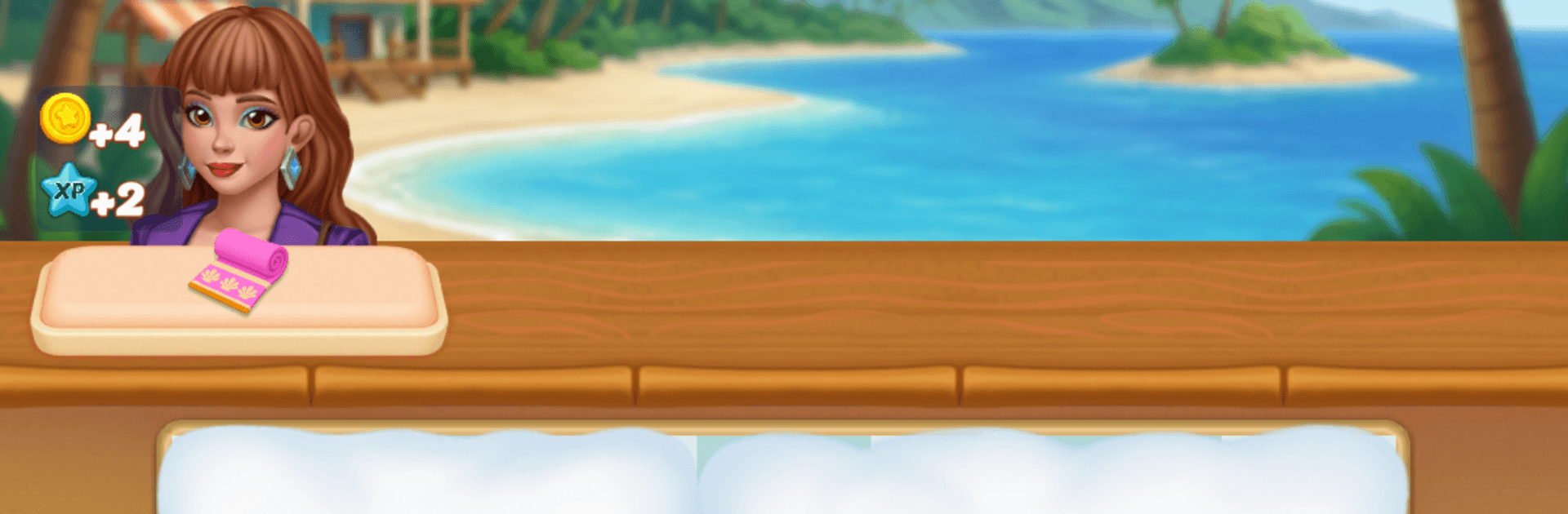
Beach Bliss: Merge Puzzle is a sunny, feel-good Puzzle game about building the beach getaway you’ve always wanted. Merge matching pieces to craft tools, treats, and décor, then use them to fix up bungalows, brighten cafés, and bring a sleepy coastline back to life. You’ll also meet a cast of locals and visitors who could use a style refresh—and maybe a little help with their stories. Prefer a bigger view of the shoreline? It plays nicely on BlueStacks, too.

Game Features

  • Relaxing Merge-2 Play: Match and merge items to create better versions—useful tools, tropical snacks, eye-catching decorations—and keep the progress rolling.
  • Makeovers with Personality: Try new outfits, hairstyles, and accessories to give characters a fresh look while learning what they’re all about.
  • Design Your Shore: Restore beach houses, spruce up boardwalks, and decorate cozy hangouts. Pick colors, layouts, and details that fit your vibe.
  • Quests and Requests: Fill customer orders and complete task lists that guide your next merge, reward you for smart planning, and open new options.
  • New Spots to Unlock: Clear your board, earn rewards, and discover fresh areas—from quiet coves to lively beachfront lounges—each with its own needs.
  • A Warm, Breezy Story: Expect friendly banter, a little romance, and the occasional mystery as the community grows.
  • Satisfying Sessions: Whether you’ve got five minutes or an evening, there’s always something useful to merge and something pretty to finish.

Ready to top the leaderboard? We bet you do. Let precise controls and sharp visuals optimized on BlueStacks lead you to victory.


Game Features

Enhancements

  • Macros
  • Multi Instance
  • Multi Instance Sync
  • Script
  • Enhancements
Macros

Macros

Automate the predictable in Beach Bliss: Merge Puzzle and transform your gameplay with Macros. Get access to inventive Macros in the BlueStacks Macro Community
Multi Instance

Multi Instance

Play Beach Bliss: Merge Puzzle on one window. And chat with your friend on the other. Press CTRL + Shift + 8 to open the Multi-Instance Manager. And start creating fresh instances or clone an existing one.
Multi Instance Sync

Multi Instance Sync

Play Beach Bliss: Merge Puzzle with the power of Multi-Instance Sync. Replicate what you are doing on the main instance on all other instances. Level up faster, play more.
Script

Script

Script your way to gaming glory in Beach Bliss: Merge Puzzle with BlueStacks Script. Write and run a set of commands to automate repeated tasks. Trigger the command by assigning it to any key.
Read More

How to Download and Play Beach Bliss: Merge Puzzle on PC or Mac

  • Download and install BlueStacks on your PC or Mac

  • Complete Google sign-in to access the Play Store, or do it later

  • Look for Beach Bliss: Merge Puzzle in the search bar at the top right corner

  • Click to install Beach Bliss: Merge Puzzle from the search results

  • Complete Google sign-in (if you skipped step 2) to install Beach Bliss: Merge Puzzle

  • Click the Beach Bliss: Merge Puzzle icon on the home screen to start playing

video
Watch Video

Minimum System Requirements

With BlueStacks 5, you can get started on a PC that fulfills the following requirements.

  • Operating System

    Microsoft Windows 7 or above, macOS 11 (Big Sur) or above

  • Processor

    Intel, AMD or Apple Silicon Processor

  • RAM

    at least 4GB

  • HDD

    10GB Free Disk Space

Note:

* You must be an Administrator on your PC. Up to date graphics drivers from Microsoft or the chipset vendor.

Beach Bliss: Merge Puzzle - FAQs

  • How to play Beach Bliss: Merge Puzzle on Windows PC & Mac?

    Play Beach Bliss: Merge Puzzle on your PC or Mac by following these simple steps.

    • Click on 'Play Beach Bliss: Merge Puzzle on PC’ to download BlueStacks
    • Install it and log-in to Google Play Store
    • Launch and play the game.
  • Why is BlueStacks the fastest and safest platform to play games on PC?

    BlueStacks respects your privacy and is always safe and secure to use. It does not carry any malware, spyware, or any sort of additional software that could harm your PC.

    It is engineered to optimize speed and performance for a seamless gaming experience.

  • What are Beach Bliss: Merge Puzzle PC requirements?

    Minimum requirement to run Beach Bliss: Merge Puzzle on your PC

    • OS: Microsoft Windows 7 or above MacOS 11 (Big Sur) or above
    • Processor: Intel, AMD or Apple Silicon Processor
    • RAM: Your PC must have at least 4GB of RAM. (Note that having 4GB or more disk space is not a substitute for RAM)
    • HDD: 10GB Free Disk Space.
    • You must be an Administrator on your PC.