Dream Mancave - Match 3 Games

Dream Mancave - Match 3 Games

Puzzle

| Y Factory Inc.

Play on PC with BlueStacks or from our cloud

  • Overview
  • Game Features
  • How to Play

Page Modified On: December 15, 2025

Play Dream Mancave - Match 3 Games on PC or Mac

Step into the World of Dream Mancave – Match 3 Games, a thrilling Puzzle game from the house of Y Factory Inc.. Play this Android game on BlueStacks App Player and experience immersive gaming on PC or Mac.

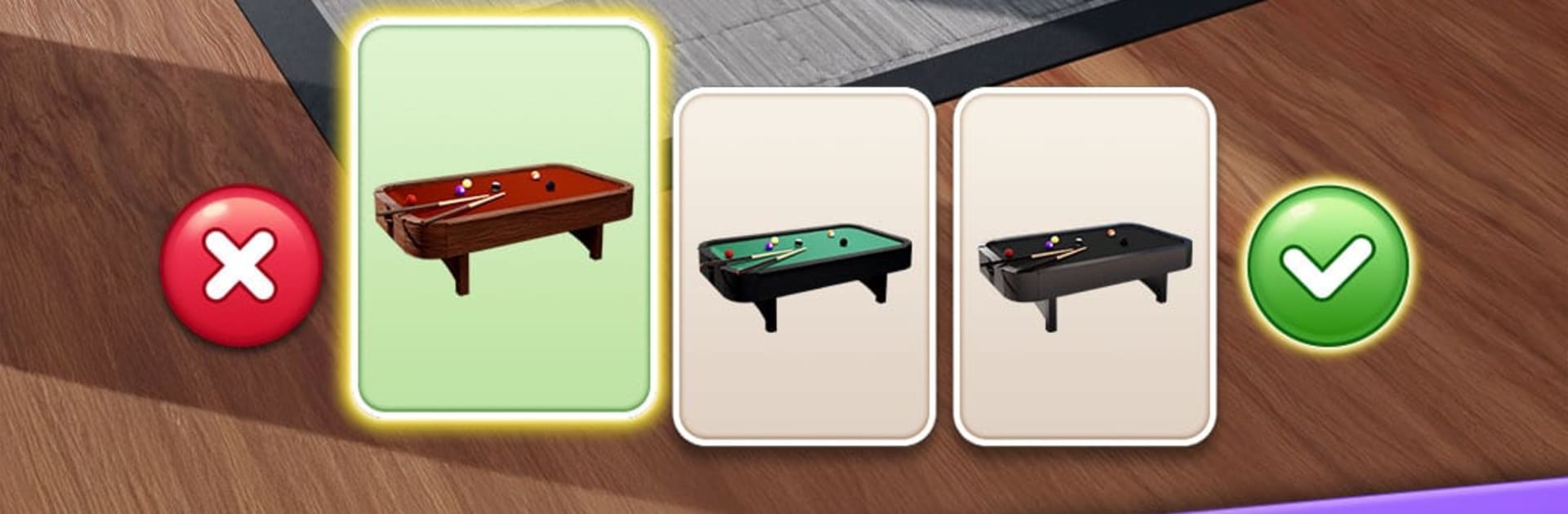
Think match-3 puzzles tied to fixing up a grown-up hangout, not another sugary living room. Every win feeds into decorating a personal mancave, with stuff like vintage arcade cabinets, leather chairs, a humidor, motorbike posters, neon signs, the works. It leans into that wood and metal vibe, so placing items actually feels satisfying, like snapping the last piece into a shelf. The puzzles are classic swipe-and-match, but the boosters are chunky and fun to trigger, like a laser that slices rows or a disco bomb that wipes big chunks. There are thousands of stages already, and new ones roll in on a steady schedule, so it does not run dry fast.

Progress uses a heart system that refills over time, and winning stages kicks some back, which keeps things moving. Watching a quick ad to refill is there, but it never feels like a brick wall. Difficulty shifts gently, so newcomers can relax and puzzle veterans still get a proper brain tug. It works offline too, which is great for no Wi-Fi moments. There is a first-person showroom mode where the player can walk around the room and really see the layout, then share it for friends to rate, which is a neat touch.

Theme sets are the hook: Car Loft, Cigar Lounge, Retro Arcade, Tech Lab, plus more on the way. Weekend events push players to finish stylish rooms fast for limited neon bits, and seasonal passes drop new décor like surf shacks or ski cabins without bloating the grind. On PC with BlueStacks, the bigger screen makes arranging pieces and planning combos feel cleaner, and mouse swipes are precise. Daily freebies hand out boosters and coins, so progress feels steady rather than stingy. It is calm, a little nostalgic, and surprisingly cozy for a match-3 about a leather-scented hideout.

Start your journey now. Download the game on BlueStacks, invite your friends, and march on a new adventure.


Game Features

Enhancements

  • Macros
  • Multi Instance
  • Multi Instance Sync
  • Script
  • Enhancements
Macros

Macros

Automate the predictable in Dream Mancave - Match 3 Games and transform your gameplay with Macros. Get access to inventive Macros in the BlueStacks Macro Community
Multi Instance

Multi Instance

Play Dream Mancave - Match 3 Games on one window. And chat with your friend on the other. Press CTRL + Shift + 8 to open the Multi-Instance Manager. And start creating fresh instances or clone an existing one.
Multi Instance Sync

Multi Instance Sync

Play Dream Mancave - Match 3 Games with the power of Multi-Instance Sync. Replicate what you are doing on the main instance on all other instances. Level up faster, play more.
Script

Script

Script your way to gaming glory in Dream Mancave - Match 3 Games with BlueStacks Script. Write and run a set of commands to automate repeated tasks. Trigger the command by assigning it to any key.
Read More

How to Download and Play Dream Mancave - Match 3 Games on PC or Mac

  • Download and install BlueStacks on your PC or Mac

  • Complete Google sign-in to access the Play Store, or do it later

  • Look for Dream Mancave - Match 3 Games in the search bar at the top right corner

  • Click to install Dream Mancave - Match 3 Games from the search results

  • Complete Google sign-in (if you skipped step 2) to install Dream Mancave - Match 3 Games

  • Click the Dream Mancave - Match 3 Games icon on the home screen to start playing

video
Watch Video

Minimum System Requirements

With BlueStacks 5, you can get started on a PC that fulfills the following requirements.

  • Operating System

    Microsoft Windows 7 or above, macOS 11 (Big Sur) or above

  • Processor

    Intel, AMD or Apple Silicon Processor

  • RAM

    at least 4GB

  • HDD

    10GB Free Disk Space

Note:

* You must be an Administrator on your PC. Up to date graphics drivers from Microsoft or the chipset vendor.

Dream Mancave - Match 3 Games - FAQs

  • How to play Dream Mancave - Match 3 Games on Windows PC & Mac?

    Play Dream Mancave - Match 3 Games on your PC or Mac by following these simple steps.

    • Click on 'Play Dream Mancave - Match 3 Games on PC’ to download BlueStacks
    • Install it and log-in to Google Play Store
    • Launch and play the game.
  • Why is BlueStacks the fastest and safest platform to play games on PC?

    BlueStacks respects your privacy and is always safe and secure to use. It does not carry any malware, spyware, or any sort of additional software that could harm your PC.

    It is engineered to optimize speed and performance for a seamless gaming experience.

  • What are Dream Mancave - Match 3 Games PC requirements?

    Minimum requirement to run Dream Mancave - Match 3 Games on your PC

    • OS: Microsoft Windows 7 or above MacOS 11 (Big Sur) or above
    • Processor: Intel, AMD or Apple Silicon Processor
    • RAM: Your PC must have at least 4GB of RAM. (Note that having 4GB or more disk space is not a substitute for RAM)
    • HDD: 10GB Free Disk Space.
    • You must be an Administrator on your PC.