Pebble Universe
Pebble Universe

Pebble Universe

Puzzle

| Itatake

Play on PC with BlueStacks or from our cloud

  • Overview
  • Game Features
  • How to Play

Page Modified On: November 10, 2025

Play Pebble Universe on PC or Mac

Bring your A-game to Pebble Universe, the Puzzle game sensation from Itatake. Give your gameplay the much-needed boost with precise game controls, high FPS graphics, and top-tier features on your PC or Mac with BlueStacks.

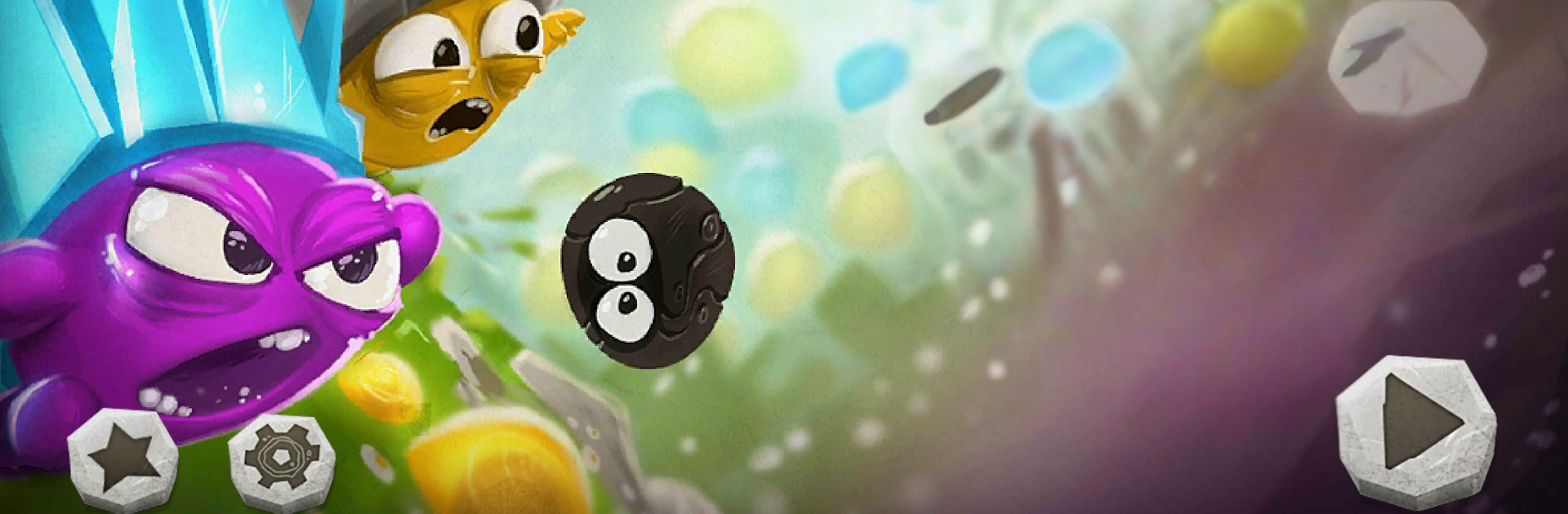
Pebble Universe is a physics puzzle that feels part cute story, part timing challenge. The Pebbles are tiny rock folks with big hats and a bigger problem, since soot-like monsters keep sniffing them out. The twist is neat. When two Pebbles slam into each other at speed, their hats burst and spray little shards that wipe out the monsters. So the whole game becomes about lining up angles, picking the right moment to launch, and chasing those chain reactions that clear a whole screen in one clever move. Levels are short and snappy, which makes mistakes no big deal, and the reset is quick. It looks charming without getting noisy, and the poof-crack sound when the hats pop is weirdly satisfying.

On PC with BlueStacks, the aiming feels more exact with a mouse click, and the bigger view helps judge bounce paths and timing. Early stages teach the basics, then it starts adding tighter spaces, moving targets, and awkward corners that force smarter shots instead of random flinging. It rewards planning but still feels playful. Getting a clean sweep in one blast is the best part, and when a plan barely works, the chaos is funny rather than annoying. It is a chill little puzzle game that still makes the brain work, and it does not waste time with fluff.

Make your gaming sessions memorable with precise controls that give you an edge in close combats and visuals that pop up, bringing every character to life.


Game Features

Enhancements

  • Macros
  • Multi Instance
  • Multi Instance Sync
  • Script
  • Enhancements
Macros

Macros

Automate the predictable in Pebble Universe and transform your gameplay with Macros. Get access to inventive Macros in the BlueStacks Macro Community
Multi Instance

Multi Instance

Play Pebble Universe on one window. And chat with your friend on the other. Press CTRL + Shift + 8 to open the Multi-Instance Manager. And start creating fresh instances or clone an existing one.
Multi Instance Sync

Multi Instance Sync

Play Pebble Universe with the power of Multi-Instance Sync. Replicate what you are doing on the main instance on all other instances. Level up faster, play more.
Script

Script

Script your way to gaming glory in Pebble Universe with BlueStacks Script. Write and run a set of commands to automate repeated tasks. Trigger the command by assigning it to any key.
Read More

How to Download and Play Pebble Universe on PC or Mac

  • Download and install BlueStacks on your PC or Mac

  • Complete Google sign-in to access the Play Store, or do it later

  • Look for Pebble Universe in the search bar at the top right corner

  • Click to install Pebble Universe from the search results

  • Complete Google sign-in (if you skipped step 2) to install Pebble Universe

  • Click the Pebble Universe icon on the home screen to start playing

video
Watch Video

Minimum System Requirements

With BlueStacks 5, you can get started on a PC that fulfills the following requirements.

  • Operating System

    Microsoft Windows 7 or above, macOS 11 (Big Sur) or above

  • Processor

    Intel, AMD or Apple Silicon Processor

  • RAM

    at least 4GB

  • HDD

    10GB Free Disk Space

Note:

* You must be an Administrator on your PC. Up to date graphics drivers from Microsoft or the chipset vendor.

Pebble Universe - FAQs

  • How to play Pebble Universe on Windows PC & Mac?

    Play Pebble Universe on your PC or Mac by following these simple steps.

    • Click on 'Play Pebble Universe on PC’ to download BlueStacks
    • Install it and log-in to Google Play Store
    • Launch and play the game.
  • Why is BlueStacks the fastest and safest platform to play games on PC?

    BlueStacks respects your privacy and is always safe and secure to use. It does not carry any malware, spyware, or any sort of additional software that could harm your PC.

    It is engineered to optimize speed and performance for a seamless gaming experience.

  • What are Pebble Universe PC requirements?

    Minimum requirement to run Pebble Universe on your PC

    • OS: Microsoft Windows 7 or above MacOS 11 (Big Sur) or above
    • Processor: Intel, AMD or Apple Silicon Processor
    • RAM: Your PC must have at least 4GB of RAM. (Note that having 4GB or more disk space is not a substitute for RAM)
    • HDD: 10GB Free Disk Space.
    • You must be an Administrator on your PC.