Sand Hole: Block Sort Jam

Sand Hole: Block Sort Jam

Puzzle

| Tripledot Studios Limited

Play on PC with BlueStacks or from our cloud

  • Overview
  • Game Features
  • How to Play

Page Modified On: September 18, 2026

Play Sand Hole: Block Sort Jam on PC or Mac

Step into the World of Sand Hole: Block Sort Jam, a thrilling Puzzle game from the house of Tripledot Studios Limited. Play this Android game on BlueStacks App Player and experience immersive gaming on PC or Mac.

About the Game

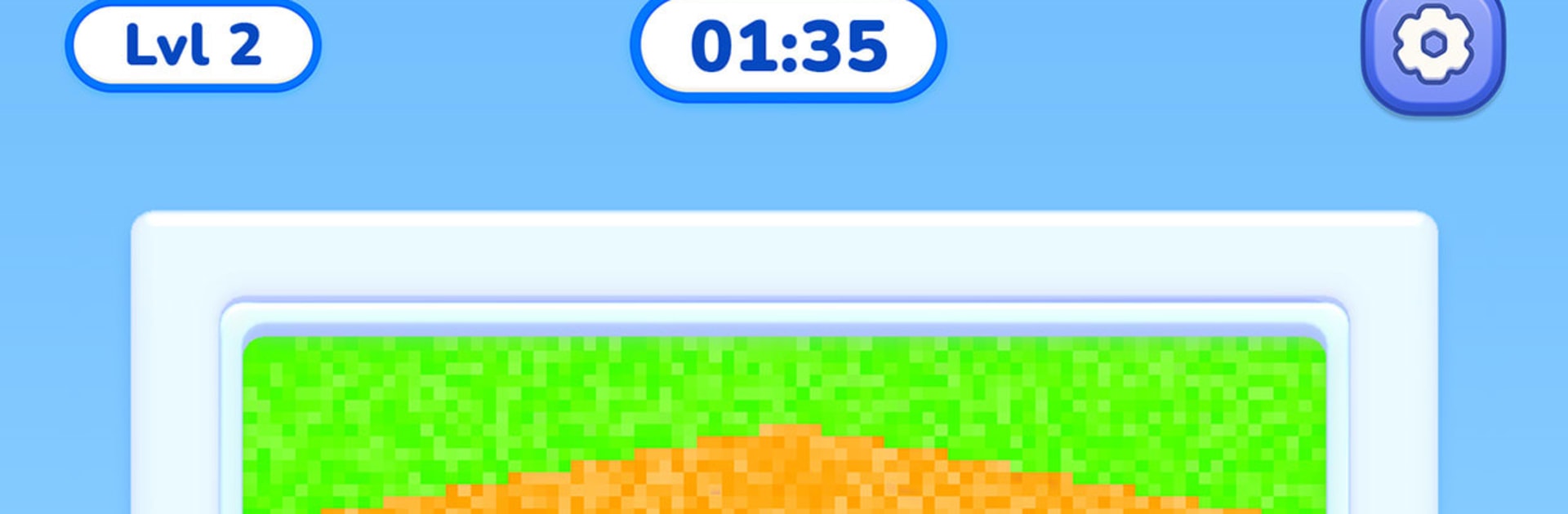
Sand Hole: Block Sort Jam turns color sorting into an oddly addictive Puzzle. Slide chunky shapes onto matching grains to sip them up, fill to 100%, and pop them off the board while you clear space for the next move. It’s tactile and chill on the surface, with real strategy under the sand—and it also feels great on BlueStacks if you prefer a bigger view.

Game Features

  • Drag-and-go controls: Press, drag, release—simple, precise, and built for one-handed play without extra buttons or gestures to memorize.
  • Living sand physics: Nudge grains from below and they funnel; pull from the side and slopes crumble; change the order and the pile behaves in fresh ways.
  • Space-making strategy: Pieces block each other and long shapes wedge tight, so choosing which one to complete first is the heart of the challenge.
  • Boards with personality: Tackle open grids, snaking corridors, and split chambers that push you to rethink routes and clearances.
  • Several sand panels at once: Later stages run multiple sources simultaneously, so planning paths and priorities really pays off.
  • Two-tone blocks: Some shapes hide a second color inside—the core fills first, then the outer layer takes over.
  • Plan-first timer: The clock doesn’t start until your first move, giving you time to study the layout and sketch a plan.
  • Clutch boosters: Break a stubborn piece into singles with Hammer, auto-fill one with Magnet, or pause the countdown using Time Freeze.
  • Crisp, colorful look: Bright pixel-grain sand and clean shapes make every pour, slide, and pop feel extra satisfying.
  • Learn as you play: No lecture at the start—one drag teaches the basics, and the stages ramp up naturally from there.

Start your journey now. Download the game on BlueStacks, invite your friends, and march on a new adventure.


Game Features

Enhancements

  • Macros
  • Multi Instance
  • Multi Instance Sync
  • Script
  • Enhancements
Macros

Macros

Automate the predictable in Sand Hole: Block Sort Jam and transform your gameplay with Macros. Get access to inventive Macros in the BlueStacks Macro Community
Multi Instance

Multi Instance

Play Sand Hole: Block Sort Jam on one window. And chat with your friend on the other. Press CTRL + Shift + 8 to open the Multi-Instance Manager. And start creating fresh instances or clone an existing one.
Multi Instance Sync

Multi Instance Sync

Play Sand Hole: Block Sort Jam with the power of Multi-Instance Sync. Replicate what you are doing on the main instance on all other instances. Level up faster, play more.
Script

Script

Script your way to gaming glory in Sand Hole: Block Sort Jam with BlueStacks Script. Write and run a set of commands to automate repeated tasks. Trigger the command by assigning it to any key.
Read More

How to Download and Play Sand Hole: Block Sort Jam on PC or Mac

  • Download and install BlueStacks on your PC or Mac

  • Complete Google sign-in to access the Play Store, or do it later

  • Look for Sand Hole: Block Sort Jam in the search bar at the top right corner

  • Click to install Sand Hole: Block Sort Jam from the search results

  • Complete Google sign-in (if you skipped step 2) to install Sand Hole: Block Sort Jam

  • Click the Sand Hole: Block Sort Jam icon on the home screen to start playing

video
Watch Video

Minimum System Requirements

With BlueStacks 5, you can get started on a PC that fulfills the following requirements.

  • Operating System

    Microsoft Windows 7 or above, macOS 11 (Big Sur) or above

  • Processor

    Intel, AMD or Apple Silicon Processor

  • RAM

    at least 4GB

  • HDD

    10GB Free Disk Space

Note:

* You must be an Administrator on your PC. Up to date graphics drivers from Microsoft or the chipset vendor.

Sand Hole: Block Sort Jam - FAQs

  • How to play Sand Hole: Block Sort Jam on Windows PC & Mac?

    Play Sand Hole: Block Sort Jam on your PC or Mac by following these simple steps.

    • Click on 'Play Sand Hole: Block Sort Jam on PC’ to download BlueStacks
    • Install it and log-in to Google Play Store
    • Launch and play the game.
  • Why is BlueStacks the fastest and safest platform to play games on PC?

    BlueStacks respects your privacy and is always safe and secure to use. It does not carry any malware, spyware, or any sort of additional software that could harm your PC.

    It is engineered to optimize speed and performance for a seamless gaming experience.

  • What are Sand Hole: Block Sort Jam PC requirements?

    Minimum requirement to run Sand Hole: Block Sort Jam on your PC

    • OS: Microsoft Windows 7 or above MacOS 11 (Big Sur) or above
    • Processor: Intel, AMD or Apple Silicon Processor
    • RAM: Your PC must have at least 4GB of RAM. (Note that having 4GB or more disk space is not a substitute for RAM)
    • HDD: 10GB Free Disk Space.
    • You must be an Administrator on your PC.