電車で絶対座るマン2 -脱出ゲーム
電車で絶対座るマン2 -脱出ゲーム

電車で絶対座るマン2 -脱出ゲーム

Puzzle

| Inline planning Co., Ltd.

Play on PC with BlueStacks or from our cloud

  • Overview
  • Game Features
  • How to Play

Page Modified On: August 15, 2026

Play 電車で絶対座るマン2 -脱出ゲーム on PC or Mac

Play 電車で絶対座るマン2 -脱出ゲーム by Inline planning Co., Ltd. on PC or Mac with BlueStacks. Use a bigger screen, mouse and keyboard controls, and smoother performance while you play.

About the Game

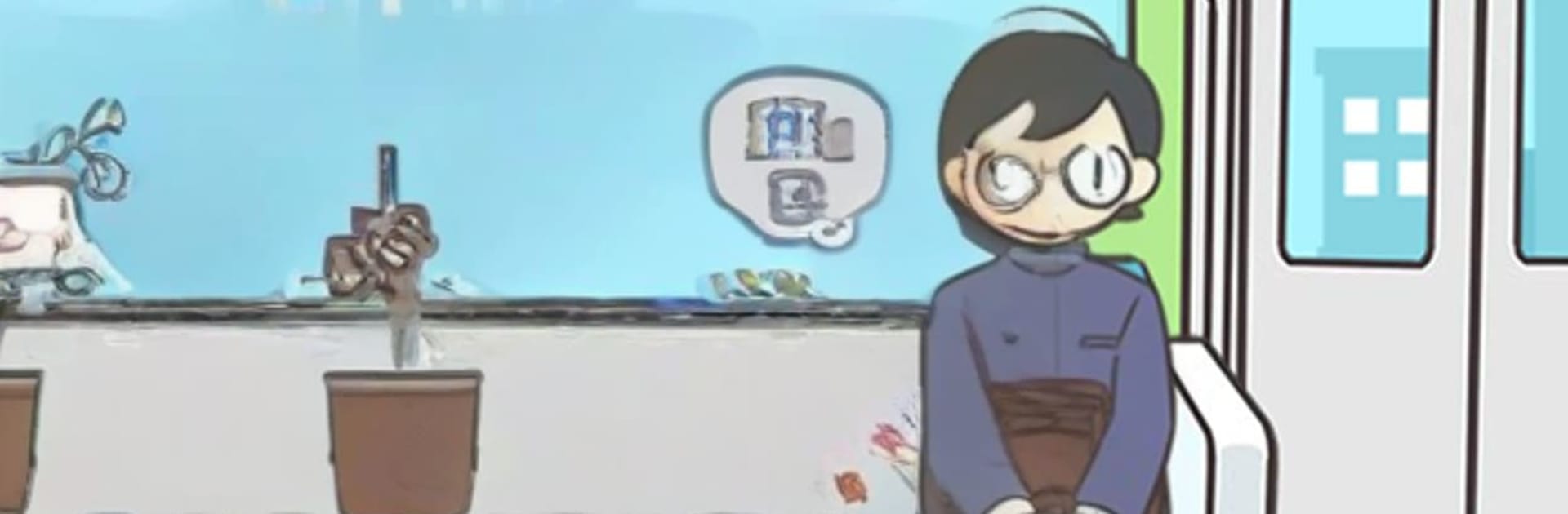
電車で絶対座るマン2 -脱出ゲーム is a quirky Puzzle that turns a crowded commute into a string of bite-sized brainteasers. Your mission is hilariously simple: claim an empty seat… if you can survive the bizarre stuff happening in the car. Tap around, tinker with odd items, and outwit each scene’s gag-filled logic—it’s light, quick, and perfect for short sessions, whether you’re playing on the go or on PC with BlueStacks.

Game Features

  • Seat-Or-Nothing Challenges: Every stage is a new car with one goal—sit down—blocked by ridiculous obstacles and clever tricks.
  • Tap, Try, Tinker: Explore the carriage, poke at suspicious spots, and trigger hidden mechanisms that open a path to that precious seat.
  • Drag-To-Use Items: Pick up strange objects and drag them into place. The right combo can flip a near-disaster into a comfy sit.
  • Comedy Meets Creepy: One moment you’re dodging a sumo wrestler or cooking up a solution; the next, you’re dealing with ghosts or a lurking dinosaur.
  • Outrageous Situations: A tuna stuck in the cushion? Fishing indoors? Sharing a ride with fish-folk in an underwater car? Yep, that’s a normal day here.
  • Hints When You Need Them: Stumped? Optional hint videos give you a nudge without spoiling the fun.
  • Collectible Moments: Unlock and save illustrated snapshots of the wild events you trigger—perfect for checking off your “yep, that happened” gallery.
  • Quick, Snackable Play: Short stages that respect your time, with just enough mischief to make you grin when you finally snag that seat.

Get ready for a buttery smooth, high-performance gaming action only on BlueStacks.

Game Features

Enhancements

  • Macros
  • Multi Instance
  • Multi Instance Sync
  • Script
  • Enhancements
Macros

Macros

Automate the predictable in 電車で絶対座るマン2 -脱出ゲーム and transform your gameplay with Macros. Get access to inventive Macros in the BlueStacks Macro Community
Multi Instance

Multi Instance

Play 電車で絶対座るマン2 -脱出ゲーム on one window. And chat with your friend on the other. Press CTRL + Shift + 8 to open the Multi-Instance Manager. And start creating fresh instances or clone an existing one.
Multi Instance Sync

Multi Instance Sync

Play 電車で絶対座るマン2 -脱出ゲーム with the power of Multi-Instance Sync. Replicate what you are doing on the main instance on all other instances. Level up faster, play more.
Script

Script

Script your way to gaming glory in 電車で絶対座るマン2 -脱出ゲーム with BlueStacks Script. Write and run a set of commands to automate repeated tasks. Trigger the command by assigning it to any key.
Read More

How to Download and Play 電車で絶対座るマン2 -脱出ゲーム on PC or Mac

  • Download and install BlueStacks on your PC or Mac

  • Complete Google sign-in to access the Play Store, or do it later

  • Look for 電車で絶対座るマン2 -脱出ゲーム in the search bar at the top right corner

  • Click to install 電車で絶対座るマン2 -脱出ゲーム from the search results

  • Complete Google sign-in (if you skipped step 2) to install 電車で絶対座るマン2 -脱出ゲーム

  • Click the 電車で絶対座るマン2 -脱出ゲーム icon on the home screen to start playing

video
Watch Video

Minimum System Requirements

With BlueStacks 5, you can get started on a PC that fulfills the following requirements.

  • Operating System

    Microsoft Windows 7 or above, macOS 11 (Big Sur) or above

  • Processor

    Intel, AMD or Apple Silicon Processor

  • RAM

    at least 4GB

  • HDD

    10GB Free Disk Space

Note:

* You must be an Administrator on your PC. Up to date graphics drivers from Microsoft or the chipset vendor.

電車で絶対座るマン2 -脱出ゲーム - FAQs

  • How to play 電車で絶対座るマン2 -脱出ゲーム on Windows PC & Mac?

    Play 電車で絶対座るマン2 -脱出ゲーム on your PC or Mac by following these simple steps.

    • Click on 'Play 電車で絶対座るマン2 -脱出ゲーム on PC’ to download BlueStacks
    • Install it and log-in to Google Play Store
    • Launch and play the game.
  • Why is BlueStacks the fastest and safest platform to play games on PC?

    BlueStacks respects your privacy and is always safe and secure to use. It does not carry any malware, spyware, or any sort of additional software that could harm your PC.

    It is engineered to optimize speed and performance for a seamless gaming experience.

  • What are 電車で絶対座るマン2 -脱出ゲーム PC requirements?

    Minimum requirement to run 電車で絶対座るマン2 -脱出ゲーム on your PC

    • OS: Microsoft Windows 7 or above MacOS 11 (Big Sur) or above
    • Processor: Intel, AMD or Apple Silicon Processor
    • RAM: Your PC must have at least 4GB of RAM. (Note that having 4GB or more disk space is not a substitute for RAM)
    • HDD: 10GB Free Disk Space.
    • You must be an Administrator on your PC.