The Secret Code: Forest Puzzle

The Secret Code: Forest Puzzle

Puzzle

| Drage Games

Play on PC with BlueStacks or from our cloud

  • Overview
  • Game Features
  • How to Play

Page Modified On: August 20, 2026

Play The Secret Code: Forest Puzzle on PC or Mac

Play The Secret Code: Forest Puzzle by Drage Games on PC or Mac with BlueStacks. Use a bigger screen, mouse and keyboard controls, and smoother performance while you play.

About the Game

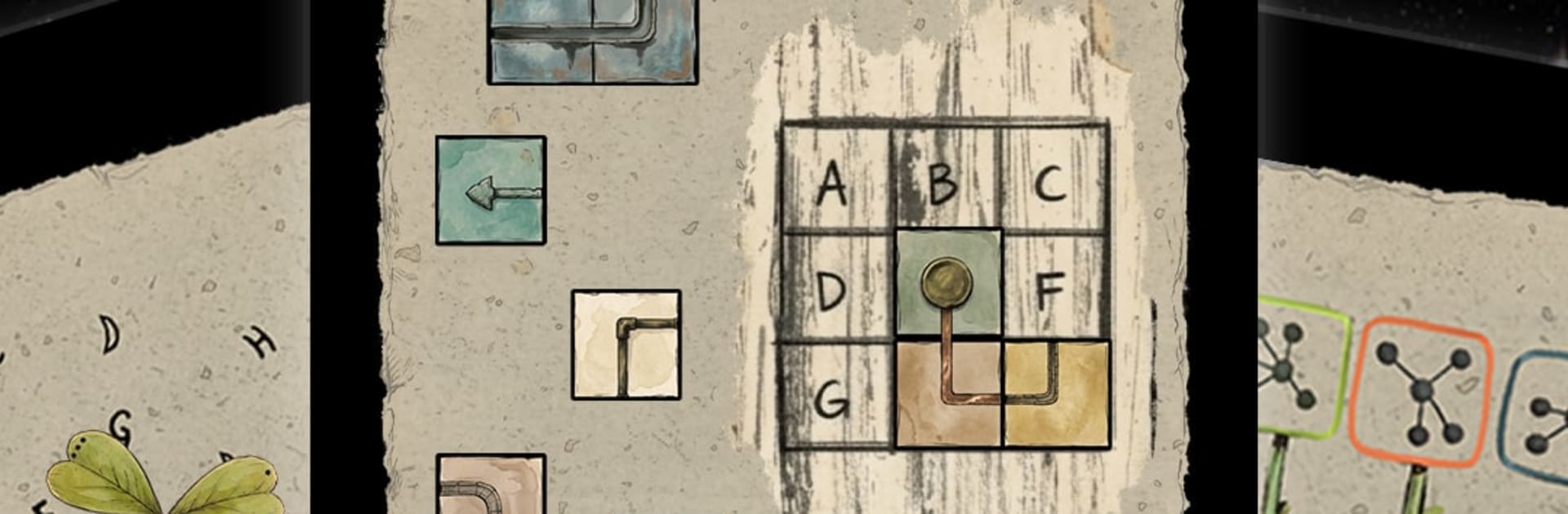
The Secret Code: Forest Puzzle turns a tranquil garden into a brain-teasing playground. This Puzzle experience asks you to read the landscape—petals, leaves, branches—and translate what you notice into a tidy 3×3 code. It’s calm, clever, and completely word-free; if you prefer a bigger screen and crisp controls, it also plays nicely on BlueStacks.

Game Features

  • Look-then-think gameplay: Study each scene, spot patterns in the foliage, and let the environment teach you what the answer should be.
  • 3×3 input pad: Enter the solution on a compact grid that makes every correct combination feel neat and satisfying.
  • Wordless design: No written instructions or dialogue—logic and visuals guide you, so it feels natural in any language.
  • Painted-by-hand visuals: Rich botanical art gives every screen a gallery feel, with subtle changes as your reasoning clicks into place.
  • Nature audio: Soft rustles and ambient sounds create a quiet space to focus without pressure.
  • Unhurried pace: Take your time—there’s no rush, just a steady flow of thoughtful, low-stress challenges.
  • Evolving twists: New arrangements nudge different kinds of reasoning, from symmetry checks to spotting outliers.
  • Short, soothing sessions: Pop in for a quick code or linger for a longer stretch; it’s easy to pick up and pause whenever.
  • Clean, tactile feel: Snappy interactions and clear feedback keep the focus on deduction, not on fiddly controls.

Ready to top the leaderboard? We bet you do. Let precise controls and sharp visuals optimized on BlueStacks lead you to victory.


Game Features

Enhancements

  • Macros
  • Multi Instance
  • Multi Instance Sync
  • Script
  • Enhancements
Macros

Macros

Automate the predictable in The Secret Code: Forest Puzzle and transform your gameplay with Macros. Get access to inventive Macros in the BlueStacks Macro Community
Multi Instance

Multi Instance

Play The Secret Code: Forest Puzzle on one window. And chat with your friend on the other. Press CTRL + Shift + 8 to open the Multi-Instance Manager. And start creating fresh instances or clone an existing one.
Multi Instance Sync

Multi Instance Sync

Play The Secret Code: Forest Puzzle with the power of Multi-Instance Sync. Replicate what you are doing on the main instance on all other instances. Level up faster, play more.
Script

Script

Script your way to gaming glory in The Secret Code: Forest Puzzle with BlueStacks Script. Write and run a set of commands to automate repeated tasks. Trigger the command by assigning it to any key.
Read More

How to Download and Play The Secret Code: Forest Puzzle on PC or Mac

  • Download and install BlueStacks on your PC or Mac

  • Complete Google sign-in to access the Play Store, or do it later

  • Look for The Secret Code: Forest Puzzle in the search bar at the top right corner

  • Click to install The Secret Code: Forest Puzzle from the search results

  • Complete Google sign-in (if you skipped step 2) to install The Secret Code: Forest Puzzle

  • Click the The Secret Code: Forest Puzzle icon on the home screen to start playing

video
Watch Video

Minimum System Requirements

With BlueStacks 5, you can get started on a PC that fulfills the following requirements.

  • Operating System

    Microsoft Windows 7 or above, macOS 11 (Big Sur) or above

  • Processor

    Intel, AMD or Apple Silicon Processor

  • RAM

    at least 4GB

  • HDD

    10GB Free Disk Space

Note:

* You must be an Administrator on your PC. Up to date graphics drivers from Microsoft or the chipset vendor.

The Secret Code: Forest Puzzle - FAQs

  • How to play The Secret Code: Forest Puzzle on Windows PC & Mac?

    Play The Secret Code: Forest Puzzle on your PC or Mac by following these simple steps.

    • Click on 'Play The Secret Code: Forest Puzzle on PC’ to download BlueStacks
    • Install it and log-in to Google Play Store
    • Launch and play the game.
  • Why is BlueStacks the fastest and safest platform to play games on PC?

    BlueStacks respects your privacy and is always safe and secure to use. It does not carry any malware, spyware, or any sort of additional software that could harm your PC.

    It is engineered to optimize speed and performance for a seamless gaming experience.

  • What are The Secret Code: Forest Puzzle PC requirements?

    Minimum requirement to run The Secret Code: Forest Puzzle on your PC

    • OS: Microsoft Windows 7 or above MacOS 11 (Big Sur) or above
    • Processor: Intel, AMD or Apple Silicon Processor
    • RAM: Your PC must have at least 4GB of RAM. (Note that having 4GB or more disk space is not a substitute for RAM)
    • HDD: 10GB Free Disk Space.
    • You must be an Administrator on your PC.