Extreme Driving Car Games 3D

Extreme Driving Car Games 3D

Racing

| Friends Coding World

Play on PC with BlueStacks or from our cloud

  • Overview
  • Game Features
  • How to Play

Page Modified On: June 25, 2026

Play Extreme Driving Car Games 3D on PC or Mac

Extreme Driving Car Games 3D by Friends Coding World has plenty to keep you busy. BlueStacks lets you play it on PC or Mac with more screen space, better control, and fewer mobile limits.

About the Game

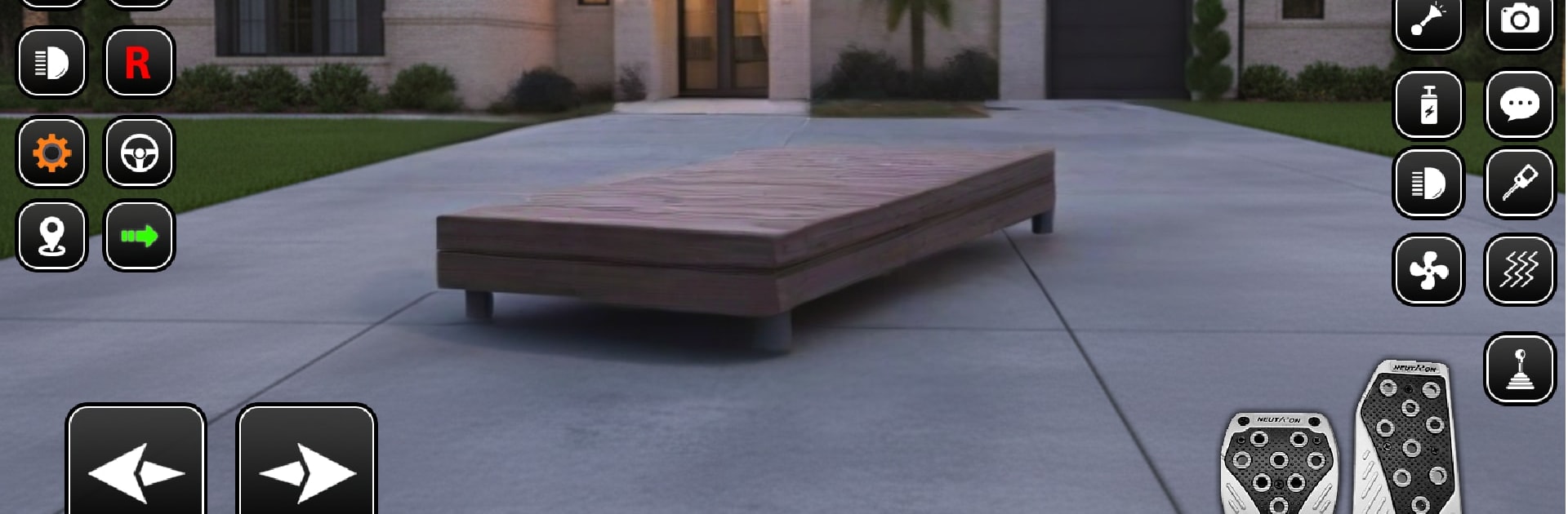
Extreme Driving Car Games 3D puts you in the thick of highway traffic where nerve, timing, and clean lines matter. It’s all about threading the needle between cars, racking up coins, and unlocking new rides while the physics keep every drift and brake tap feeling legit. Prefer a desk setup? It runs smoothly on BlueStacks if you like a bigger screen and keyboard controls.

Game Features

  • Feel-the-road handling: Cars have weight and grip, so braking late, steering smoothly, and managing speed actually pays off.
  • 40+ distinct rides: From quick compacts to burly SUVs, pick a style that fits the way you like to race—each one behaves differently.
  • Five ways to race: Go Endless for long hauls, tackle Two-Way traffic for extra thrills, chase the clock in Time Trial, shake off sirens in Police Chase, or just cruise in Free Ride.
  • Varied locations: Suburbs at rush hour, sunbaked desert stretches, slick snowy routes, rainy streets, and neon-soaked city nights keep things fresh.
  • Busy, believable traffic: Trucks, buses, and SUVs mix up the flow, forcing split-second decisions and rewarding tight passes with more coins.
  • Simple personalization: Swap paint colors and wheels to give your favorite car a clean, custom look without overcomplicating it.
  • Risk-and-reward gameplay: Closer calls mean bigger payouts—just watch those fenders or you’ll pay for it.
  • Online bragging rights: Climb leaderboards and pop achievements as you sharpen your lines and push for cleaner runs.
  • Smooth 3D visuals: Crisp effects and clear road feedback help you read gaps, spot hazards, and stay in the zone.

Start playing Extreme Driving Car Games 3D on BlueStacks and get a smoother, more comfortable PC or Mac setup.


Game Features

Enhancements

  • Macros
  • Multi Instance
  • Multi Instance Sync
  • Script
  • Enhancements
Macros

Macros

Automate the predictable in Extreme Driving Car Games 3D and transform your gameplay with Macros. Get access to inventive Macros in the BlueStacks Macro Community
Multi Instance

Multi Instance

Play Extreme Driving Car Games 3D on one window. And chat with your friend on the other. Press CTRL + Shift + 8 to open the Multi-Instance Manager. And start creating fresh instances or clone an existing one.
Multi Instance Sync

Multi Instance Sync

Play Extreme Driving Car Games 3D with the power of Multi-Instance Sync. Replicate what you are doing on the main instance on all other instances. Level up faster, play more.
Script

Script

Script your way to gaming glory in Extreme Driving Car Games 3D with BlueStacks Script. Write and run a set of commands to automate repeated tasks. Trigger the command by assigning it to any key.
Read More

How to Download and Play Extreme Driving Car Games 3D on PC or Mac

  • Download and install BlueStacks on your PC or Mac

  • Complete Google sign-in to access the Play Store, or do it later

  • Look for Extreme Driving Car Games 3D in the search bar at the top right corner

  • Click to install Extreme Driving Car Games 3D from the search results

  • Complete Google sign-in (if you skipped step 2) to install Extreme Driving Car Games 3D

  • Click the Extreme Driving Car Games 3D icon on the home screen to start playing

video
Watch Video

Minimum System Requirements

With BlueStacks 5, you can get started on a PC that fulfills the following requirements.

  • Operating System

    Microsoft Windows 7 or above, macOS 11 (Big Sur) or above

  • Processor

    Intel, AMD or Apple Silicon Processor

  • RAM

    at least 4GB

  • HDD

    10GB Free Disk Space

Note:

* You must be an Administrator on your PC. Up to date graphics drivers from Microsoft or the chipset vendor.

Extreme Driving Car Games 3D - FAQs

  • How to play Extreme Driving Car Games 3D on Windows PC & Mac?

    Play Extreme Driving Car Games 3D on your PC or Mac by following these simple steps.

    • Click on 'Play Extreme Driving Car Games 3D on PC’ to download BlueStacks
    • Install it and log-in to Google Play Store
    • Launch and play the game.
  • Why is BlueStacks the fastest and safest platform to play games on PC?

    BlueStacks respects your privacy and is always safe and secure to use. It does not carry any malware, spyware, or any sort of additional software that could harm your PC.

    It is engineered to optimize speed and performance for a seamless gaming experience.

  • What are Extreme Driving Car Games 3D PC requirements?

    Minimum requirement to run Extreme Driving Car Games 3D on your PC

    • OS: Microsoft Windows 7 or above MacOS 11 (Big Sur) or above
    • Processor: Intel, AMD or Apple Silicon Processor
    • RAM: Your PC must have at least 4GB of RAM. (Note that having 4GB or more disk space is not a substitute for RAM)
    • HDD: 10GB Free Disk Space.
    • You must be an Administrator on your PC.