Formula 11 Mini Racing

Formula 11 Mini Racing

Racing

| Davihesoft

Play on PC with BlueStacks or from our cloud

  • Overview
  • Game Features
  • How to Play

Page Modified On: September 02, 2025

Play Formula 11 Mini Racing on PC or Mac

Bring your A-game to Formula 11 Mini Racing, the Racing game sensation from Davihesoft. Give your gameplay the much-needed boost with precise game controls, high FPS graphics, and top-tier features on your PC or Mac with BlueStacks.

About the Game

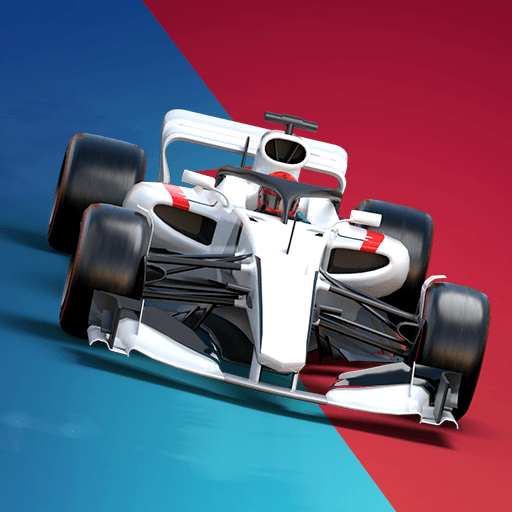
Formula 11 Mini Racing is a compact, throwback-style Racing game that’s all about quick reflexes and smart decisions. Davihesoft mixes 80s-inspired machines and classic circuits with a surprising amount of strategy, so every lap actually means something. You’ll kick off with short sprints, then work your way into longer races where tire wear, pit stops, and tiny mistakes can flip the leaderboard.

Game Features

  • Retro vibe, crisp feel: Old-school looks with smooth handling and punchy sound that makes every overtake feel satisfying.
  • Fierce AI rivals: Opponents attack, defend, and capitalize on errors, so sloppy driving gets punished and clean laps are rewarded.
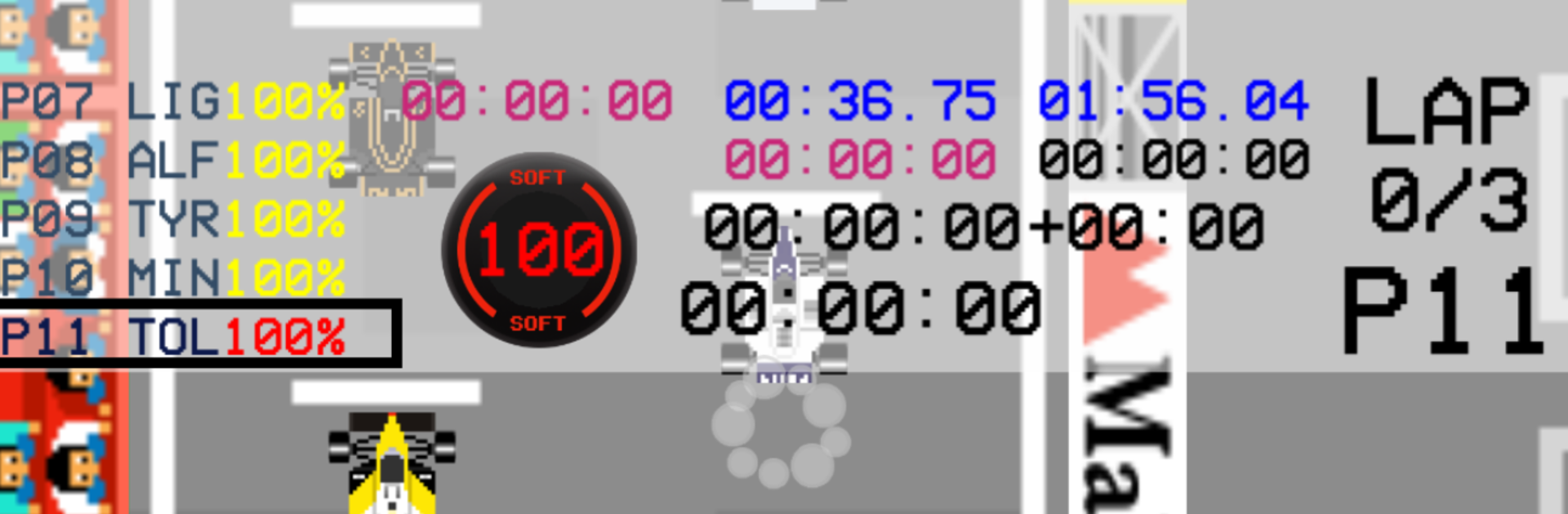
  • Tire wear that matters: Manage degradation through consistent driving, then decide when to pit. Short stop now or stretch the stint? Your call.
  • Sprints and long runs: Start with quick 3-lap races to learn the ropes, then unlock intense 11-lap battles where strategy comes alive.
  • Pit timing is everything: A well-timed stop can leapfrog you past faster cars. Miss the window and you’ll be fighting just to hold position.
  • Unlock as you go: Earn new tracks and additional modes by racing well, not grinding menus.
  • Win with brains, not just speed: Outthink quicker cars with better lines, calm pacing, and smart calls under pressure.
  • Play your way: Great for quick sessions on mobile, and it also runs nicely on BlueStacks if you like a keyboard and a bigger screen.

Slay your opponents with your epic moves. Play it your way on BlueStacks and dominate the battlefield.


Game Features

Enhancements

  • Macros
  • Multi Instance
  • Multi Instance Sync
  • Script
  • Enhancements
Macros

Macros

Automate the predictable in Formula 11 Mini Racing and transform your gameplay with Macros. Get access to inventive Macros in the BlueStacks Macro Community
Multi Instance

Multi Instance

Play Formula 11 Mini Racing on one window. And chat with your friend on the other. Press CTRL + Shift + 8 to open the Multi-Instance Manager. And start creating fresh instances or clone an existing one.
Multi Instance Sync

Multi Instance Sync

Play Formula 11 Mini Racing with the power of Multi-Instance Sync. Replicate what you are doing on the main instance on all other instances. Level up faster, play more.
Script

Script

Script your way to gaming glory in Formula 11 Mini Racing with BlueStacks Script. Write and run a set of commands to automate repeated tasks. Trigger the command by assigning it to any key.
Read More

How to Download and Play Formula 11 Mini Racing on PC or Mac

  • Download and install BlueStacks on your PC or Mac

  • Complete Google sign-in to access the Play Store, or do it later

  • Look for Formula 11 Mini Racing in the search bar at the top right corner

  • Click to install Formula 11 Mini Racing from the search results

  • Complete Google sign-in (if you skipped step 2) to install Formula 11 Mini Racing

  • Click the Formula 11 Mini Racing icon on the home screen to start playing

video
Watch Video

Minimum System Requirements

With BlueStacks 5, you can get started on a PC that fulfills the following requirements.

  • Operating System

    Microsoft Windows 7 or above, macOS 11 (Big Sur) or above

  • Processor

    Intel, AMD or Apple Silicon Processor

  • RAM

    at least 4GB

  • HDD

    10GB Free Disk Space

Note:

* You must be an Administrator on your PC. Up to date graphics drivers from Microsoft or the chipset vendor.

Formula 11 Mini Racing - FAQs

  • How to play Formula 11 Mini Racing on Windows PC & Mac?

    Play Formula 11 Mini Racing on your PC or Mac by following these simple steps.

    • Click on 'Play Formula 11 Mini Racing on PC’ to download BlueStacks
    • Install it and log-in to Google Play Store
    • Launch and play the game.
  • Why is BlueStacks the fastest and safest platform to play games on PC?

    BlueStacks respects your privacy and is always safe and secure to use. It does not carry any malware, spyware, or any sort of additional software that could harm your PC.

    It is engineered to optimize speed and performance for a seamless gaming experience.

  • What are Formula 11 Mini Racing PC requirements?

    Minimum requirement to run Formula 11 Mini Racing on your PC

    • OS: Microsoft Windows 7 or above MacOS 11 (Big Sur) or above
    • Processor: Intel, AMD or Apple Silicon Processor
    • RAM: Your PC must have at least 4GB of RAM. (Note that having 4GB or more disk space is not a substitute for RAM)
    • HDD: 10GB Free Disk Space.
    • You must be an Administrator on your PC.