GT Car Stunts 3D Master

GT Car Stunts 3D Master

Racing

| Sky Central

Play on PC with BlueStacks or from our cloud

  • Overview
  • Game Features
  • How to Play

Page Modified On: November 20, 2025

Play GT Car Stunts 3D Master on PC or Mac

Explore a whole new adventure with GT Car Stunts 3D Master, a Racing game created by Sky Central. Experience great gameplay with BlueStacks, the most popular gaming platform to play Android games on your PC or Mac.

About the Game

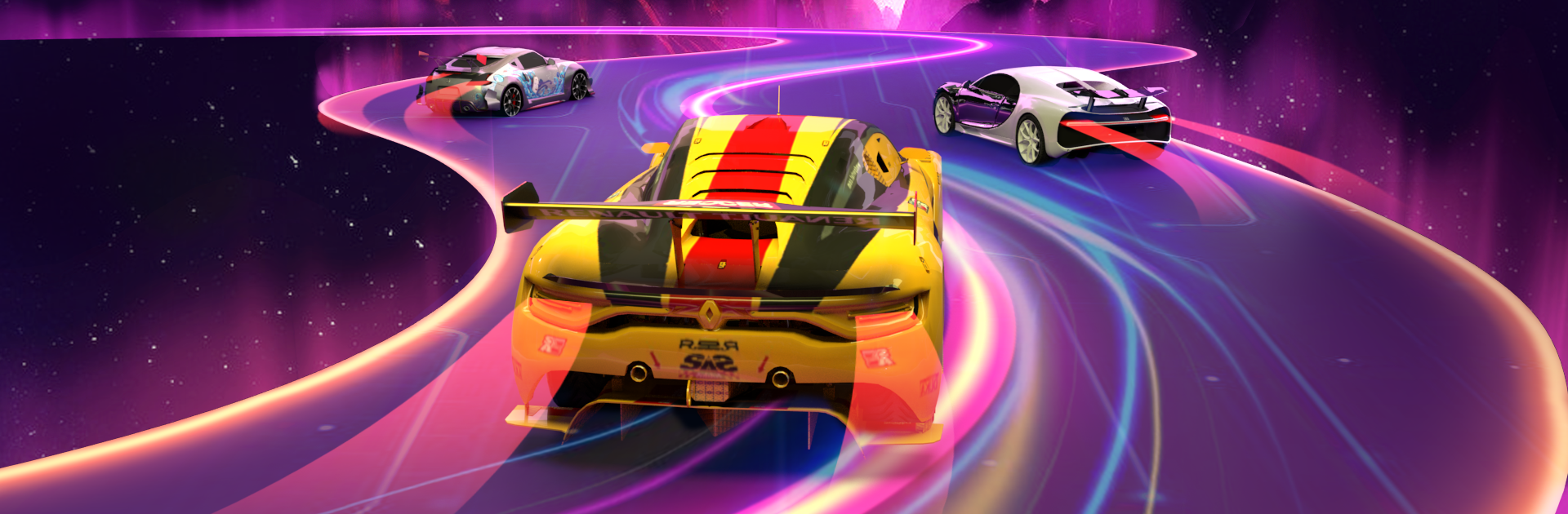
GT Car Stunts 3D Master from Sky Central throws you into a wild stunt playground where every jump, drift, and crash feels big and satisfying. It’s a Racing game built around outrageous ramps and precise car control, so you can launch off towering tracks, pull off flips, and try to nail the landing without breaking a sweat. Want a quick burst of chaos or a long session mastering tricky runs? Both work here. And if you prefer a keyboard and a bigger screen, BlueStacks makes that easy.

Game Features

  • Mega Ramps, Vertical Madness
    Tackle towering vertical drops, sweeping horizontal ramps, and mega structures designed for jaw‑clenching airtime and ridiculous distances.

  • Physics That Reward Skill
    Weighty handling, punchy acceleration, and hard-stopping brakes make each jump, drift, and recovery feel earned—perfect for chaining flips and clean landings.

  • Modes for Every Mood
    Swap between GT racing stunts, “crazy car” showdowns, and mega ramp challenges, including superhero-inspired “spider” runs.

  • Big Environments to Explore
    Cruise through large stunt arenas with multiple routes, layered tracks, and plenty of spots to test new tricks.

  • A Garage Worth Flexing
    Pick from formula cars, sleek sports rides, and modern superhero-style vehicles—each with its own vibe and feel.

  • Camera Your Way
    Switch perspectives on the fly to line up jumps, spot landings, or just enjoy the view.

  • Controls That Click
    Choose steering or motion controls and lean on responsive brakes and acceleration for tight, confidence-building runs.

  • Missions With Bite
    Work through escalating levels and stunt objectives that push you to go bigger, cleaner, and faster without repeating the same setup twice.

Make your gaming sessions memorable with precise controls that give you an edge in close combats and visuals that pop up, bringing every character to life.


Game Features

Enhancements

  • Macros
  • Multi Instance
  • Multi Instance Sync
  • Script
  • Enhancements
Macros

Macros

Automate the predictable in GT Car Stunts 3D Master and transform your gameplay with Macros. Get access to inventive Macros in the BlueStacks Macro Community
Multi Instance

Multi Instance

Play GT Car Stunts 3D Master on one window. And chat with your friend on the other. Press CTRL + Shift + 8 to open the Multi-Instance Manager. And start creating fresh instances or clone an existing one.
Multi Instance Sync

Multi Instance Sync

Play GT Car Stunts 3D Master with the power of Multi-Instance Sync. Replicate what you are doing on the main instance on all other instances. Level up faster, play more.
Script

Script

Script your way to gaming glory in GT Car Stunts 3D Master with BlueStacks Script. Write and run a set of commands to automate repeated tasks. Trigger the command by assigning it to any key.
Read More

How to Download and Play GT Car Stunts 3D Master on PC or Mac

  • Download and install BlueStacks on your PC or Mac

  • Complete Google sign-in to access the Play Store, or do it later

  • Look for GT Car Stunts 3D Master in the search bar at the top right corner

  • Click to install GT Car Stunts 3D Master from the search results

  • Complete Google sign-in (if you skipped step 2) to install GT Car Stunts 3D Master

  • Click the GT Car Stunts 3D Master icon on the home screen to start playing

video
Watch Video

Minimum System Requirements

With BlueStacks 5, you can get started on a PC that fulfills the following requirements.

  • Operating System

    Microsoft Windows 7 or above, macOS 11 (Big Sur) or above

  • Processor

    Intel, AMD or Apple Silicon Processor

  • RAM

    at least 4GB

  • HDD

    10GB Free Disk Space

Note:

* You must be an Administrator on your PC. Up to date graphics drivers from Microsoft or the chipset vendor.

GT Car Stunts 3D Master - FAQs

  • How to play GT Car Stunts 3D Master on Windows PC & Mac?

    Play GT Car Stunts 3D Master on your PC or Mac by following these simple steps.

    • Click on 'Play GT Car Stunts 3D Master on PC’ to download BlueStacks
    • Install it and log-in to Google Play Store
    • Launch and play the game.
  • Why is BlueStacks the fastest and safest platform to play games on PC?

    BlueStacks respects your privacy and is always safe and secure to use. It does not carry any malware, spyware, or any sort of additional software that could harm your PC.

    It is engineered to optimize speed and performance for a seamless gaming experience.

  • What are GT Car Stunts 3D Master PC requirements?

    Minimum requirement to run GT Car Stunts 3D Master on your PC

    • OS: Microsoft Windows 7 or above MacOS 11 (Big Sur) or above
    • Processor: Intel, AMD or Apple Silicon Processor
    • RAM: Your PC must have at least 4GB of RAM. (Note that having 4GB or more disk space is not a substitute for RAM)
    • HDD: 10GB Free Disk Space.
    • You must be an Administrator on your PC.