Mad Desert Derby Tour

Mad Desert Derby Tour

Racing

| SM Games & Apps from Ukraine

Play on PC with BlueStacks or from our cloud

  • Overview
  • Game Features
  • How to Play

Page Modified On: July 27, 2026

Play Mad Desert Derby Tour on PC or Mac

Mad Desert Derby Tour by SM Games & Apps from Ukraine has plenty to keep you busy. BlueStacks lets you play it on PC or Mac with more screen space, better control, and fewer mobile limits.

About the Game

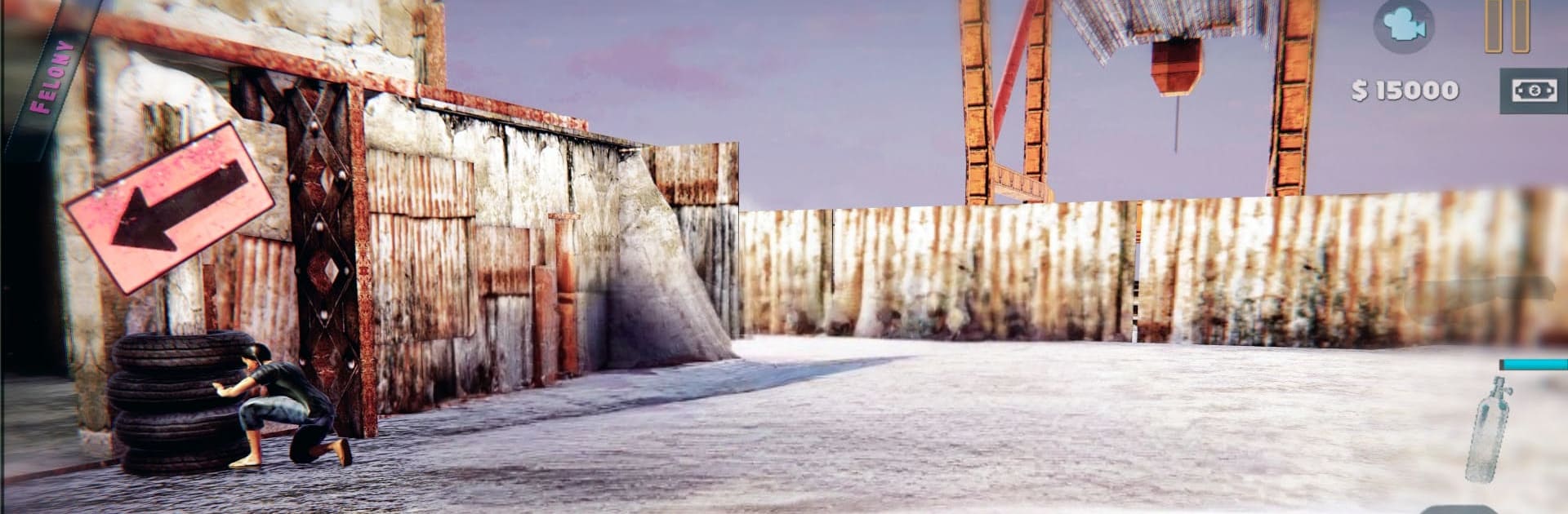
Mad Desert Derby Tour throws you behind the wheel in a scorched wasteland where every mile is a gamble. It’s a gritty Racing experience that blends open‑world exploration, vehicle brawls, and scrappy survival challenges. Build out your ride, pick your fights, and see how long you can last when the dunes start biting back.

Game Features

  • Open-World Wasteland: Roam a vast desert sandbox packed with dunes, canyons, and hidden routes. Go off the trail, poke around wrecks, and stumble into trouble on your own terms.
  • Hard-Hitting Derby Combat: Smash, ram, and spin out rival raiders in high-impact car battles. Momentum and timing matter when metal meets metal.
  • Six Upgradeable Rides: Start with a modest beater and work up to a stable of six wasteland machines. Strengthen armor, tweak handling, and kit them out for the way you like to fight.
  • Region-Based Progression: The map’s split into distinct zones, each with its own flavor of danger and rewards. Push deeper to unlock tougher routes and better loot.
  • Races and Time Trials: Test your nerve in survival sprints and beat-the-clock challenges where precision and nerve make the difference.
  • Fortress Raids: Roll up to enemy strongholds, crack their defenses, and face convoy escorts that won’t back down without a dented hood or two.
  • Sandworm Threats: Hear that rumble? Stay sharp and stay moving—some things under the sand eat cars for breakfast.
  • Striking Vehicle Detail: From battered panels to roaring exhausts, the cars look and feel weighty, with visuals that sell the grit.
  • Play Your Way: Prefer a keyboard and bigger screen? You can run it on BlueStacks without changing the game’s rugged vibe.

Start your journey now. Download the game on BlueStacks, invite your friends, and march on a new adventure.


Game Features

Enhancements

  • Macros
  • Multi Instance
  • Multi Instance Sync
  • Script
  • Enhancements
Macros

Macros

Automate the predictable in Mad Desert Derby Tour and transform your gameplay with Macros. Get access to inventive Macros in the BlueStacks Macro Community
Multi Instance

Multi Instance

Play Mad Desert Derby Tour on one window. And chat with your friend on the other. Press CTRL + Shift + 8 to open the Multi-Instance Manager. And start creating fresh instances or clone an existing one.
Multi Instance Sync

Multi Instance Sync

Play Mad Desert Derby Tour with the power of Multi-Instance Sync. Replicate what you are doing on the main instance on all other instances. Level up faster, play more.
Script

Script

Script your way to gaming glory in Mad Desert Derby Tour with BlueStacks Script. Write and run a set of commands to automate repeated tasks. Trigger the command by assigning it to any key.
Read More

How to Download and Play Mad Desert Derby Tour on PC or Mac

  • Download and install BlueStacks on your PC or Mac

  • Complete Google sign-in to access the Play Store, or do it later

  • Look for Mad Desert Derby Tour in the search bar at the top right corner

  • Click to install Mad Desert Derby Tour from the search results

  • Complete Google sign-in (if you skipped step 2) to install Mad Desert Derby Tour

  • Click the Mad Desert Derby Tour icon on the home screen to start playing

video
Watch Video

Minimum System Requirements

With BlueStacks 5, you can get started on a PC that fulfills the following requirements.

  • Operating System

    Microsoft Windows 7 or above, macOS 11 (Big Sur) or above

  • Processor

    Intel, AMD or Apple Silicon Processor

  • RAM

    at least 4GB

  • HDD

    10GB Free Disk Space

Note:

* You must be an Administrator on your PC. Up to date graphics drivers from Microsoft or the chipset vendor.

Mad Desert Derby Tour - FAQs

  • How to play Mad Desert Derby Tour on Windows PC & Mac?

    Play Mad Desert Derby Tour on your PC or Mac by following these simple steps.

    • Click on 'Play Mad Desert Derby Tour on PC’ to download BlueStacks
    • Install it and log-in to Google Play Store
    • Launch and play the game.
  • Why is BlueStacks the fastest and safest platform to play games on PC?

    BlueStacks respects your privacy and is always safe and secure to use. It does not carry any malware, spyware, or any sort of additional software that could harm your PC.

    It is engineered to optimize speed and performance for a seamless gaming experience.

  • What are Mad Desert Derby Tour PC requirements?

    Minimum requirement to run Mad Desert Derby Tour on your PC

    • OS: Microsoft Windows 7 or above MacOS 11 (Big Sur) or above
    • Processor: Intel, AMD or Apple Silicon Processor
    • RAM: Your PC must have at least 4GB of RAM. (Note that having 4GB or more disk space is not a substitute for RAM)
    • HDD: 10GB Free Disk Space.
    • You must be an Administrator on your PC.