Racing Rush 3D: Car Game

Racing Rush 3D: Car Game

Racing

| Tunergy

Play on PC with BlueStacks or from our cloud

  • Overview
  • Game Features
  • How to Play

Page Modified On: September 07, 2026

Play Racing Rush 3D: Car Game on PC or Mac

Racing Rush 3D: Car Game brings the Racing genre to life, and throws up exciting challenges for gamers. Developed by Tunergy, this Android game is best experienced on BlueStacks, the World’s #1 app player for PC and Mac users.

About the Game

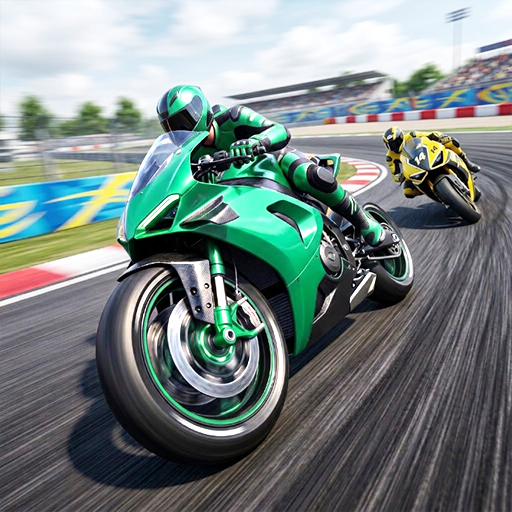
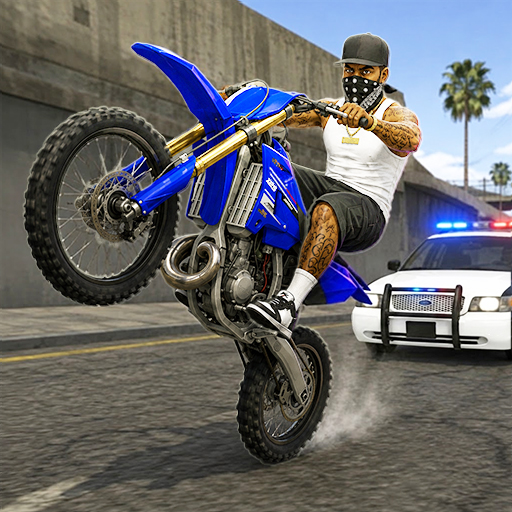
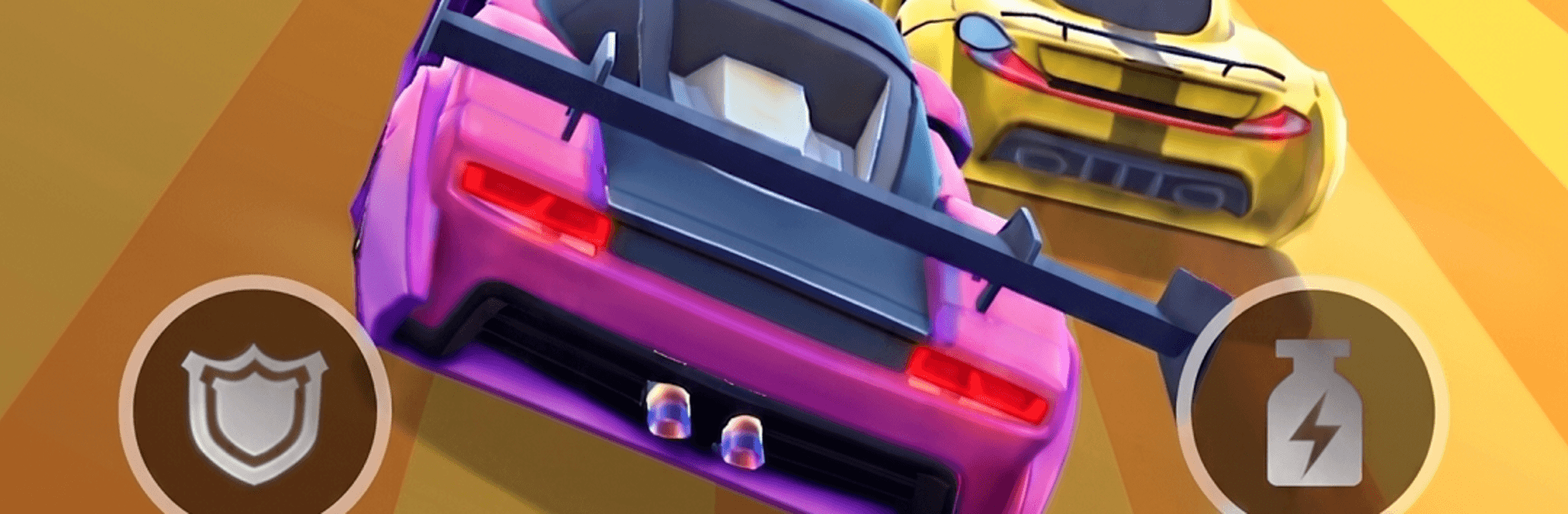
Racing Rush 3D: Car Game throws you straight into fast, high-impact action with tight tracks, roaring engines, and crashes that feel satisfyingly cinematic. It’s a Racing experience built for quick thrills and surprising depth, whether you’ve got a few minutes or you’re settling in for longer sessions. Prefer a bigger screen and precise controls? It runs smoothly on BlueStacks, too.

Game Features

  • Tough Opponents, Real Pressure: Trade paint with aggressive AI drivers who’ll squeeze you on corners and punish sloppy lines—win by nerve, timing, and clean exits.
  • Your Garage, Your Style: Collect a wide spread of rides, from old-school bruisers to sleek exotics, then make them yours with bold paint, decals, neon accents, and more.
  • Tune for the Win: Dial in speed, acceleration, and handling to match your driving style—go grippy and stable or build a wild, boost-hungry rocket.
  • Cinematic Crashes: Feel every shunt and scrape with punchy effects, reactive camera work, and chunky debris that sell the impact.
  • Eye-Catching Tracks: Tear through neon-soaked city streets and sun-baked desert highways, each with its own vibe and layout that reward repeat runs.
  • Pick-Up-and-Play Controls: Jump in instantly with intuitive inputs, then chase perfection as you learn lines, brake points, and how to thread through chaos.
  • Smart Nitro Moments: Time your boost to slingshot out of turns, blast past blockers, and keep momentum when the pack stacks up.
  • Built for Quick Sessions: Short, high-energy runs make it easy to sneak in a heat or two whenever you’ve got a spare minute.
  • Offline Friendly: No connection? No sweat. Keep tearing up the road and pushing your best times wherever you are.
  • Fresh Content Rolling In: Look out for new cars and tracks that keep the competition—and your garage—feeling lively.

Start your journey now. Download the game on BlueStacks, invite your friends, and march on a new adventure.


Game Features

Enhancements

  • Macros
  • Multi Instance
  • Multi Instance Sync
  • Script
  • Enhancements
Macros

Macros

Automate the predictable in Racing Rush 3D: Car Game and transform your gameplay with Macros. Get access to inventive Macros in the BlueStacks Macro Community
Multi Instance

Multi Instance

Play Racing Rush 3D: Car Game on one window. And chat with your friend on the other. Press CTRL + Shift + 8 to open the Multi-Instance Manager. And start creating fresh instances or clone an existing one.
Multi Instance Sync

Multi Instance Sync

Play Racing Rush 3D: Car Game with the power of Multi-Instance Sync. Replicate what you are doing on the main instance on all other instances. Level up faster, play more.
Script

Script

Script your way to gaming glory in Racing Rush 3D: Car Game with BlueStacks Script. Write and run a set of commands to automate repeated tasks. Trigger the command by assigning it to any key.
Read More

How to Download and Play Racing Rush 3D: Car Game on PC or Mac

  • Download and install BlueStacks on your PC or Mac

  • Complete Google sign-in to access the Play Store, or do it later

  • Look for Racing Rush 3D: Car Game in the search bar at the top right corner

  • Click to install Racing Rush 3D: Car Game from the search results

  • Complete Google sign-in (if you skipped step 2) to install Racing Rush 3D: Car Game

  • Click the Racing Rush 3D: Car Game icon on the home screen to start playing

video
Watch Video

Minimum System Requirements

With BlueStacks 5, you can get started on a PC that fulfills the following requirements.

  • Operating System

    Microsoft Windows 7 or above, macOS 11 (Big Sur) or above

  • Processor

    Intel, AMD or Apple Silicon Processor

  • RAM

    at least 4GB

  • HDD

    10GB Free Disk Space

Note:

* You must be an Administrator on your PC. Up to date graphics drivers from Microsoft or the chipset vendor.

Racing Rush 3D: Car Game - FAQs

  • How to play Racing Rush 3D: Car Game on Windows PC & Mac?

    Play Racing Rush 3D: Car Game on your PC or Mac by following these simple steps.

    • Click on 'Play Racing Rush 3D: Car Game on PC’ to download BlueStacks
    • Install it and log-in to Google Play Store
    • Launch and play the game.
  • Why is BlueStacks the fastest and safest platform to play games on PC?

    BlueStacks respects your privacy and is always safe and secure to use. It does not carry any malware, spyware, or any sort of additional software that could harm your PC.

    It is engineered to optimize speed and performance for a seamless gaming experience.

  • What are Racing Rush 3D: Car Game PC requirements?

    Minimum requirement to run Racing Rush 3D: Car Game on your PC

    • OS: Microsoft Windows 7 or above MacOS 11 (Big Sur) or above
    • Processor: Intel, AMD or Apple Silicon Processor
    • RAM: Your PC must have at least 4GB of RAM. (Note that having 4GB or more disk space is not a substitute for RAM)
    • HDD: 10GB Free Disk Space.
    • You must be an Administrator on your PC.