Traffic Rider 3D: Bike Racing

Traffic Rider 3D: Bike Racing

Racing

| Lyvoria Entertainment.

Play on PC with BlueStacks or from our cloud

  • Overview
  • Game Features
  • How to Play

Page Modified On: August 15, 2026

Play Traffic Rider 3D: Bike Racing on PC or Mac

Traffic Rider 3D: Bike Racing by Lyvoria Entertainment. has plenty to keep you busy. BlueStacks lets you play it on PC or Mac with more screen space, better control, and fewer mobile limits.

About the Game

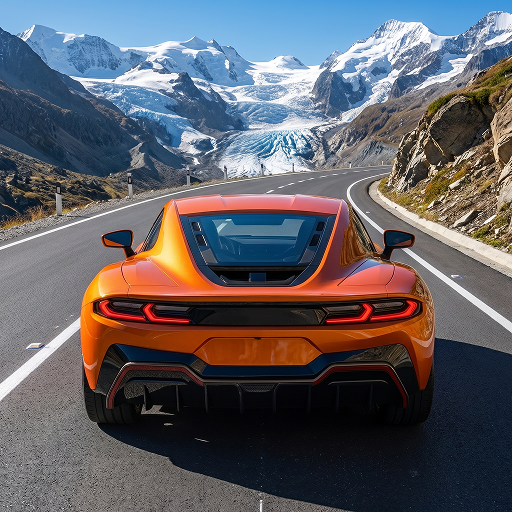
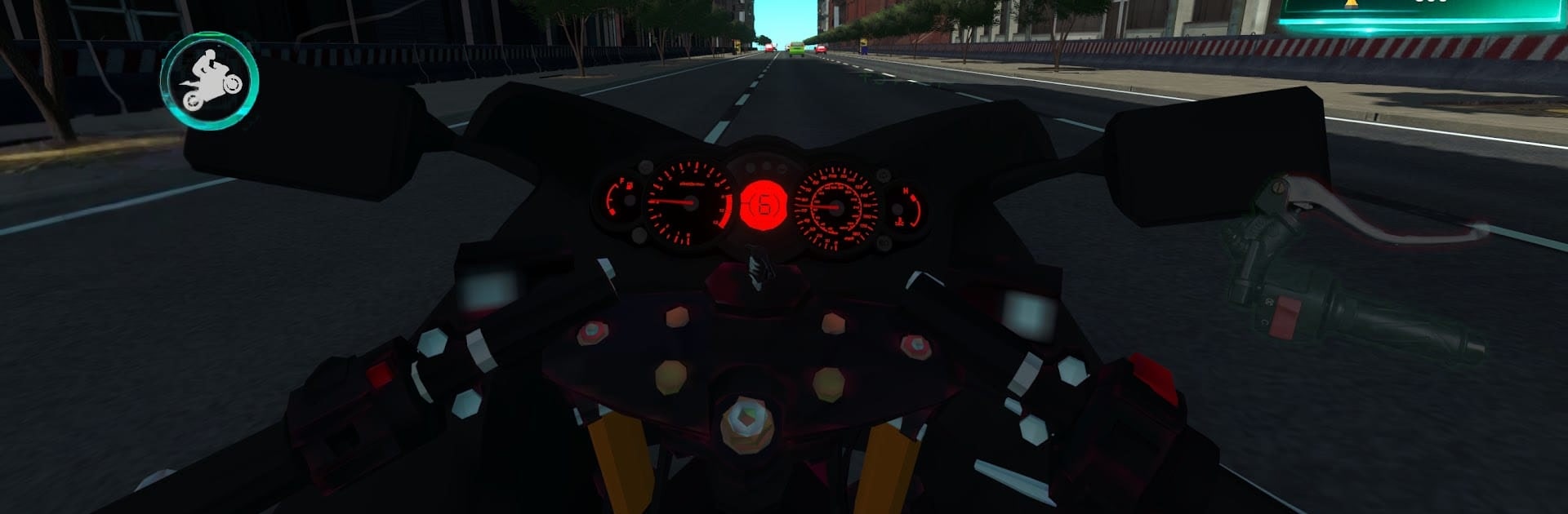
Traffic Rider 3D: Bike Racing drops you onto a roaring bike and challenges you to thread through living, shifting traffic at crazy speeds. It’s a Racing rush built on believable bike physics, crisp controls, and that white‑knuckle feeling when you squeeze past a bumper with inches to spare. Prefer a bigger screen and tighter inputs? It runs smoothly on BlueStacks, too.

Game Features

  • Lifelike handling: Bikes lean, brake, and accelerate with weight and grip, so your timing really matters.
  • Traffic that fights back: AI cars, trucks, and buses change lanes and create openings—or close them fast.
  • Endless road, endless nerves: A nonstop mode for chasing streaks, close-call bonuses, and new personal bests.
  • Bikes to earn and tune: Unlock a growing garage, then tweak speed, handling, and style to match how you ride.
  • Quick challenges and goals: Daily tasks, missions, and achievements push you to try new routes and braver passes.
  • Environments that change pace: Tight city grids, wide highways, and rural stretches each bring different hazards and rhythms.
  • Clean 3D presentation: Smooth camera work, sharp visuals, and punchy engine audio sell the sense of speed.
  • Pick-up-and-ride depth: Simple to start, but real mastery demands focus, guts, and a good read on traffic flow.
  • Chase the clock—or yourself: Time runs and score hunts make short sessions tense and satisfying.
  • Stunts when it’s safe(ish): Risky overtakes and bold maneuvers rack up points—just don’t kiss a fender.

Start playing Traffic Rider 3D: Bike Racing on BlueStacks and get a smoother, more comfortable PC or Mac setup.


Game Features

Enhancements

  • Macros
  • Multi Instance
  • Multi Instance Sync
  • Script
  • Enhancements
Macros

Macros

Automate the predictable in Traffic Rider 3D: Bike Racing and transform your gameplay with Macros. Get access to inventive Macros in the BlueStacks Macro Community
Multi Instance

Multi Instance

Play Traffic Rider 3D: Bike Racing on one window. And chat with your friend on the other. Press CTRL + Shift + 8 to open the Multi-Instance Manager. And start creating fresh instances or clone an existing one.
Multi Instance Sync

Multi Instance Sync

Play Traffic Rider 3D: Bike Racing with the power of Multi-Instance Sync. Replicate what you are doing on the main instance on all other instances. Level up faster, play more.
Script

Script

Script your way to gaming glory in Traffic Rider 3D: Bike Racing with BlueStacks Script. Write and run a set of commands to automate repeated tasks. Trigger the command by assigning it to any key.
Read More

How to Download and Play Traffic Rider 3D: Bike Racing on PC or Mac

  • Download and install BlueStacks on your PC or Mac

  • Complete Google sign-in to access the Play Store, or do it later

  • Look for Traffic Rider 3D: Bike Racing in the search bar at the top right corner

  • Click to install Traffic Rider 3D: Bike Racing from the search results

  • Complete Google sign-in (if you skipped step 2) to install Traffic Rider 3D: Bike Racing

  • Click the Traffic Rider 3D: Bike Racing icon on the home screen to start playing

video
Watch Video

Minimum System Requirements

With BlueStacks 5, you can get started on a PC that fulfills the following requirements.

  • Operating System

    Microsoft Windows 7 or above, macOS 11 (Big Sur) or above

  • Processor

    Intel, AMD or Apple Silicon Processor

  • RAM

    at least 4GB

  • HDD

    10GB Free Disk Space

Note:

* You must be an Administrator on your PC. Up to date graphics drivers from Microsoft or the chipset vendor.

Traffic Rider 3D: Bike Racing - FAQs

  • How to play Traffic Rider 3D: Bike Racing on Windows PC & Mac?

    Play Traffic Rider 3D: Bike Racing on your PC or Mac by following these simple steps.

    • Click on 'Play Traffic Rider 3D: Bike Racing on PC’ to download BlueStacks
    • Install it and log-in to Google Play Store
    • Launch and play the game.
  • Why is BlueStacks the fastest and safest platform to play games on PC?

    BlueStacks respects your privacy and is always safe and secure to use. It does not carry any malware, spyware, or any sort of additional software that could harm your PC.

    It is engineered to optimize speed and performance for a seamless gaming experience.

  • What are Traffic Rider 3D: Bike Racing PC requirements?

    Minimum requirement to run Traffic Rider 3D: Bike Racing on your PC

    • OS: Microsoft Windows 7 or above MacOS 11 (Big Sur) or above
    • Processor: Intel, AMD or Apple Silicon Processor
    • RAM: Your PC must have at least 4GB of RAM. (Note that having 4GB or more disk space is not a substitute for RAM)
    • HDD: 10GB Free Disk Space.
    • You must be an Administrator on your PC.