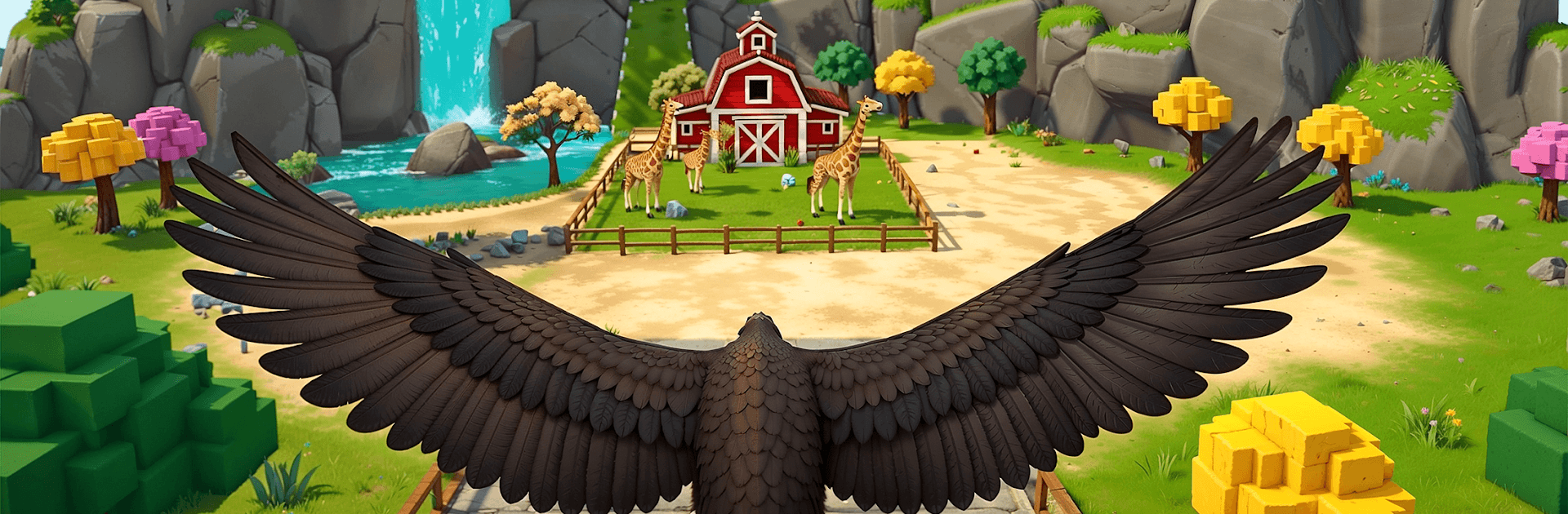
Am Prankster Bird Sim 3D

Am Prankster Bird Sim 3D

Role Playing

| Pixel Plus Studio

Play on PC with BlueStacks or from our cloud

  • Overview
  • Game Features
  • How to Play

Page Modified On: September 18, 2026

Play Am Prankster Bird Sim 3D on PC or Mac

Play Am Prankster Bird Sim 3D by Pixel Plus Studio on PC or Mac with BlueStacks. Use a bigger screen, mouse and keyboard controls, and smoother performance while you play.

About the Game

Am Prankster Bird Sim 3D turns the city into your sandbox as you play a cheeky pigeon with a knack for chaos. It’s a Role Playing spin on free‑flight exploration—zip over rooftops, nab shiny loot, and pull lighthearted pranks on busy pedestrians, and if you like a bigger view, it runs smoothly on BlueStacks.

Game Features

  • Open-city playground: Weave through towers, skim park trees, and cruise side streets across a lively 3D city packed with spots to stir up funny trouble.
  • Feather-light flight controls: Glide, swoop, and swing into tight turns with controls that feel snappy and easy to pick up, yet satisfying when you nail a stylish pass.
  • Pranks with consequences: Swipe snacks, ping signs, bump into props, and watch how different folks react—sometimes startled, sometimes confused, always entertaining.
  • Shiny things to snatch: Scoop up snacks and glittery finds scattered across rooftops and sidewalks, because being nosy is half the fun.
  • Make it your bird: Mix colors, hats, and outfits to give your feathered menace a look that’s all yours—loud, subtle, or completely ridiculous.
  • Fresh chaos every run: Unpredictable moments and playful physics keep each flight feeling new, so your “just one more lap” somehow becomes five.
  • Play at your pace: Drift around for a chill session or go full gremlin and stir up mayhem—the city never rushes you.
  • Bright 3D city vibes: From sunlit rooftops to shadowy alleys, the world feels alive, reactive, and perfect for quick detours or elaborate shenanigans.

BlueStacks gives you more room to focus on the game and less time adjusting around mobile limitations.


Game Features

Enhancements

  • Macros
  • Rerolling
  • Eco Mode
  • Multi Instance Sync
  • Enhancements
Macros

Macros

Focus more on the fun part of the game, skip the tedious aspects. Master Am Prankster Bird Sim 3D with Macros. Record yourself completing the monotonous tasks you wish to automate and replay them later with just one keypress.
Rerolling

Rerolling

Speed up the rerolling process in Am Prankster Bird Sim 3D. Perform multiple summons and keep looking for the best Heroes. Use Multi-Instance sync to replicate the rerolling mechanism in all instances.
Eco Mode

Eco Mode

Farm in-game resources with ease in Am Prankster Bird Sim 3D. Enable the Eco Mode when running the game in multiple instances. And lower your PC's resource consumption.
Multi Instance Sync

Multi Instance Sync

With the Multi-instance Sync, you can do even more in Am Prankster Bird Sim 3D. Sync the action of the main instance and repeat them in real time for all other instances. Sync and sit back, let the game progress unfold.
Read More

How to Download and Play Am Prankster Bird Sim 3D on PC or Mac

  • Download and install BlueStacks on your PC or Mac

  • Complete Google sign-in to access the Play Store, or do it later

  • Look for Am Prankster Bird Sim 3D in the search bar at the top right corner

  • Click to install Am Prankster Bird Sim 3D from the search results

  • Complete Google sign-in (if you skipped step 2) to install Am Prankster Bird Sim 3D

  • Click the Am Prankster Bird Sim 3D icon on the home screen to start playing

video
Watch Video

Minimum System Requirements

With BlueStacks 5, you can get started on a PC that fulfills the following requirements.

  • Operating System

    Microsoft Windows 7 or above, macOS 11 (Big Sur) or above

  • Processor

    Intel, AMD or Apple Silicon Processor

  • RAM

    at least 4GB

  • HDD

    10GB Free Disk Space

Note:

* You must be an Administrator on your PC. Up to date graphics drivers from Microsoft or the chipset vendor.

Am Prankster Bird Sim 3D - FAQs

  • How to play Am Prankster Bird Sim 3D on Windows PC & Mac?

    Play Am Prankster Bird Sim 3D on your PC or Mac by following these simple steps.

    • Click on 'Play Am Prankster Bird Sim 3D on PC’ to download BlueStacks
    • Install it and log-in to Google Play Store
    • Launch and play the game.
  • Why is BlueStacks the fastest and safest platform to play games on PC?

    BlueStacks respects your privacy and is always safe and secure to use. It does not carry any malware, spyware, or any sort of additional software that could harm your PC.

    It is engineered to optimize speed and performance for a seamless gaming experience.

  • What are Am Prankster Bird Sim 3D PC requirements?

    Minimum requirement to run Am Prankster Bird Sim 3D on your PC

    • OS: Microsoft Windows 7 or above MacOS 11 (Big Sur) or above
    • Processor: Intel, AMD or Apple Silicon Processor
    • RAM: Your PC must have at least 4GB of RAM. (Note that having 4GB or more disk space is not a substitute for RAM)
    • HDD: 10GB Free Disk Space.
    • You must be an Administrator on your PC.