

Step into the World of Girls Echo, a thrilling Role Playing game from the house of HOWLYO GAME. Play this Android game on BlueStacks App Player and experience immersive gaming on PC or Mac.
About the Game
Girls Echo is a Role Playing adventure where two realities start to overlap—and you’re caught in the chaos. As echoes of legends return and ancient threats wake up, you’ll rally a team of powerful goddesses, fight for what’s left of the world, and get to know the women who stand by your side. It’s part dramatic fantasy, part squad builder, with a little romance when you’re off the battlefield. Prefer a bigger screen? It runs neatly on BlueStacks.
Game Features
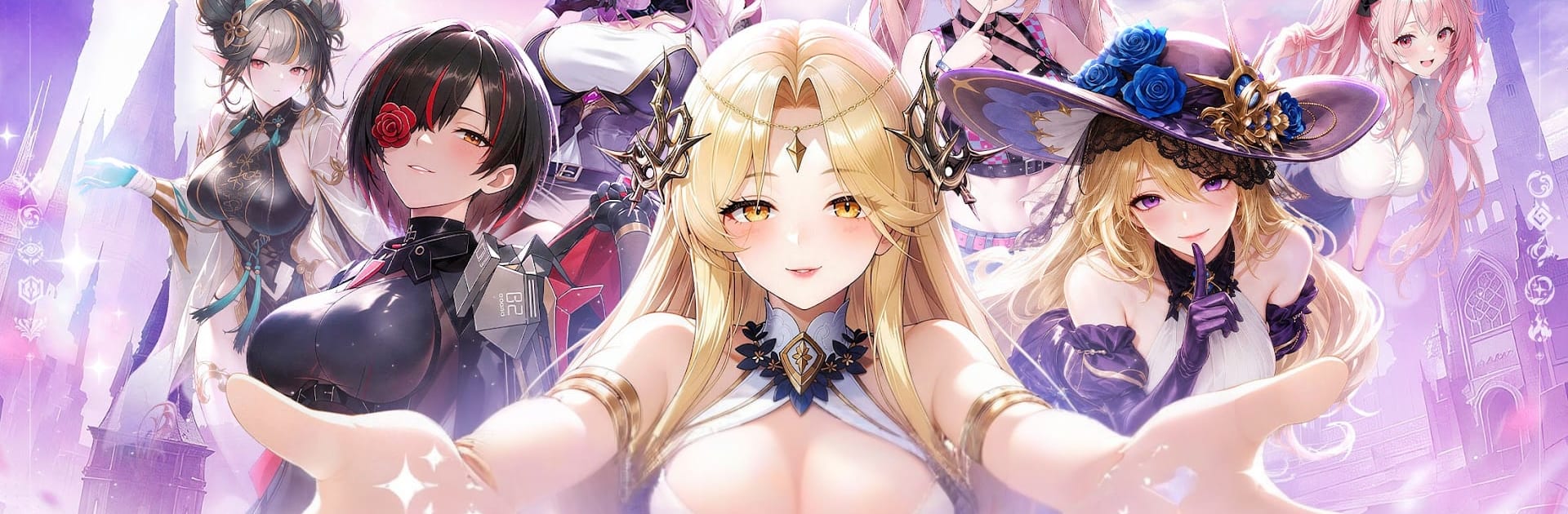
- Living Goddesses: Each heroine is brought to life with expressive animations, lush artwork, and combat flourishes that make every skill feel personal.
- Two Realms Collide: A strange disaster has thinned the veil between the modern world and the old land of Shenzhou, bringing legendary Phantoms—and a new enemy—into play.
- Build Your Perfect Squad: Mix and match goddesses to create a lineup that fits your style, then tweak positions and skills to squeeze out every edge in battle.
- Progress While You’re Away: Your team keeps training and gathering resources even when you’re offline, so logging back in always feels rewarding.
- Dates That Matter: Spend one-on-one time with your favorites through chats and outings, unlock special scenes, and discover exclusive CG endings that reveal their softer sides.
- Power Through Bonds: Relationships aren’t just for story flavor—stronger bonds translate into real combat boosts and fresh abilities.
- Strategy Without Stress: Auto options handle the grind when you want to relax, while manual control lets you micromanage big fights and clutch moments.
Get ready for a buttery smooth, high-performance gaming action only on BlueStacks.