Grand Legend
Grand Legend

Grand Legend

Role Playing

| Allmightech

Play on PC with BlueStacks or from our cloud

  • Overview
  • Game Features
  • How to Play

Page Modified On: May 25, 2026

Play Grand Legend on PC or Mac

Grand Legend brings the Role Playing genre to life, and throws up exciting challenges for gamers. Developed by Allmightech, this Android game is best experienced on BlueStacks, the World’s #1 app player for PC and Mac users.

About the Game

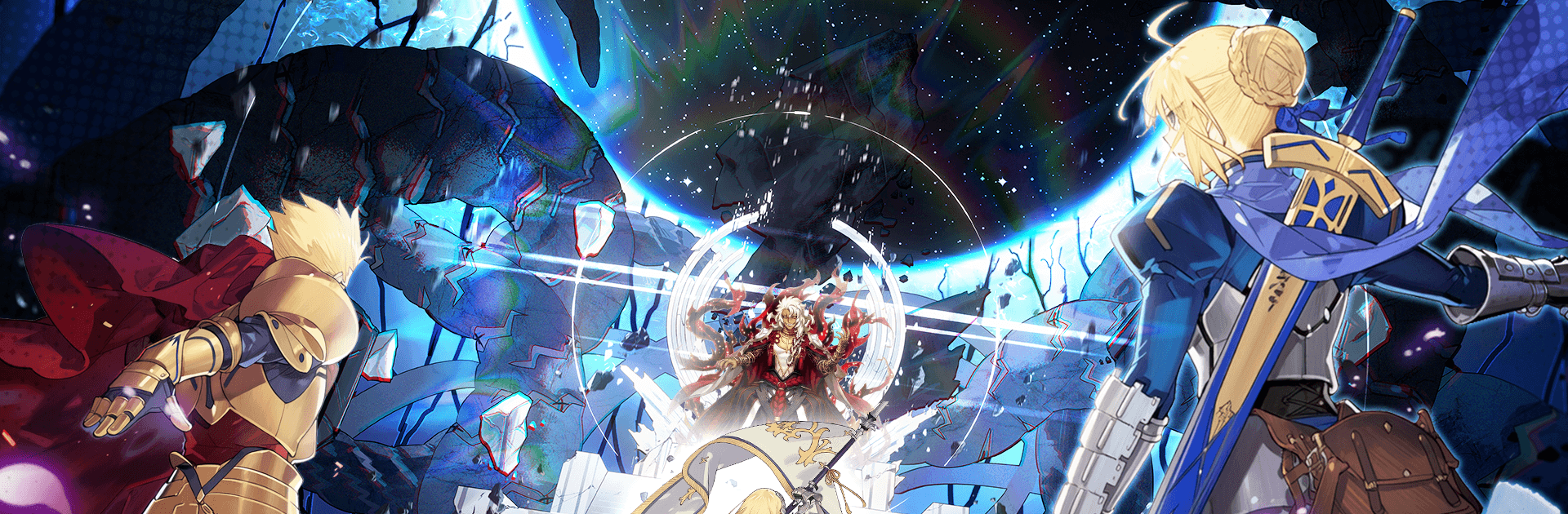
Grand Legend is a Role Playing adventure that drops you into a strange world where ancient bonds, hard choices, and a whole lot of style collide. You’ll gather heroic spirits, guide them through brisk, punchy battles, and piece together the truth behind a destiny that keeps tugging at you. It’s equal parts laid-back idle progress and hands-on strategy, so your squad keeps growing even when you’re off doing life.

Game Features

  • Heroic Spirit Collection: Recruit a growing lineup of legendary spirits, each bringing distinct roles and flashy skills. Mix and match to build a squad that fits your playstyle.

  • Smart Team-Building: Positioning, timing, and who you bring along matter. Swap formations to counter tricky bosses and tackle those eerie secret realms.

  • Idle Progress That Sticks: Auto-battles and offline gains keep resources flowing while you’re away, making it easy to check in, upgrade, and hop back out.

  • Cinematic Combat Effects: Battles pop with crisp animations, satisfying skill bursts, and polished visuals that make every clash feel meaningful.

  • Secret Realms & Big Foes: Venture into hidden areas packed with tougher enemies, rare drops, and challenges built for your best lineups.

  • Story With Stakes: Follow a path that nudges you to question what you believe. Expect tense moments, tough calls, and a mystery worth chasing.

  • Play Anywhere: Quick sessions on your phone or chill on PC with BlueStacks if you prefer keyboard-and-mouse comfort without fuss.

Ready to top the leaderboard? We bet you do. Let precise controls and sharp visuals optimized on BlueStacks lead you to victory.


Game Features

Enhancements

  • Macros
  • Rerolling
  • Eco Mode
  • Multi Instance Sync
  • Enhancements
Macros

Macros

Focus more on the fun part of the game, skip the tedious aspects. Master Grand Legend with Macros. Record yourself completing the monotonous tasks you wish to automate and replay them later with just one keypress.
Rerolling

Rerolling

Speed up the rerolling process in Grand Legend. Perform multiple summons and keep looking for the best Heroes. Use Multi-Instance sync to replicate the rerolling mechanism in all instances.
Eco Mode

Eco Mode

Farm in-game resources with ease in Grand Legend. Enable the Eco Mode when running the game in multiple instances. And lower your PC's resource consumption.
Multi Instance Sync

Multi Instance Sync

With the Multi-instance Sync, you can do even more in Grand Legend. Sync the action of the main instance and repeat them in real time for all other instances. Sync and sit back, let the game progress unfold.
Read More

How to Download and Play Grand Legend on PC or Mac

  • Download and install BlueStacks on your PC or Mac

  • Complete Google sign-in to access the Play Store, or do it later

  • Look for Grand Legend in the search bar at the top right corner

  • Click to install Grand Legend from the search results

  • Complete Google sign-in (if you skipped step 2) to install Grand Legend

  • Click the Grand Legend icon on the home screen to start playing

video
Watch Video

Minimum System Requirements

With BlueStacks 5, you can get started on a PC that fulfills the following requirements.

  • Operating System

    Microsoft Windows 7 or above, macOS 11 (Big Sur) or above

  • Processor

    Intel, AMD or Apple Silicon Processor

  • RAM

    at least 4GB

  • HDD

    10GB Free Disk Space

Note:

* You must be an Administrator on your PC. Up to date graphics drivers from Microsoft or the chipset vendor.

Grand Legend - FAQs

  • How to play Grand Legend on Windows PC & Mac?

    Play Grand Legend on your PC or Mac by following these simple steps.

    • Click on 'Play Grand Legend on PC’ to download BlueStacks
    • Install it and log-in to Google Play Store
    • Launch and play the game.
  • Why is BlueStacks the fastest and safest platform to play games on PC?

    BlueStacks respects your privacy and is always safe and secure to use. It does not carry any malware, spyware, or any sort of additional software that could harm your PC.

    It is engineered to optimize speed and performance for a seamless gaming experience.

  • What are Grand Legend PC requirements?

    Minimum requirement to run Grand Legend on your PC

    • OS: Microsoft Windows 7 or above MacOS 11 (Big Sur) or above
    • Processor: Intel, AMD or Apple Silicon Processor
    • RAM: Your PC must have at least 4GB of RAM. (Note that having 4GB or more disk space is not a substitute for RAM)
    • HDD: 10GB Free Disk Space.
    • You must be an Administrator on your PC.