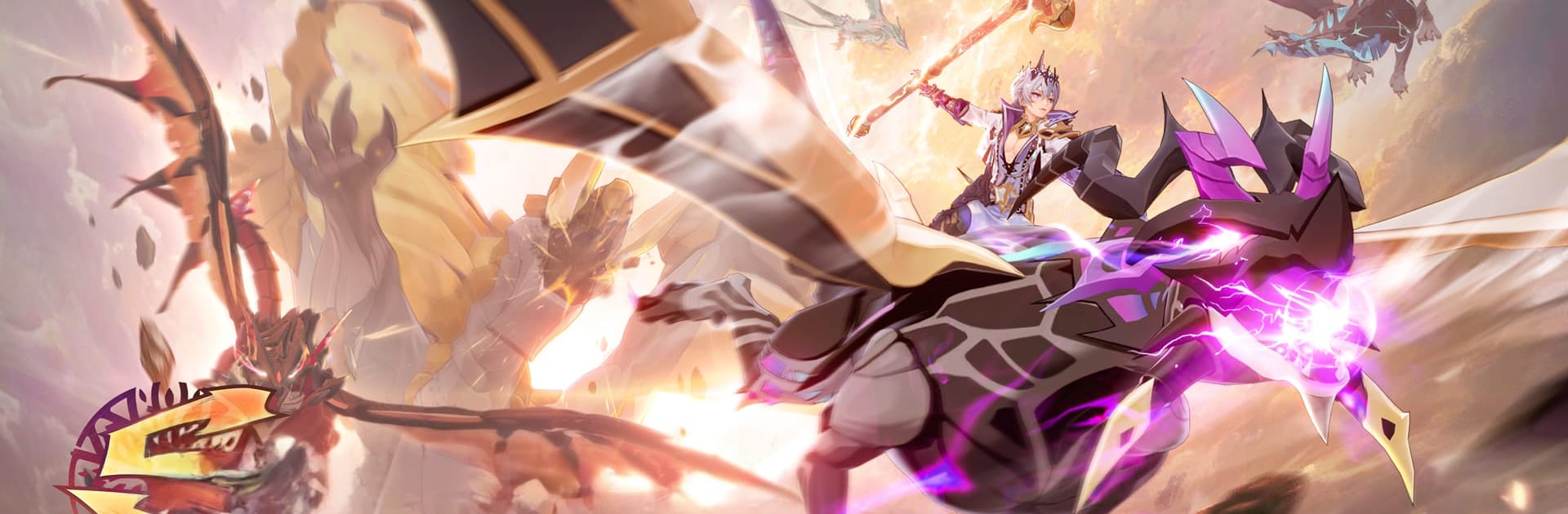
레오네S
레오네S

레오네S

Role Playing

| SKYWORK AI Pte.Ltd.

Play on PC with BlueStacks or from our cloud

  • Overview
  • Game Features
  • How to Play

Page Modified On: December 05, 2025

Play 레오네S on PC or Mac

From the innovators and creators at SKYWORK AI Pte.Ltd., 레오네S is another fun addition to the World of Role Playing games. Go beyond your mobile screen and play it bigger and better on your PC or Mac. An immersive experience awaits you.

About the Game

레오네S brings a bright, fantasy twist to the Role Playing genre from SKYWORK AI Pte.Ltd. You build a squad of charming flower spirits tied to the five elements, swap between six distinct jobs on the fly, and jump into balanced battlegrounds where planning matters more than grinding. When you’re not fighting, you can go fishing, gather resources, or even plan a wedding with your in-game partner.

Game Features

  • Elemental Flower Spirits: Collect and raise spirits aligned with different attributes. Mix and match leaders and support to counter enemies and create clever team synergies.

  • Fair-Fight Battlegrounds: Queue solo or with friends for a competitive mode where everyone’s stats are normalized. Random equipment boxes appear mid-match, so quick decisions can flip the outcome.

  • Crystal Tower Teamplay: Get matched into a team at random, protect the tower, and coordinate roles on the spot. Powerful bosses wander the map, so choosing when to push and when to hunt matters.

  • Six Jobs, Switch Anytime: Pick from six jobs and swap in real time during combat. Shift roles to match the moment—burst, control, support—without leaving the fight.

  • Weapons and Style: Each job has its own weapon set, and you can dress them up with skins. Tweak both performance and looks to fit your vibe.

  • Big Boss Challenges: Roam the field for tough boss encounters. Learn patterns, manage aggro, and cash in on solid rewards when your squad pulls it off.

  • Chill Life Content: Take a breather with gathering, fishing, and lifestyle activities. Use the Couple System to tie the knot at the Sophila Cathedral, customize the dress and ring, and invite friends to celebrate.

  • Smooth on PC: Prefer keyboard and mouse? 레오네S runs comfortably on BlueStacks, making long sessions and PvP aiming feel more precise.

Ready to top the leaderboard? We bet you do. Let precise controls and sharp visuals optimized on BlueStacks lead you to victory.


Game Features

Enhancements

  • Macros
  • Rerolling
  • Eco Mode
  • Multi Instance Sync
  • Enhancements
Macros

Macros

Focus more on the fun part of the game, skip the tedious aspects. Master 레오네S with Macros. Record yourself completing the monotonous tasks you wish to automate and replay them later with just one keypress.
Rerolling

Rerolling

Speed up the rerolling process in 레오네S. Perform multiple summons and keep looking for the best Heroes. Use Multi-Instance sync to replicate the rerolling mechanism in all instances.
Eco Mode

Eco Mode

Farm in-game resources with ease in 레오네S. Enable the Eco Mode when running the game in multiple instances. And lower your PC's resource consumption.
Multi Instance Sync

Multi Instance Sync

With the Multi-instance Sync, you can do even more in 레오네S. Sync the action of the main instance and repeat them in real time for all other instances. Sync and sit back, let the game progress unfold.
Read More

How to Download and Play 레오네S on PC or Mac

  • Download and install BlueStacks on your PC or Mac

  • Complete Google sign-in to access the Play Store, or do it later

  • Look for 레오네S in the search bar at the top right corner

  • Click to install 레오네S from the search results

  • Complete Google sign-in (if you skipped step 2) to install 레오네S

  • Click the 레오네S icon on the home screen to start playing

video
Watch Video

Minimum System Requirements

With BlueStacks 5, you can get started on a PC that fulfills the following requirements.

  • Operating System

    Microsoft Windows 7 or above, macOS 11 (Big Sur) or above

  • Processor

    Intel, AMD or Apple Silicon Processor

  • RAM

    at least 4GB

  • HDD

    10GB Free Disk Space

Note:

* You must be an Administrator on your PC. Up to date graphics drivers from Microsoft or the chipset vendor.

레오네S - FAQs

  • How to play 레오네S on Windows PC & Mac?

    Play 레오네S on your PC or Mac by following these simple steps.

    • Click on 'Play 레오네S on PC’ to download BlueStacks
    • Install it and log-in to Google Play Store
    • Launch and play the game.
  • Why is BlueStacks the fastest and safest platform to play games on PC?

    BlueStacks respects your privacy and is always safe and secure to use. It does not carry any malware, spyware, or any sort of additional software that could harm your PC.

    It is engineered to optimize speed and performance for a seamless gaming experience.

  • What are 레오네S PC requirements?

    Minimum requirement to run 레오네S on your PC

    • OS: Microsoft Windows 7 or above MacOS 11 (Big Sur) or above
    • Processor: Intel, AMD or Apple Silicon Processor
    • RAM: Your PC must have at least 4GB of RAM. (Note that having 4GB or more disk space is not a substitute for RAM)
    • HDD: 10GB Free Disk Space.
    • You must be an Administrator on your PC.