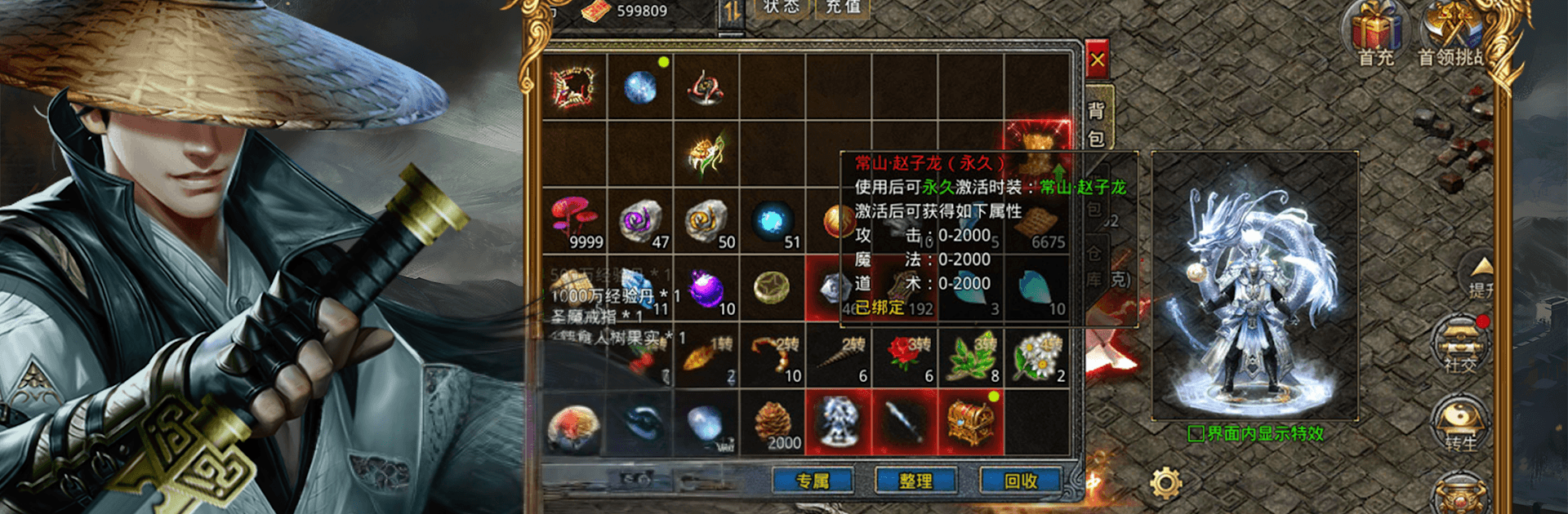
九天激战
九天激战

九天激战

Role Playing

| BLUE BIRD GAMES

Play on PC with BlueStacks or from our cloud

  • Overview
  • Game Features
  • How to Play

Page Modified On: May 05, 2026

Play 九天激战 on PC or Mac

Join millions to experience 九天激战, an exciting Role Playing game from BLUE BIRD GAMES. With BlueStacks App Player, you are always a step ahead of your opponent, ready to outplay them with faster gameplay and better control with the mouse and keyboard on your PC or Mac.

About the Game

九天激战 is a fast, flashy Role Playing adventure from BLUE BIRD GAMES set in a sky-high realm of Eastern legends. You’ll grow from scrappy fighter to fearsome deity while rolling through massive sieges, raiding ancient monsters, and showing off skill combos that light up the screen. It’s all about teamwork, timing, and the thrill of earning gear through gutsy play.

Game Features

  • Eastern Myth Epic: Explore sacred peaks, floating cities, and demon-infested ruins inspired by classic Eastern mythology.
  • Become a War God: Build a hero who hits hard, chains crits, and unleashes spectacular abilities that actually feel powerful.
  • Massive Cross-Server Wars: Jump into huge battlefields where countless players clash at once—organized chaos in the best way.
  • Sand City Sieges: Rally your crew, breach defenses, and claim control of the city for rewards and bragging rights.
  • Hunt Ancient Demons: Tackle towering bosses with real attack patterns, smart positioning, and big payoffs for clean clears.
  • Earned Power, Not Handouts: Score god-tier gear by winning fights and completing challenges—your progress is proof of skill.
  • Choice-Driven Progress: Pick builds, alliances, and routes that shape your journey and how other players see you.
  • Team Up and Clash: Quick matchmaking, smooth co-op, and group skill bursts that turn skirmishes into fireworks.
  • PC-Friendly with BlueStacks: Prefer a keyboard and a bigger display? Play 九天激战 on BlueStacks for crisp visuals and steady performance without fuss.

Make your gaming sessions memorable with precise controls that give you an edge in close combats and visuals that pop up, bringing every character to life.


Game Features

Enhancements

  • Macros
  • Rerolling
  • Eco Mode
  • Multi Instance Sync
  • Enhancements
Macros

Macros

Focus more on the fun part of the game, skip the tedious aspects. Master 九天激战 with Macros. Record yourself completing the monotonous tasks you wish to automate and replay them later with just one keypress.
Rerolling

Rerolling

Speed up the rerolling process in 九天激战. Perform multiple summons and keep looking for the best Heroes. Use Multi-Instance sync to replicate the rerolling mechanism in all instances.
Eco Mode

Eco Mode

Farm in-game resources with ease in 九天激战. Enable the Eco Mode when running the game in multiple instances. And lower your PC's resource consumption.
Multi Instance Sync

Multi Instance Sync

With the Multi-instance Sync, you can do even more in 九天激战. Sync the action of the main instance and repeat them in real time for all other instances. Sync and sit back, let the game progress unfold.
Read More

How to Download and Play 九天激战 on PC or Mac

  • Download and install BlueStacks on your PC or Mac

  • Complete Google sign-in to access the Play Store, or do it later

  • Look for 九天激战 in the search bar at the top right corner

  • Click to install 九天激战 from the search results

  • Complete Google sign-in (if you skipped step 2) to install 九天激战

  • Click the 九天激战 icon on the home screen to start playing

video
Watch Video

Minimum System Requirements

With BlueStacks 5, you can get started on a PC that fulfills the following requirements.

  • Operating System

    Microsoft Windows 7 or above, macOS 11 (Big Sur) or above

  • Processor

    Intel, AMD or Apple Silicon Processor

  • RAM

    at least 4GB

  • HDD

    10GB Free Disk Space

Note:

* You must be an Administrator on your PC. Up to date graphics drivers from Microsoft or the chipset vendor.

九天激战 - FAQs

  • How to play 九天激战 on Windows PC & Mac?

    Play 九天激战 on your PC or Mac by following these simple steps.

    • Click on 'Play 九天激战 on PC’ to download BlueStacks
    • Install it and log-in to Google Play Store
    • Launch and play the game.
  • Why is BlueStacks the fastest and safest platform to play games on PC?

    BlueStacks respects your privacy and is always safe and secure to use. It does not carry any malware, spyware, or any sort of additional software that could harm your PC.

    It is engineered to optimize speed and performance for a seamless gaming experience.

  • What are 九天激战 PC requirements?

    Minimum requirement to run 九天激战 on your PC

    • OS: Microsoft Windows 7 or above MacOS 11 (Big Sur) or above
    • Processor: Intel, AMD or Apple Silicon Processor
    • RAM: Your PC must have at least 4GB of RAM. (Note that having 4GB or more disk space is not a substitute for RAM)
    • HDD: 10GB Free Disk Space.
    • You must be an Administrator on your PC.