Torn PDA
Torn PDA

Torn PDA

Role Playing

| Manuito

Play on PC with BlueStacks or from our cloud

  • Overview
  • Game Features
  • How to Play

Page Modified On: November 10, 2025

Play Torn PDA on PC or Mac

Torn PDA brings the Role Playing genre to life, and throws up exciting challenges for gamers. Developed by Manuito, this Android game is best experienced on BlueStacks, the World’s #1 app player for PC and Mac users.

About the Game

Torn PDA is a handy companion for Torn City players who want their empire running smoothly on the go. Built by Manuito for the Role Playing crowd, it pulls together all the stuff you check a dozen times a day—energy, crimes, travel, trades, faction chains—into one clean, fast place. Prefer playing on a bigger screen? It also feels right at home on BlueStacks for quick clicks and tab-hopping.

Game Features

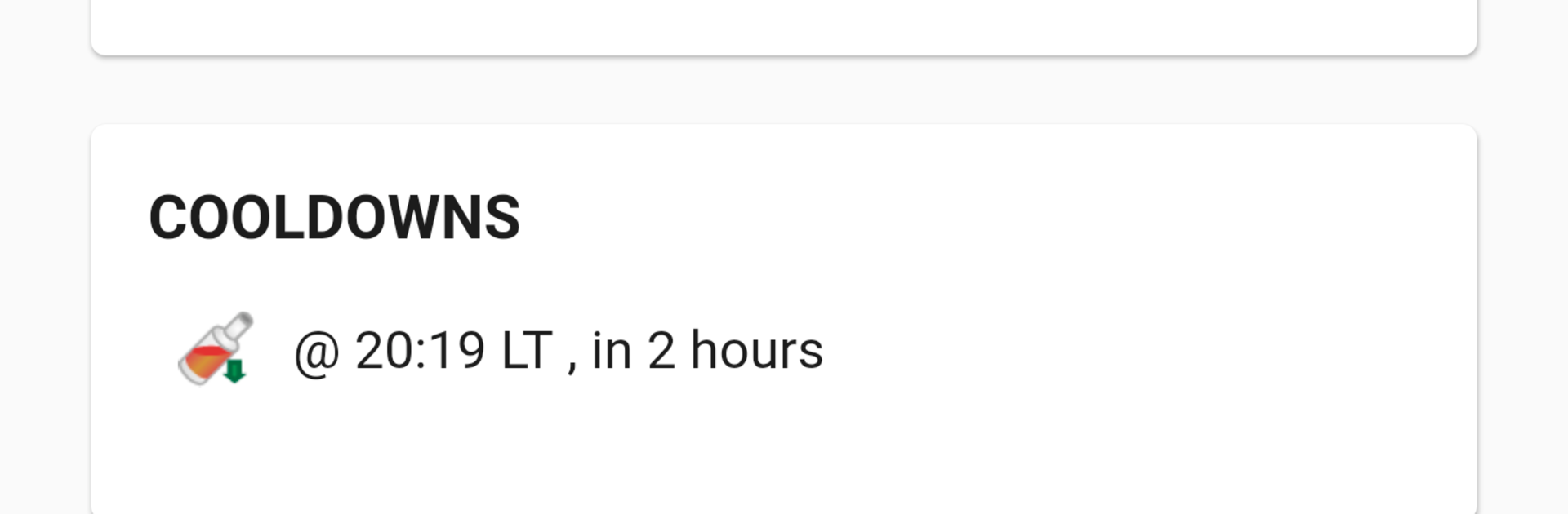
  • Smart Profile Hub: Jump straight to your favorite sections and view core stats, recent events, cooldowns, and a live net-worth estimate at a glance.
  • Custom Alerts That Matter: Set notifications for energy, nerve, travel arrivals, hospital timers, racing, messages, events, trades, stocks, and more—so you don’t burn resources or miss windows.
  • Travel Tools, Done Right: Get arrival alarms, safe-to-show notifications, and an option to auto-fill your inventory based on cash and carry capacity, plus a one-tap home return.
  • Foreign Stocks on Mobile: Browse, filter, and sort foreign items with profit calculations by capacity. The built-in browser can help feed community stock data automatically.
  • YATA Integration: Access a mobile-friendly YATA interface (including Awards) with data pulled straight from your account.
  • User Scripts Support: Power users can extend and customize behavior with user scripts.
  • Quick Crimes Bar: Pin your go-to crimes so they’re always within thumb reach when you open the crimes section.
  • Quick Items Access: Mark frequently used items for instant access after visiting the in-game items page.
  • Trade Calculator: Add up cash, items, and shares in one place, copy totals easily, and sync with Torn Trader and the Arson Warehouse if you’re a heavy trader.
  • City Item Finder: Automatically spot city items on the map without the tedious hunting.
  • Chat Your Way: Highlight your name in chat or hide chat entirely when you need focus.
  • Faction Chain Support: Watch your chain live with instant energy updates and a chain watcher to avoid unpleasant surprises.
  • Smarter Targeting: Build a target list with notes, import/export with YATA, skip unavailable targets automatically, and pull optimal targets from Torn Attack Central.
  • Attack History Snapshot: Review recent attacks with simple stats to decide who’s chain-worthy.
  • Quick Revives: From the hospital, send a revive request to Nuclear Central Hospital with a tap.
  • Friends, Organized: Keep a friends list with notes, shortcuts to message or trade, and backup options.
  • NPC Loot Alerts: Enable alerts so you don’t miss high-value NPC drops.

Start your journey now. Download the game on BlueStacks, invite your friends, and march on a new adventure.


Game Features

Enhancements

  • Macros
  • Rerolling
  • Eco Mode
  • Multi Instance Sync
  • Enhancements
Macros

Macros

Focus more on the fun part of the game, skip the tedious aspects. Master Torn PDA with Macros. Record yourself completing the monotonous tasks you wish to automate and replay them later with just one keypress.
Rerolling

Rerolling

Speed up the rerolling process in Torn PDA. Perform multiple summons and keep looking for the best Heroes. Use Multi-Instance sync to replicate the rerolling mechanism in all instances.
Eco Mode

Eco Mode

Farm in-game resources with ease in Torn PDA. Enable the Eco Mode when running the game in multiple instances. And lower your PC's resource consumption.
Multi Instance Sync

Multi Instance Sync

With the Multi-instance Sync, you can do even more in Torn PDA. Sync the action of the main instance and repeat them in real time for all other instances. Sync and sit back, let the game progress unfold.
Read More

How to Download and Play Torn PDA on PC or Mac

  • Download and install BlueStacks on your PC or Mac

  • Complete Google sign-in to access the Play Store, or do it later

  • Look for Torn PDA in the search bar at the top right corner

  • Click to install Torn PDA from the search results

  • Complete Google sign-in (if you skipped step 2) to install Torn PDA

  • Click the Torn PDA icon on the home screen to start playing

video
Watch Video

Minimum System Requirements

With BlueStacks 5, you can get started on a PC that fulfills the following requirements.

  • Operating System

    Microsoft Windows 7 or above, macOS 11 (Big Sur) or above

  • Processor

    Intel, AMD or Apple Silicon Processor

  • RAM

    at least 4GB

  • HDD

    10GB Free Disk Space

Note:

* You must be an Administrator on your PC. Up to date graphics drivers from Microsoft or the chipset vendor.

Torn PDA - FAQs

  • How to play Torn PDA on Windows PC & Mac?

    Play Torn PDA on your PC or Mac by following these simple steps.

    • Click on 'Play Torn PDA on PC’ to download BlueStacks
    • Install it and log-in to Google Play Store
    • Launch and play the game.
  • Why is BlueStacks the fastest and safest platform to play games on PC?

    BlueStacks respects your privacy and is always safe and secure to use. It does not carry any malware, spyware, or any sort of additional software that could harm your PC.

    It is engineered to optimize speed and performance for a seamless gaming experience.

  • What are Torn PDA PC requirements?

    Minimum requirement to run Torn PDA on your PC

    • OS: Microsoft Windows 7 or above MacOS 11 (Big Sur) or above
    • Processor: Intel, AMD or Apple Silicon Processor
    • RAM: Your PC must have at least 4GB of RAM. (Note that having 4GB or more disk space is not a substitute for RAM)
    • HDD: 10GB Free Disk Space.
    • You must be an Administrator on your PC.